
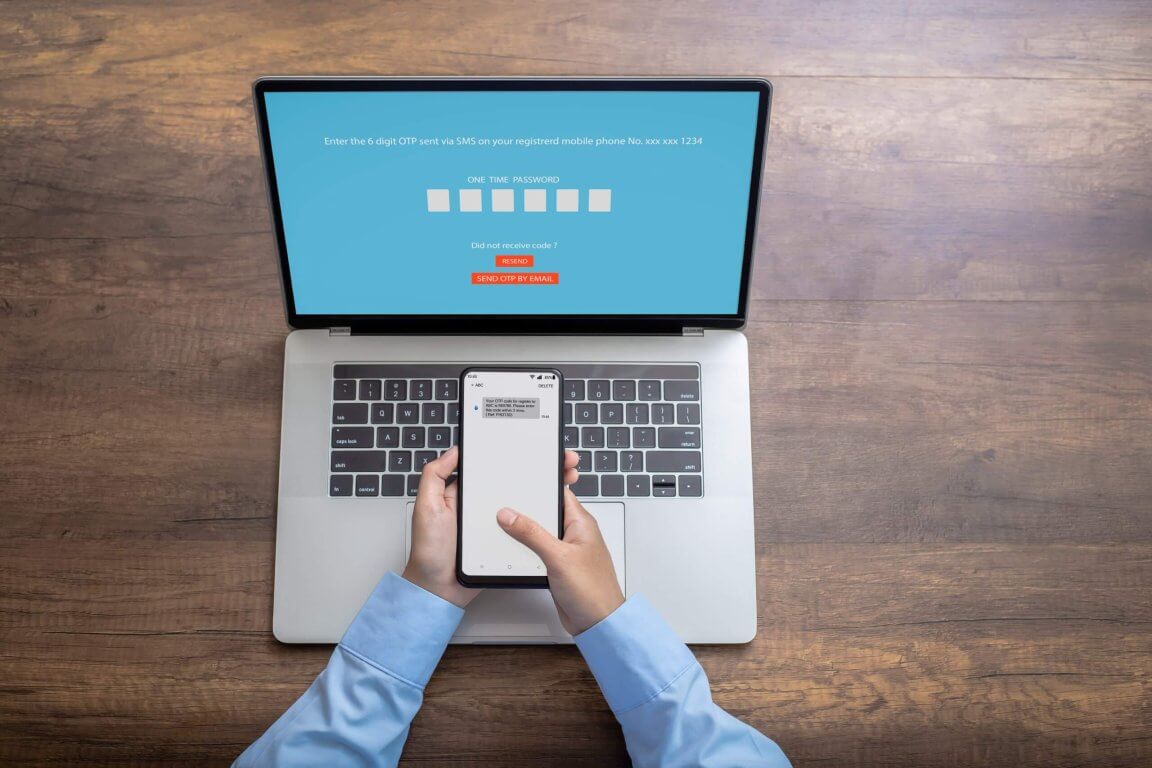
For several years two-factor authentication has been held up as the answer to protecting sensitive accounts. Requiring a code from a phone or an email gave businesses and individuals alike some confidence that their information was well protected. Attackers have since adapted — the FBI issued its first warning about attacks bypassing 2FA in late 2019 — and the question worth asking is whether 2FA alone is still enough.
How 2FA works in practice
When you log in to an account you enter a username or email address and a password. That is one factor. With 2FA enabled, you must then provide a second, different kind of proof that the account belongs to you. That second factor is usually one of:
- Biometrics — a fingerprint, iris scan, voice or facial recognition
- A hardware security token, such as a USB key or authenticator device
- A phone call, email or SMS carrying a unique code
- A passcode or push notification from a mobile app
Why 2FA still matters
Before looking at where it falls down, it is worth being clear that 2FA is a substantial improvement on a password alone. If you are tricked into giving your password away, an attacker still has to find a way around the second factor — and that buys you the time to change the password and secure the account.
Alongside a strong, unique password, a second factor is often enough for an individual. It is not as robust as it used to be, and here is why.
1. The password reset function
One of the most common routes around 2FA is the password reset flow. If you have ever received a password reset email you did not ask for, somebody was probably trying this on you.
Where an attacker already has access to your email account, a reset request effectively bypasses 2FA on many platforms, because some do not require the second factor during a reset. If you receive an unexpected reset request, do two things immediately: reset your email password, and reset the password on the account the request came from.
2. OAuth and "sign in with"
OAuth lets you sign in to a site using a third-party account — logging in with Google or Facebook rather than creating a separate account. If an attacker already controls that third-party account, they can simply log in to it, visit the site, and be let straight through.
Two defences. Prefer a separate account with its own credentials where the service matters. And where you do use a third-party login, make sure that account carries MFA and a strong, unique password, because it is now the key to everything behind it.
3. Brute force
Brute forcing is decades old and still works where a platform does not enforce lockout after a number of failed attempts. Six-digit codes are a small search space if nothing is counting the attempts.
There is little a user can do about a shortcoming in someone else's platform, beyond avoiding services that do not enforce attempt limits — and treating an email about repeated failed logins as a signal to change the password at once.
4. Pre-generated codes and backup tokens
Some platforms let you generate a batch of login codes in advance, usually as a printable document or PDF. It is a sensible recovery mechanism and a poor thing to leave lying around: anyone who obtains that file has a standing bypass for the second factor.
If you use them, password-protect the document, delete the email that delivered it once it is saved, and store it somewhere access-controlled rather than on a desktop or in a synced folder that half the organisation can reach.
5. Social engineering
Social engineering covers the widest range of techniques, and it is the category that has grown most since this problem first appeared.
The simplest version: an attacker who already has your username and password sends a message that looks like it comes from the platform, asking you to confirm the code you have just been sent. You supply it, and they log in with it.
The more effective version is a phishing page — a near-exact copy of the real login screen. You enter your username and password and the attacker captures both, then the page asks for the 2FA code and captures that too, relaying it to the real service in real time. No credential theft is needed beforehand; the whole session is harvested at once.
These are not the only techniques, but they are representative: the weakness being exploited is the person, not the protocol.
So what should you use instead?
Multi-factor authentication — three or more factors rather than two. Wherever it is available, use MFA in preference to 2FA. It does not make an account impossible to compromise, but it raises the cost enough that opportunistic attacks move on.
Beyond that:
- Use strong, unique passwords. Twelve characters or more, mixed case, numbers and symbols. A password manager will generate and remember them for you, which is the only realistic way to have a different one everywhere.
- Prefer an authenticator app to SMS or email codes. Microsoft Authenticator and its equivalents are not interceptable the way an SMS is, and they are not sitting in a mailbox an attacker may already have.
- Prefer phishing-resistant factors where the account matters. A hardware security key or passkey cannot be relayed to a fake login page, which closes the attack in point 5 outright.
- Train people on the techniques above. Four of these five routes need a person to do something. Everyone in the organisation should recognise an unexpected reset request or a request to read back a code for what it is.
The uncomfortable summary is that the second factor moved the attack rather than removing it. Most of what remains is aimed at the person rather than the protocol — which is why the organisations that come through this well are the ones testing their own people, and watching for the sign-in that succeeds from somewhere it should not.