

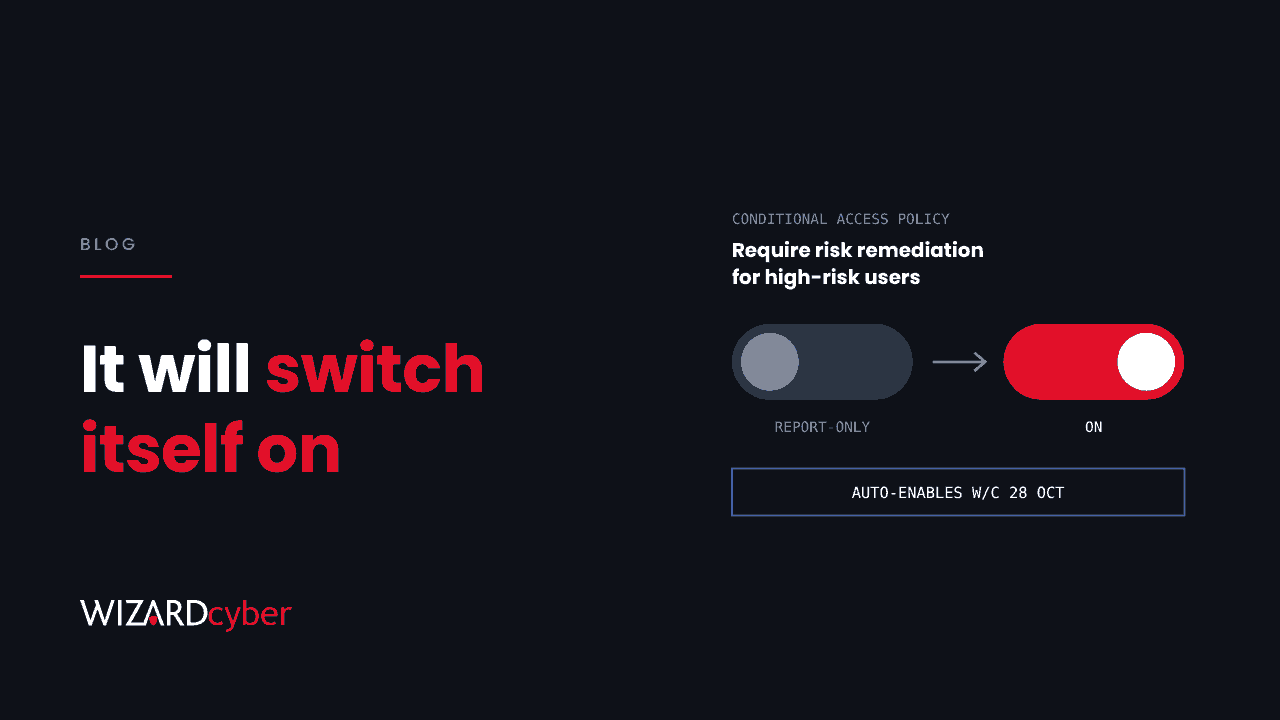
Some time in the last month, Microsoft may have added a Conditional Access policy to your tenant. It's called "Microsoft-managed: Require risk remediation for high-risk users". It has been sitting in report-only mode, and according to Message Center post MC1507808, published on 14 October, it switches to On automatically during the week of 28 October unless you change it first.
I think it's a good policy. Most tenants with Entra ID P2 should have something like it. But a control that changes how your users sign in should be switched on by someone in your organisation who has read it, not by a timer. Here's what it does, what to check this week, and why the bigger issue is who owns these decisions.
What the policy does
Entra ID Protection gives each user a risk level based on signals such as leaked credentials, unusual sign-in patterns and threat intelligence. When a user reaches high risk, this policy makes them fix it before they can carry on. It doesn't simply block them. Using what Microsoft calls adaptive risk remediation, the user is taken through a recovery flow that depends on how they sign in, typically completing MFA and changing their password. Once that succeeds, the risk is cleared.
According to Microsoft's documentation:
- It needs Entra ID P2, and it covers user risk, not sign-in risk.
- It's scoped to a new security group that Microsoft creates with the policy. Guests and external users aren't covered.
- It applies an authentication strength and sign-in frequency of "every time", so users have to sign in again properly after their sessions are revoked.
- Where a user is in more than one risk policy, this one overrides "require password change", and a block policy overrides both.
- You can turn it off, turn it on early, and change who is excluded. You can't rename or delete it. For anything else, Microsoft says to duplicate it and edit the copy.
Microsoft-managed policies in general are created in report-only mode and switched on no less than 30 days later, with emails and Message Center posts about two weeks before. Not every tenant gets every policy at the same time, so check your own.
What to check before the week of 28 October
- Find out whether you have it. In the Entra admin centre, go to Conditional Access, then Policies, and look for names beginning "Microsoft-managed:". Open the policy's Policy impact tab to see who it would have affected during report-only mode.
- Exclude your break-glass accounts. Microsoft says it won't change your existing exclusions in other policies, but this is a new policy. Your emergency access accounts should be excluded from it explicitly.
- Close MFA registration gaps. Self-remediation only works if the user can complete MFA. Anyone flagged high-risk who hasn't registered a method will end up locked out and calling the help desk. Run the authentication methods registration report and chase the stragglers now.
- Check hybrid users. For accounts synced from Active Directory, self-remediation through a password change depends on password hash sync, and on password writeback if the new password needs to reach Active Directory. Test it with one account before relying on it.
- Look at what the high-risk users actually were. If report-only mode shows a handful of users flagged high-risk this month, each of those is a possible compromise. Investigate them, don't just let the policy prompt them.
- Decide, then write it down. Leave it on, turn it on early, or turn it off because an equivalent policy you built already does the job. Any of those is fine. Doing nothing and finding out on a Monday morning isn't.
The real question is who owns your identity controls
Microsoft is doing this because many tenants have paid for Entra ID Protection and never turned it on. Defaults that raise the floor are welcome. But they also show a gap. If a vendor can switch on a sign-in control in your tenant and nobody notices until users complain, then nobody really owns your Conditional Access configuration.
Ownership means three things:
- Someone reads Message Center. The posts that matter for security, such as policy changes, deprecations and new defaults, should reach a named person with time to act, not a shared mailbox nobody checks.
- Policies are reviewed as a set. Conditional Access policies interact. A managed policy, a policy someone built in 2022 and a policy a consultant left behind can overlap in ways nobody planned. Review the full set at least twice a year.
- A risk flag gets a human response. Self-remediation fixes the user's access. It doesn't tell you how the password leaked, what the attacker did before the flag was raised, or whether other accounts are affected. A high-risk user should also open an investigation.
That last point matters most. Self-remediation is designed to stop a stolen password being reused. It isn't designed to answer whether you've been breached. Treat each high-risk flag as both.
Where we fit
Our SOCs are manned 24/7 and watch Entra ID Protection detections alongside the rest of your Microsoft estate. CYBERSHIELD AI's Investigation Agent works each identity alert to a verdict, typically in 3m 30s, and on the managed service a senior analyst signs off by default. Our Microsoft security consultancy reviews Conditional Access policies as a set, including Microsoft-managed ones, so your configuration reflects decisions your organisation made. For the basics, see our guide to Conditional Access, MFA and Identity Protection.
If you'd like a second pair of eyes on your Conditional Access policies before the end of the month, talk to our team.