

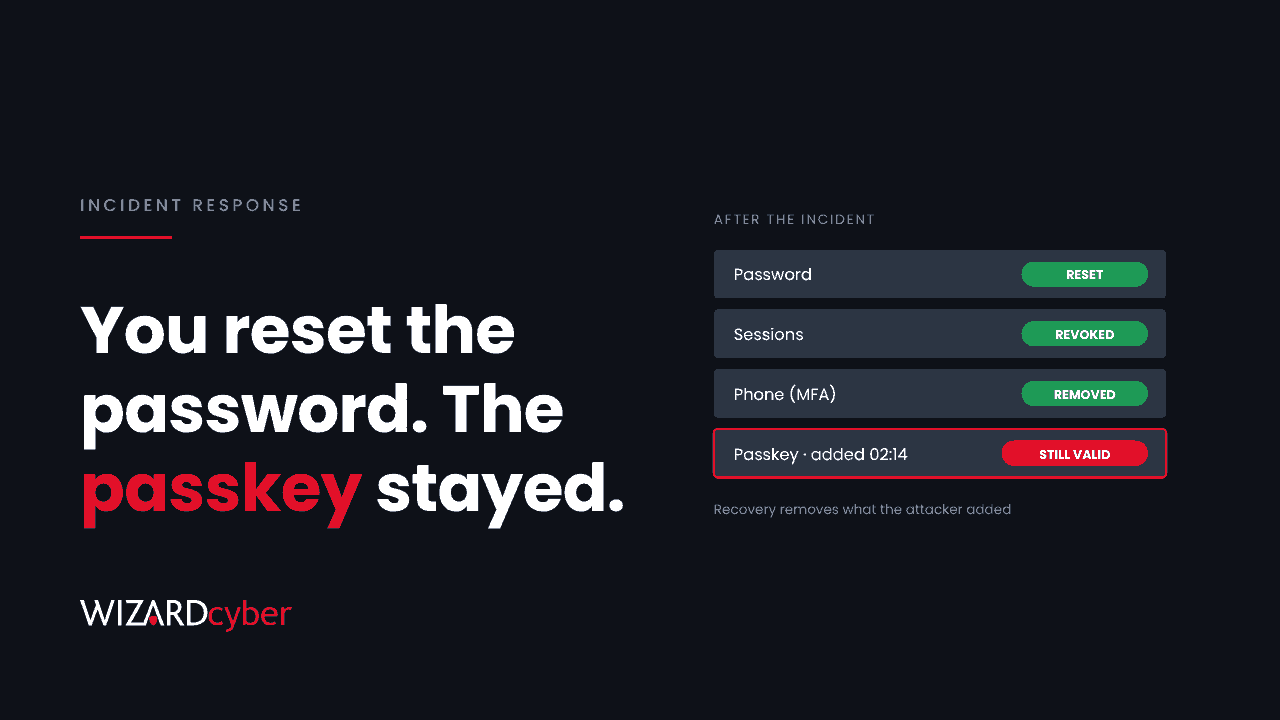
On 17 November 2026, Google Threat Intelligence published a case study of two intrusions by a Russia-linked group it tracks as COLD RELIC, also known as Star Blizzard. One detail deserves more attention than it's had. In the first breach, the victim's team did what most incident playbooks say: reset the password and revoke the sessions. The attacker's access survived anyway, because the passkeys the attacker had enrolled on the account were never removed.
That's the point of this post. Recovery that only resets what the attacker stole isn't recovery. You also have to remove what they added.
What happened
According to reporting on the case study, the first breach, in late 2025, started with stolen credentials for a super administrator account at a US organisation. The attacker sent MFA prompts until someone approved one, signed in through a residential proxy close to the victim's location and registered a new device. From there they downloaded the organisation's cloud drive, shared files out to their own mailbox, exported the staff directory, started a tenant-wide data export and deleted security alerts.
Somewhere in that process they also enrolled passkeys. When the organisation reset the password and the sessions, those passkeys still worked.
The second breach, in 2026, hit a different organisation. The attacker impersonated an employee of the first victim over an encrypted messaging app and sent phishing links aimed at Microsoft Entra ID, which that organisation used for single sign-on. They added their own MFA method and downloaded the user's files.
The attacks targeted Google Workspace, but the lesson isn't specific to Google. Every identity platform, Entra ID included, lets a signed-in user register new sign-in methods, and a reset doesn't remove them.
Why the reset didn't work
A password reset changes one credential. Revoking sessions invalidates the tokens already issued. Neither touches the list of ways an account is allowed to sign in, and that list is exactly what a careful attacker edits once they're in.
A passkey is a strong credential. That's why we recommend them, and our passkey explainer explains why they stop phishing. The same strength works against you when the passkey belongs to the attacker. It doesn't need the password, it satisfies MFA on its own, and it keeps working until somebody deletes it.
Passkeys aren't the only thing that survives. After an account takeover, look for anything the attacker could have added that outlives a reset:
- New authentication methods: passkeys, security keys, authenticator app registrations, phone numbers and alternative email addresses.
- Newly registered or joined devices that conditional access now treats as trusted.
- OAuth consents to applications that can read mail or files without the user signing in again.
- Mailbox forwarding and inbox rules.
- For admin accounts: new users, role assignments, app credentials and federation settings.
We made a similar argument about stolen secrets in Rotation Isn't Recovery. Identities work the same way.
A recovery checklist for Entra ID
If an account in your tenant has been taken over, work through this before you call it closed:
- List the user's authentication methods in the Entra admin centre and remove anything the user can't vouch for. Pay attention to methods registered during the incident window.
- Check the audit log for "User registered security info" and "Admin registered security info" events against the account. They show what was added and when.
- Review the user's devices and remove any registered or joined during the incident.
- Revoke sessions after removing methods, not before. Otherwise a surviving method can simply sign in again.
- Review app consents granted by the user, and any new enterprise apps or credentials if the account had admin rights.
- Check mailbox rules and forwarding.
- Re-enrol the user cleanly, for example with a Temporary Access Pass issued after identity verification over a separate channel.
Here's a starting query for Sentinel, to tune against your own data:
AuditLogs
| where TimeGenerated > ago(30d)
| where OperationName in ("User registered security info", "Admin registered security info", "User changed default security info")
| extend User = tostring(TargetResources[0].userPrincipalName)
| project TimeGenerated, OperationName, User, Result, ResultDescription, InitiatedBy
Join it to risky sign-ins or an open incident, and a method registered minutes after a suspicious sign-in stands out.
Close the gaps that let it happen
The checklist handles recovery. To make the next takeover harder:
- Stop MFA fatigue. Number matching in Microsoft Authenticator is on by default. Make sure nothing in the tenant still relies on simple approve/deny prompts or SMS for admins.
- Protect method registration. Use a conditional access policy on the "register security information" user action so that new methods can only be added from a compliant device or trusted location.
- Use phishing-resistant MFA for admins, and keep super administrator accounts separate from day-to-day ones.
- Alert on alert deletion. An admin removing security alerts is rarely routine.
Where a SOC fits
In the first breach, the attacker's most damaging actions were small administrative events: a device registered, a passkey enrolled, an export started. Each is unremarkable on its own. Together they're an account takeover in progress.
Our SOCs are staffed 24/7 and investigate identity incidents as one case rather than a scatter of alerts. Containing an account takeover means finding what the attacker added, not just resetting what they stole. If you're dealing with one now, our incident response team can help. Otherwise, talk to us or book a demo.