
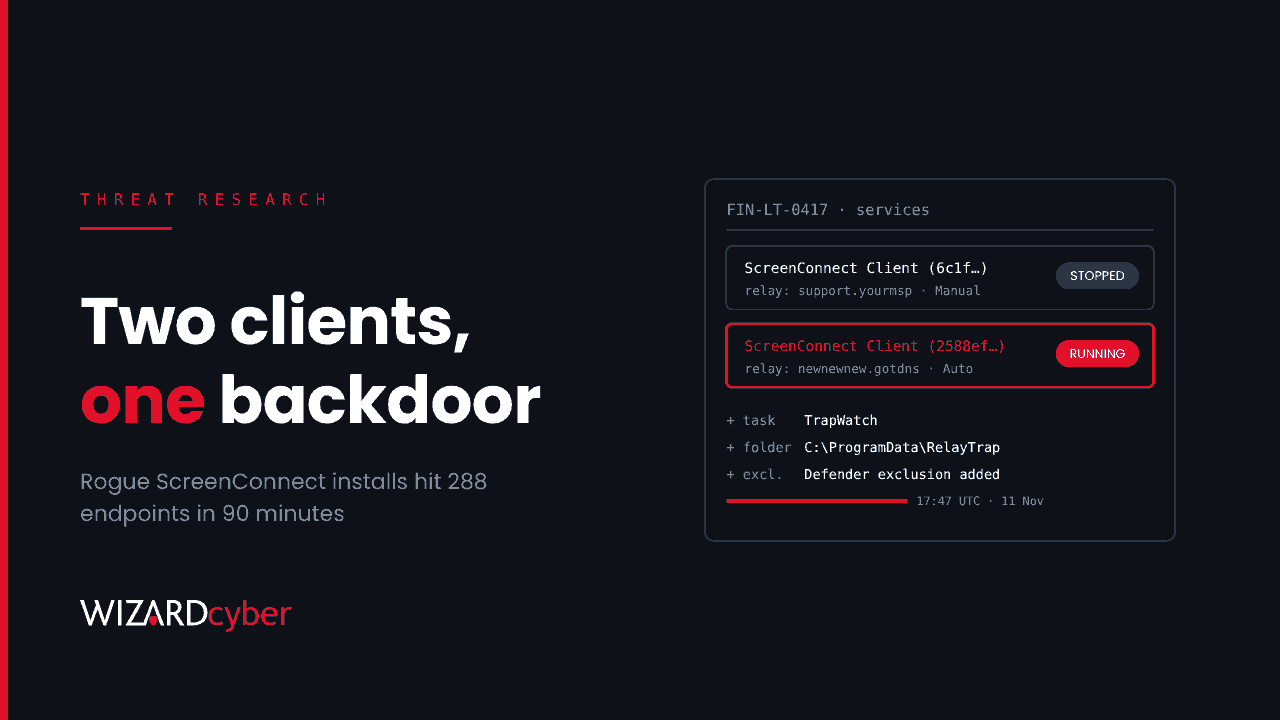
At about 17:47 UTC on 11 November, someone with access to ScreenConnect servers began pushing a second, attacker-owned ScreenConnect client to managed Windows machines. Within 90 minutes, Huntress had counted at least 288 endpoints across 48 of its customers. ConnectWise says it has found no vulnerability in ScreenConnect and no compromise of its own infrastructure. That doesn't help much if a support tool you trust has just installed someone else's support tool. This post covers what happened, and what to hunt for in Microsoft Defender and Sentinel.
What happened
According to Huntress, the operator used the ScreenConnect console's Run Command feature, running as SYSTEM, against many endpoints at once. The command checked for an existing ScreenConnect client, downloaded an attacker-controlled installer to C:\Windows\TEMP\sc.msi and installed it silently. Sophos saw the same chain: curl.exe fetching ScreenConnect.ClientSetup.msi from 185.99.255[.]28, then msiexec.exe installing it from a ScreenConnect-generated command file.
The rogue client was only the first stage. A dropper, sckit-run.bat, pulled down sckit-decoder.ps1, which fetched a toolkit encrypted with a key specific to that host and unpacked it. Huntress calls the toolkit SCKit. It:
- unpacks itself to
C:\ProgramData\RelayTrap\; - adds Microsoft Defender exclusions and installs a second attacker-controlled ScreenConnect client;
- compiles a per-host binary,
RelayTrap.exe, from C# source on the machine, and creates a scheduled task calledTrapWatch; - stops the legitimate ScreenConnect service, sets it to manual start and positions the attacker's copy to replace it;
- adds a Run key value,
RelayTrapLiteAlert.
Huntress also recovered code designed to spread the infection to the technician. When a technician connects to an infected machine, the code tries to steal their ScreenConnect session cookie, using a copy of the SQLite command-line tool to read browser cookie databases. It then uses that cookie to push a script to every session the technician's console can reach. Huntress is clear that this part was reconstructed from the scripts and that it has not seen it succeed. The console takeover attempts it could check had all failed. The intent is still worth knowing, because the technician's laptop is the obvious next target.
How did they get in?
That is still open. ConnectWise's initial assessment, quoted by The Hacker News, is that the activity "may involve a threat actor's abuse of independent third-party extensions installed in partner environments". It has disabled five such extensions across roughly 400 partner environments as a precaution, and says that having one installed is not, on its own, evidence of compromise. Huntress's latest update points to one extension that can accept a blank access key if the administrator never set one. That would let commands bypass ScreenConnect's own accounts, roles and MFA, which fits the lack of matching login activity in the logs Huntress reviewed. Neither company has confirmed the route, so treat stolen credentials and hijacked sessions as possible too.
For most mid-market organisations, the ScreenConnect server belongs to an MSP or to the internal IT team. Either way, every managed machine trusts it to run code as SYSTEM. Our RMM explainer explains why attackers like these tools so much.
What to hunt
The queries below use Microsoft Defender XDR advanced hunting tables, which you can also run in Microsoft Sentinel. Treat them as starting points to tune. Scripts are rebuilt per host and the binary is compiled on each machine, so file hashes are weak indicators here and behaviour matters more. Start from 11 November. If your provider has used any of the extensions ConnectWise disabled, go back further.
1. The installer download and silent install
DeviceProcessEvents
| where Timestamp > datetime(2026-11-11)
| where (FileName =~ "curl.exe" and ProcessCommandLine has_any ("ScreenConnect.ClientSetup.msi", "sc.msi"))
   or (FileName =~ "msiexec.exe" and ProcessCommandLine has @"\Windows\TEMP\sc.msi")
   or ProcessCommandLine has_any ("sckit-run.bat", "sckit-decoder.ps1", "mo7sen.dev")
| project Timestamp, DeviceName, FileName, ProcessCommandLine,
          InitiatingProcessFileName, InitiatingProcessCommandLine, AccountName
| order by Timestamp asc
A hit with a ScreenConnect process as the initiating process is the pattern Sophos describes. Group results by minute: a burst across many devices in a short window is what Huntress observed, with about a third of its hosts hit in the first ten minutes.
2. More than one ScreenConnect client on a machine
// Each client instance usually runs from its own "ScreenConnect Client (<id>)" folder.
// Check the folder naming on a known-good host first.
DeviceProcessEvents
| where Timestamp > ago(14d)
| where FileName =~ "ScreenConnect.ClientService.exe"
| extend InstanceId = extract(@"ScreenConnect Client \(([0-9a-f]{16})\)", 1, FolderPath)
| summarize Instances = make_set(InstanceId), InstanceCount = dcount(InstanceId),
            Example = any(ProcessCommandLine) by DeviceName
| where InstanceCount > 1
   or set_has_element(Instances, "2588ef5c15954b10") or set_has_element(Instances, "ed630cc2c873b091")
The two instance IDs are the malicious clients that both Huntress and Sophos name. The client service's command line normally includes the relay host it connects to, so search that too for newnewnew.gotdns[.]org, soxnewwork.homedns[.]org and sc.payproofkit[.]com. If you run ScreenConnect yourself, list your own instance IDs and treat every other one as unapproved until someone can explain it.
3. Persistence: the RelayTrap folder, TrapWatch task and Run key
union
(DeviceFileEvents
 | where Timestamp > datetime(2026-11-11)
 | where FolderPath startswith @"C:\ProgramData\RelayTrap"
 | project Timestamp, DeviceName, Evidence = strcat("File: ", FolderPath, "\\", FileName), InitiatingProcessCommandLine),
(DeviceEvents
 | where Timestamp > datetime(2026-11-11)
 | where ActionType == "ScheduledTaskCreated"
 | extend TaskName = tostring(parse_json(AdditionalFields).TaskName)
 | where TaskName has "TrapWatch"
 | project Timestamp, DeviceName, Evidence = strcat("Task: ", TaskName), InitiatingProcessCommandLine),
(DeviceRegistryEvents
 | where Timestamp > datetime(2026-11-11)
 | where RegistryValueName =~ "RelayTrapLiteAlert"
 | project Timestamp, DeviceName, Evidence = strcat("Run key: ", RegistryValueData), InitiatingProcessCommandLine)
| order by Timestamp asc
4. Defender exclusions and on-host compilation
union
(DeviceRegistryEvents
 | where Timestamp > datetime(2026-11-11)
 | where RegistryKey has @"\Windows Defender\Exclusions\"
 | project Timestamp, DeviceName, Detail = strcat(RegistryKey, " = ", RegistryValueName), InitiatingProcessFileName, InitiatingProcessCommandLine),
(DeviceProcessEvents
 | where Timestamp > datetime(2026-11-11)
 | where (FileName in~ ("powershell.exe", "pwsh.exe") and ProcessCommandLine has_any ("Add-MpPreference", "ExclusionPath", "ExclusionProcess"))
    or (FileName =~ "csc.exe" and ProcessCommandLine has "RelayTrap")
 | project Timestamp, DeviceName, Detail = ProcessCommandLine, InitiatingProcessFileName, InitiatingProcessCommandLine)
| order by Timestamp asc
New Defender exclusions are rare in a well-run estate, so every result here deserves an owner and a reason.
5. Network indicators
let BadIPs = dynamic(["185.99.255.28", "155.94.150.39"]);
let BadDomains = dynamic(["mo7sen.dev", "payproofkit.com", "cdn007-digitaldownloads.com",
                          "newnewnew.gotdns.org", "soxnewwork.homedns.org"]);
DeviceNetworkEvents
| where Timestamp > datetime(2026-11-10)
| where RemoteIP in (BadIPs) or RemoteUrl has_any (BadDomains)
| summarize Connections = count(), FirstSeen = min(Timestamp), LastSeen = max(Timestamp)
    by DeviceName, RemoteIP, RemoteUrl, InitiatingProcessFileName
6. Technician workstations: cookie theft
DeviceProcessEvents
| where Timestamp > datetime(2026-11-11)
| where FileName =~ "sqlite3.exe" or ProcessCommandLine has_any ("Panel-Lateral", "LabConfig.ps1", "Run-Lateral-Full", "ToolboxRelayUploader", "runnew.cmd")
| project Timestamp, DeviceName, AccountName, FileName, ProcessCommandLine, InitiatingProcessFileName
Run this one across the machines your IT staff or provider's engineers use, if you can see them. SQLite reading a browser profile on a support engineer's laptop is not normal.
Containment: what to do, and what not to do
- Don't connect to a suspect machine through ScreenConnect. The toolkit is built to catch the technician who does. Use Defender live response or another out-of-band route. If someone has already connected, treat that technician's workstation as exposed.
- Isolate, then clean properly. Huntress saw hosts reinfected after isolation was lifted. Remove the rogue client services, the
TrapWatchtask,C:\ProgramData\RelayTrap\, theRelayTrapLiteAlertRun value and the staged files in Temp. Confirm which client is the legitimate one before removing anything, and check that the legitimate service has been set back to automatic start. - Review the console. Check Run Command and Toolbox history and the server's audit logs from 11 November onwards, even if nothing has alerted. Look for installed extensions and new administrator accounts.
- Rotate from a clean device. End ScreenConnect web sessions, rotate console credentials and revoke the identity-provider sessions of anyone who used the console from a possibly infected machine.
- Ask your provider. If an MSP runs ScreenConnect for you, ask whether any of the disabled extensions were installed, whether their Run Command history from 11 November is clean, and which instance IDs belong to them.
How a managed SOC helps
A remote-support tool is hard to watch because legitimate use and misuse look the same at the process level. What gives this campaign away is the shape of it: a burst of identical installs, a second client where there should be one, a new exclusion and a new scheduled task, all on the same machines within minutes. Seeing that shape takes endpoint telemetry from the whole estate, a baseline of what your support tools normally do, and someone looking at 6pm on a Wednesday. Our SOCs are staffed 24/7, and on the managed service senior analyst sign-off is the default. If you want an independent answer on whether anything came through your support tools, a compromise assessment will give you one.
This is a developing story, and the indicators above come from Huntress and Sophos as published on 11–12 November. Check their pages for updates before relying on them.
Want help checking your estate? Talk to our team.