
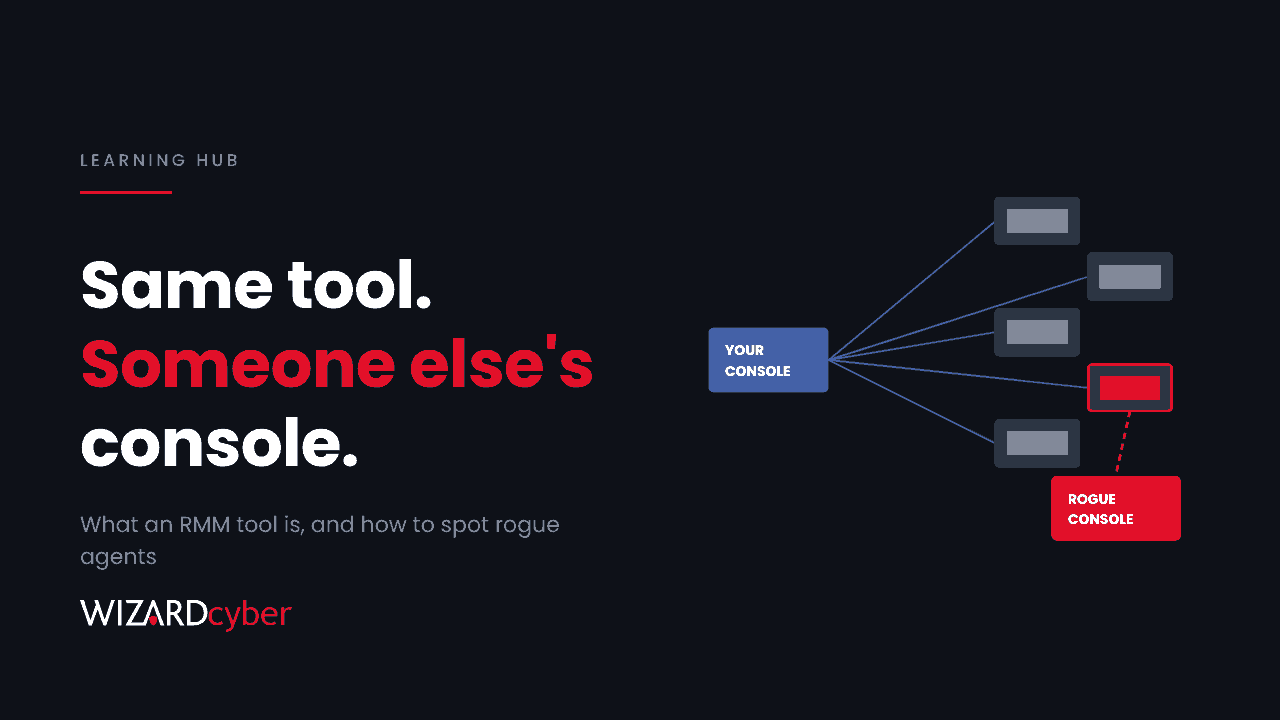
An RMM tool (remote monitoring and management) is software that lets IT teams and managed service providers watch, maintain and control computers from a distance. A small agent runs on each device and connects to a central console. From there an administrator can see device health, push patches, run scripts, transfer files and take over the screen. For an IT team supporting hundreds of machines, it's essential.
The same features make RMM attractive to attackers. A legitimate RMM agent gives full remote control, survives reboots, is often signed and trusted by security tools, and talks to the internet over normal web traffic. MITRE ATT&CK tracks this abuse as T1219, and CISA, the NSA and MS-ISAC issued a joint advisory on it in 2023. It has only become more common since.
What an RMM tool does
- Monitoring: device health, disk space, services, failed updates and alerts.
- Patching and software deployment across many devices at once.
- Scripting: running PowerShell, batch or shell scripts remotely, often as SYSTEM.
- Remote control: viewing and controlling the user's desktop, usually with file transfer.
- Multi-tenancy: an MSP's console can reach every client it manages from one login.
RMM platforms are different from simple remote desktop or remote support tools, which mainly offer screen sharing. In practice the line is blurry, and attackers use both.
How attackers abuse RMM tools
1. Bringing their own
Once they have any foothold, attackers install a legitimate RMM or remote access agent connected to their console. It's a backdoor that looks like IT software. In the k0t campaign reported last week, operators kept access with a self-hosted remote management server and agents, plus several commercial remote access tools.
2. Using yours
Steal the credentials for your RMM console and the attacker gets every managed device, with permission to run anything. In the INC and Gentlemen ransomware intrusions, stolen MSP technician credentials reached several client environments at once.
3. Exploiting the RMM server
Self-hosted RMM and remote support servers are internet-facing and hold the keys to everything they manage, so their vulnerabilities are prime targets. Several have appeared on CISA's Known Exploited Vulnerabilities catalogue in the last two years. We cover what to do downstream in our post on a compromised remote support appliance.
4. Phishing users into installing one
"IT support" calls, fake invoices and Teams messages that ask users to install a remote access tool are a common entry point. The software is real, so email and endpoint filters often let it through. We've covered this in Teams helpdesk impersonation.
Why rogue RMM agents are hard to spot
- They're signed by real vendors, so they don't look like malware to signature-based tools.
- They use normal HTTPS to well-known cloud domains.
- Many organisations use more than one already, so "is this one ours?" isn't an easy question.
- Portable versions run without installation, and some need no admin rights.
The answer is not detecting RMM, it's detecting RMM you didn't approve. That starts with knowing exactly which tools you use, where they run and which consoles they talk to.
How to find rogue RMM agents with Microsoft Defender
These queries are starting points to tune. Replace the approved lists with your own and expect results the first time you run them: most estates have more remote tools than anyone thought.
1. Inventory: which remote tools are running, and where
let RemoteTools = dynamic(["anydesk.exe", "teamviewer.exe", "screenconnect.clientservice.exe",
    "meshagent.exe", "ateraagent.exe", "splashtop", "rustdesk.exe", "simplehelp", "remoteutilities",
    "rutserv.exe", "netsupport", "client32.exe", "ngrok.exe", "level.exe", "tacticalrmm"]);
DeviceProcessEvents
| where Timestamp > ago(30d)
| where FileName has_any (RemoteTools) or FolderPath has_any (RemoteTools)
| summarize Devices = dcount(DeviceName), FirstSeen = min(Timestamp), LastSeen = max(Timestamp),
            Paths = make_set(FolderPath, 5), Signers = make_set(ProcessVersionInfoCompanyName, 5)
    by FileName
| order by Devices asc
Sort by device count ascending. A tool running on one or two machines is more likely to be rogue than one on every laptop.
2. A remote tool appearing for the first time on a device
let Approved = dynamic(["yourapprovedagent.exe"]);   // replace with your approved agents
let RemoteTools = dynamic(["anydesk.exe", "teamviewer.exe", "meshagent.exe", "ateraagent.exe",
    "rustdesk.exe", "client32.exe", "ngrok.exe"]);
DeviceProcessEvents
| where Timestamp > ago(30d)
| where FileName in~ (RemoteTools) and not(FileName in~ (Approved))
| summarize FirstRun = min(Timestamp) by DeviceName, FileName, AccountName, FolderPath
| where FirstRun > ago(7d)
| order by FirstRun desc
3. Remote tools running from user folders
DeviceProcessEvents
| where Timestamp > ago(14d)
| where FolderPath has_any (@"\Downloads\", @"\AppData\Local\Temp\", @"\Users\Public\")
| where ProcessVersionInfoFileDescription has_any ("remote", "support", "desktop") or FileName has_any ("anydesk", "rustdesk", "mesh")
| project Timestamp, DeviceName, AccountName, FileName, FolderPath, ProcessVersionInfoCompanyName
Approved agents usually live in Program Files and run as a service. A portable copy in Downloads deserves a question.
4. Your RMM agent talking to a console that isn't yours
DeviceNetworkEvents
| where Timestamp > ago(14d)
| where InitiatingProcessFileName in~ ("meshagent.exe", "ateraagent.exe", "screenconnect.clientservice.exe")
| summarize Devices = dcount(DeviceName), Examples = make_set(DeviceName, 5)
    by InitiatingProcessFileName, RemoteUrl, RemoteIP
| order by Devices asc
The binary may be one you use, but each agent should only talk to your own tenant or server. A second destination is the giveaway.
How to reduce the risk
- Pick one approved RMM and one remote support tool, document them and block the rest with App Control for Business (formerly WDAC), plus network blocks on their domains.
- Secure the console like a domain admin account: phishing-resistant MFA, IP restrictions, named accounts only and no shared technician logins.
- Patch self-hosted RMM servers as soon as fixes appear, and keep them off the open internet where you can.
- Log and review RMM activity: who connected, to which device, and what scripts ran. Send those logs to your SIEM.
- Hold your MSP to the same standard. Ask how technician accounts are protected, how quickly access is removed when people leave, and whether you can see an audit trail of their sessions in your estate.
- Train staff that IT will never ask them to download a remote access tool from a link or a call.
Frequently asked questions
What is the difference between RMM and remote desktop software?
Remote desktop and remote support tools mainly let someone view and control a screen. RMM platforms add monitoring, patching, scripting and management of many devices from one console. Attackers abuse both.
Is RMM software malware?
No. It's legitimate software, which is exactly why attackers use it. The risk depends on who controls the console the agent connects to.
Can antivirus detect a rogue RMM tool?
Not reliably, because the software is signed and legitimate. Detection depends on context: is this tool approved, should it be on this device, and which console is it talking to?
Should we block all remote access tools?
Block everything except the ones you've approved. Allow-listing the tools your IT team uses and blocking the rest is the most effective single control.
Are MSPs a risk because of RMM?
An MSP's RMM console can reach every client it manages, so its security is part of yours. That's not a reason to avoid MSPs, but it is a reason to ask how they protect that access.
How Wizard Cyber helps
A rogue remote agent is often the quietest part of an intrusion and the one that keeps the attacker in. Spotting it needs context: what's approved, what's normal for this device and what happened just before it appeared. Our SOCs are staffed 24/7, and CYBERSHIELD AI investigates each incident as it arrives, with an average time to verdict of 3 minutes 30 seconds and senior analyst sign-off by default on the managed service. If you think an unapproved tool is already in your estate, a compromise assessment will find it.
To see how it works, talk to us or book a demo.