

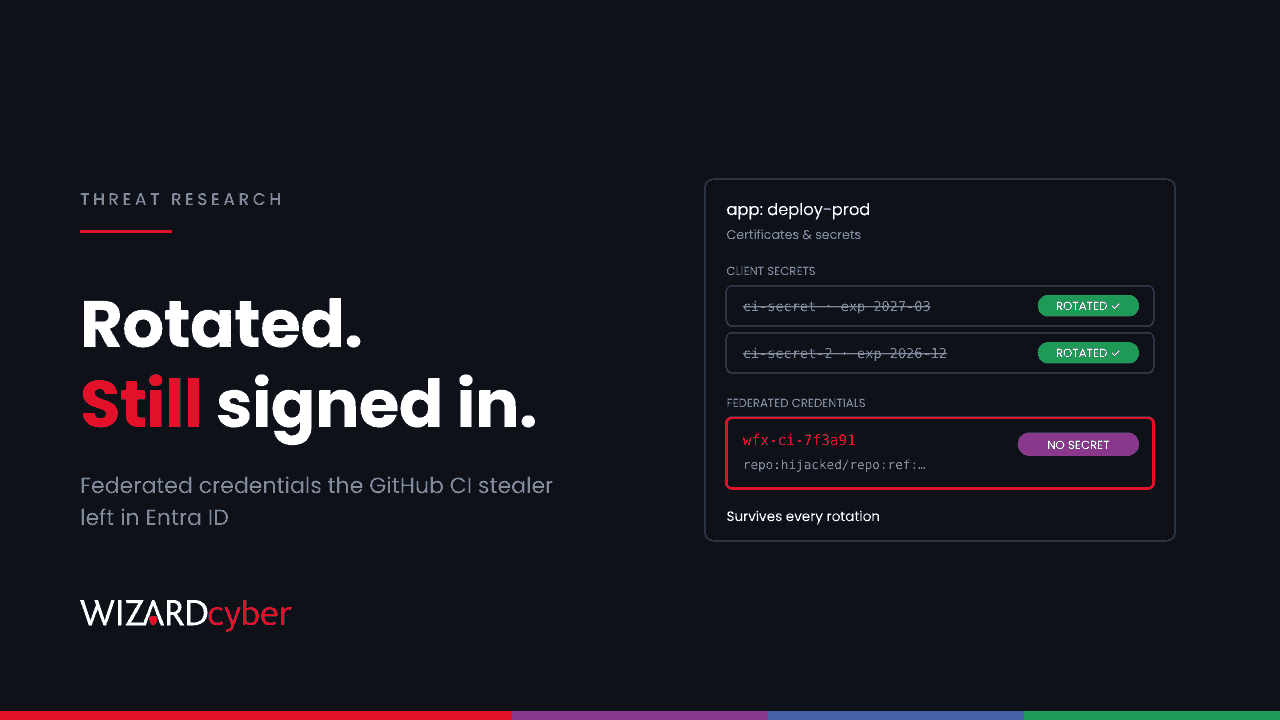
From about 12:45 UTC on 10 November, an attacker used 4,837 hijacked GitHub accounts to plant a CI secret stealer in the repositories those accounts could write to. Aikido, which named the campaign wfx-loot, says the stealer ran in at least 1,806 repositories. Each run was reverted within a minute and its logs deleted. Most write-ups focus on the GitHub side. This one covers the Microsoft side, because the stealer didn't only take secrets: on Azure it added federated credentials to Entra ID applications so that it could keep signing in after you rotate them.
What happened
According to Aikido's analysis, each compromised account first opened a probe pull request titled docs: dependency audit notes from a branch called wfx-docs. Those probe PRs reached 61,764 repositories. In some of them the stealer followed: a large block added to an existing workflow (commit message ci: refresh build cache), or a new .github/workflows/build-audit-xxxxxx.yml on a short-lived chore/ branch. Once it had run, the change was reverted (ci: restore, ci: cleanup) and the workflow run was usually deleted.
The stealer takes everything the runner can reach: Actions secrets and variables, the GITHUB_TOKEN, OIDC and runtime tokens, cloud and tool credential files, and the memory of the runner processes. On self-hosted runners it also reads instance metadata credentials and Docker state. It sends everything by HTTP POST to 194.150.166[.]244:8080/exfil or 18.143.168[.]96:8080/exfil. The Hacker News notes that accounts hit by October's GhostAction wave were far more likely to be used again. Aikido doesn't attribute the two campaigns to the same actor.
What it does in Azure and Entra ID
This is the part that matters to a Microsoft-centred estate. Per Aikido, the stealer:
- Exchanges tokens for Azure sessions. It mints GitHub OIDC tokens for the Azure audience, and uses those or any client secrets it finds to obtain management tokens. It then lists subscriptions and Key Vaults.
- Replays cached Azure CLI refresh tokens. Where a runner has a cached Azure CLI login, it replays the refresh token against first-party Microsoft client IDs to obtain Microsoft Graph, Azure Resource Manager and Key Vault tokens.
- Persists through federated credentials. With a Graph token, it adds federated identity credentials named
wfx-ci-…to existing Entra applications, pointing back to the compromised repository. Workflows in that repository can then authenticate as the application without any stored secret, and that keeps working after every secret has been rotated.
That last point is why rotation alone isn't enough here. A federated credential isn't a secret, so it won't appear in a secret inventory or expire on a rotation schedule. It is a trust rule that says "tokens from this repository are this application". Our workload identity federation explainer covers how that trust works when you set it up on purpose.
What to hunt in Entra and Azure
The queries below are starting points to tune. Entra audit-log property names have changed over time, so check a known federated credential change in your own tenant first and adjust the filters to match.
1. Federated credentials added to applications since 10 November
AuditLogs
| where TimeGenerated > datetime(2026-11-10)
| where OperationName has "Update application" or OperationName has "federated"
| mv-expand Target = TargetResources
| mv-expand Prop = Target.modifiedProperties
| where tostring(Prop.displayName) has "FederatedIdentityCredential"
| extend Actor = coalesce(tostring(InitiatedBy.app.displayName), tostring(InitiatedBy.user.userPrincipalName)),
         ActorIp = coalesce(tostring(InitiatedBy.app.ipAddress), tostring(InitiatedBy.user.ipAddress)),
         NewValue = tostring(Prop.newValue)
| project TimeGenerated, OperationName, AppName = tostring(Target.displayName), Actor, ActorIp, NewValue
| extend Suspicious = NewValue has "wfx-ci-" or NewValue has "token.actions.githubusercontent.com"
| order by Suspicious desc, TimeGenerated asc
Any credential named wfx-ci- is malicious. Any other GitHub-issued credential added in this window needs an owner who can say which repository it trusts and why. Look closely at who made the change: an application changing another application's credentials, rather than a named administrator, is the pattern to expect here.
2. Inventory every federated credential, not just new ones
Audit retention may not go back far enough, and a credential added before you started collecting logs won't show up in query 1. List them directly with the Microsoft Graph PowerShell SDK:
Connect-MgGraph -Scopes "Application.Read.All"
Get-MgApplication -All | ForEach-Object {
  $app = $_
  Get-MgApplicationFederatedIdentityCredential -ApplicationId $app.Id |
    Select-Object @{n='App';e={$app.DisplayName}}, @{n='AppId';e={$app.AppId}}, Name, Issuer, Subject
} | Where-Object { $_.Name -like 'wfx-ci-*' -or $_.Issuer -like '*githubusercontent*' } |
  Sort-Object App | Format-Table -AutoSize
Check every GitHub-issued credential's Subject (for example repo:org/name:ref:refs/heads/main) against the repositories you expect. Look out for subjects that name a repository outside your organisation.
3. Federated sign-ins by your applications
AADServicePrincipalSignInLogs
| where TimeGenerated > datetime(2026-11-10)
| where ClientCredentialType =~ "federatedIdentityCredential"
| summarize SignIns = count(), Resources = make_set(ResourceDisplayName), IPs = make_set(IPAddress),
            FirstSeen = min(TimeGenerated) by ServicePrincipalName, AppId, FederatedCredentialId
| order by FirstSeen desc
Compare the credential IDs here with the ones you expect from query 2. A sign-in through a credential you didn't know about, or a pipeline identity suddenly touching Key Vault or Microsoft Graph, is worth chasing.
4. Refresh-token replay from cached Azure CLI logins
// Azure CLI client ID. Accounts that sign in to Azure CLI on self-hosted runners are the ones at risk.
AADNonInteractiveUserSignInLogs
| where TimeGenerated > datetime(2026-11-10)
| where AppId == "04b07795-8ddb-461a-bbee-02f9e1bf7b46" or AppDisplayName has "Azure CLI"
| summarize SignIns = count(), IPs = make_set(IPAddress), Resources = make_set(ResourceDisplayName)
    by UserPrincipalName, bin(TimeGenerated, 1h)
| order by TimeGenerated desc
Aikido says the replay targets several first-party client IDs, not only Azure CLI, so also look for the same accounts appearing from unfamiliar IP addresses under any first-party application.
5. What the pipeline identities did
// Replace with the app IDs of service principals your GitHub workflows use.
let PipelineAppIds = dynamic(["<app-id-1>", "<app-id-2>"]);
union
(AzureActivity
 | where TimeGenerated > datetime(2026-11-10)
 | where Caller in (PipelineAppIds)
 | where OperationNameValue has_any ("roleAssignments/write", "vaults/accessPolicies/write", "vaults/write")
 | project TimeGenerated, Source = "Activity", Caller, Operation = OperationNameValue, CallerIpAddress, ResourceId = _ResourceId),
(AzureDiagnostics
 | where TimeGenerated > datetime(2026-11-10)
 | where ResourceProvider == "MICROSOFT.KEYVAULT"
 | where OperationName in ("SecretGet", "SecretList", "KeyGet", "CertificateGet")
 | where tostring(column_ifexists("identity_claim_appid_g", "")) in (PipelineAppIds)
 | project TimeGenerated, Source = "KeyVault", Caller = tostring(column_ifexists("identity_claim_appid_g", "")), Operation = OperationName, CallerIpAddress, ResourceId = ResourceId)
| order by TimeGenerated asc
Key Vault data-plane reads only appear if diagnostic logging was already turned on, and the column names depend on whether it writes to resource-specific or Azure Diagnostics tables. If you have no Key Vault logs, assume every secret those identities could read has been read.
Confirming whether it ran on the GitHub side
Look for wfx-docs branches, PRs titled docs: dependency audit notes and the commit messages above, from 10 November onwards. Aikido says a probe PR alone means the account that opened it is compromised. Its most reliable sign that the stealer itself ran is a gap in the workflow run numbers around the attacker's commit, because the run was deleted. The absence of wfx-loot artifacts, wfx- cache entries or WFX-BEGIN step summaries does not prove a repository is clean.
Clean-up order
- Remove the persistence first. Delete any
wfx-ci-federated credentials and any GitHub-issued credential nobody can account for. If you rotate secrets first, the attacker can still sign in through the credential they added. - Then rotate. Treat every secret, variable and cloud role available to an affected repository's workflows as compromised. That includes client secrets, Key Vault contents the identity could read, and storage keys.
- Revoke sessions. For any account with a cached Azure CLI login on a self-hosted runner, revoke refresh tokens and reset the credential.
- Check what changed. Look for role assignments, Key Vault access policies and app permissions granted since 10 November. If you also use AWS, Aikido says the stealer creates IAM access keys and can open role trust policies to any account.
- Secure the GitHub accounts. Reset credentials and tokens for every account that opened a probe PR, and require phishing-resistant MFA for anyone with write access to repositories that deploy to Azure.
How a managed SOC helps
CI pipelines sit in an awkward place. Developers own the repositories, the cloud team owns the subscriptions, and changes to an Entra application's credentials often reach nobody's queue. Our SOCs are staffed 24/7 and watch identity changes like these alongside endpoint and cloud telemetry. On the managed service, connectors, parsers and analytical rules for the rest of your estate are built at onboarding, so your developer platforms can be brought into the same view. If you aren't sure what trusts your GitHub organisation today, talk to our team.