

Somewhere in your organisation, someone has connected an AI assistant to their work mailbox this week. Maybe it summarises their inbox, drafts replies, books meetings or reads the shared drive to prepare a briefing. They probably clicked "Accept" on a consent screen, pasted in an API key or saved their password in an app on their laptop. Nobody in IT knows it exists.
Two pieces in the security press in the last few days, "Bring Your Own Agent" and "The Third-Party Agent Problem", make the same point from different directions. Both come from vendors with products to sell, so read them with that in mind. The point still holds: agents are arriving through employees and through the software you already use, faster than anyone is deciding to buy them.
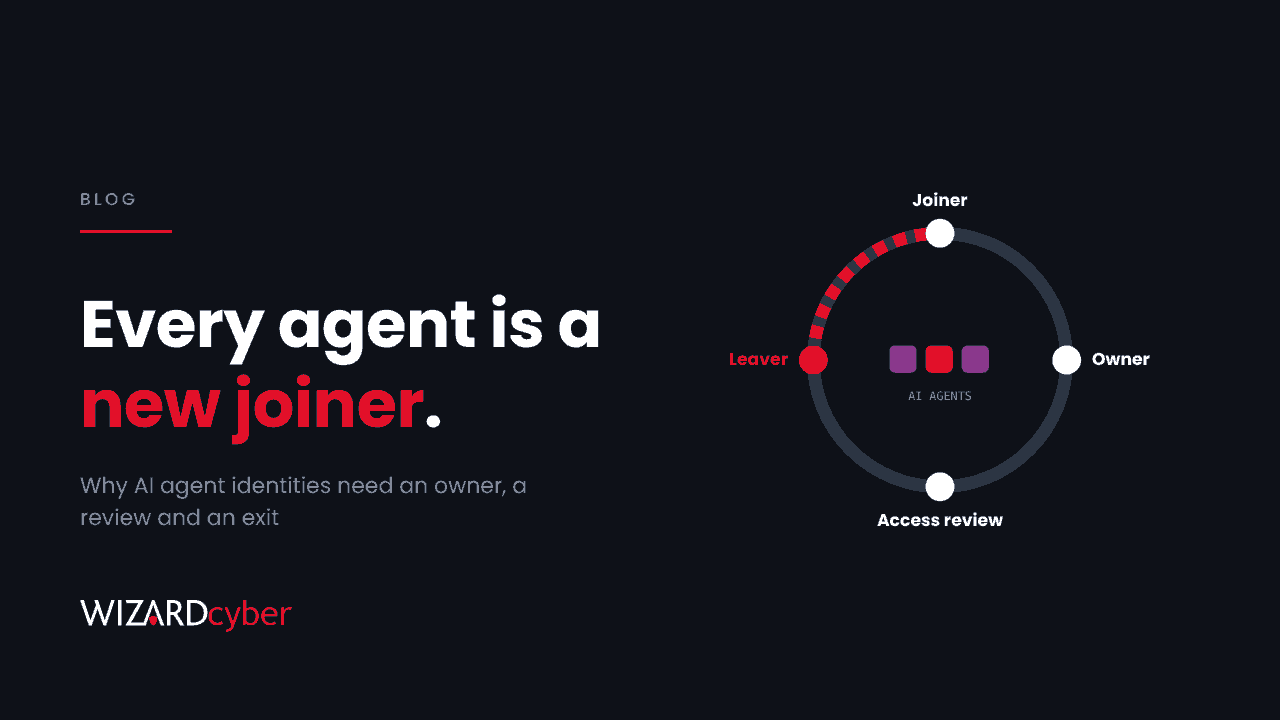
My view is simple. An AI agent that can act on your systems is a new joiner, and it should go through the same lifecycle as one.
Why banning them won't work
We've been here before with personal devices and with unsanctioned cloud apps. Banning a useful tool doesn't make it go away. It makes it invisible, because people find a way round the block and stop telling you. With agents the stakes are higher, because the agent doesn't just store data, it acts. It sends mail as the user, moves files and accepts meeting invitations, using whatever access the user granted it.
The harder problem is that most of this activity looks like the user. An agent using a delegated OAuth grant or the user's own session signs in as them. Your logs show the user reading 400 emails at 03:00, not an assistant doing it on their behalf. If you can't tell the two apart, you can't tell normal automation from an attacker who has taken over the same access.
The lifecycle every agent needs
Joiner: it arrives through a door you control
The cheapest control is at the front door. In Microsoft Entra ID, restrict user consent to verified publishers and low-risk permissions, and route everything else through the admin consent workflow. That doesn't stop people using agents, but it means any agent that wants to read mail or files on their behalf arrives as a request someone can approve, with a business reason attached.
Owner: a named human who answers for it
Every agent identity, whether an app registration, a service principal, an OAuth grant or an API key, needs a named owner. Not a team, a person. When the agent misbehaves, someone has to answer "what is this and why does it have that access?" within the hour. An agent with no owner should be switched off, just as an account with no owner would be.
Least privilege: the permissions the job needs
Agents ask for broad permissions because it's easier, and users grant them because the dialog is in the way. Mail.ReadWrite across the mailbox and full read access to SharePoint are the agent equivalent of making a new starter a domain admin on day one. Approve the narrowest scope that does the job, and prefer agents that act on behalf of a user over ones with tenant-wide application permissions.
Access review: does it still need this?
Put agent grants and app permissions into the same periodic access reviews you run for people. Look for grants nobody has used in 90 days, permissions that have grown since approval, and agents whose owner has changed role.
Leaver: it leaves when its owner does
This is the step almost everyone misses. When an employee leaves, their account is disabled. The API key they generated, the app they registered in your tenant, or the agent running on a vendor's servers with a stored token may carry on. Add "revoke the person's agent grants, keys and registrations" to the leaver checklist, and check that it happened.
Monitoring: assume you'll miss some
Governance reduces the number of unknown agents but won't get it to zero. Your security operations need to watch for the signs of one:
- New consent grants to apps with mail, file or calendar permissions, especially from unverified publishers.
- Non-interactive sign-ins at machine-like volumes and regular intervals from a user's account.
- Bulk mailbox or file access that doesn't match that user's normal pattern.
- Service principal sign-ins from new locations for apps that can read mail.
Microsoft is also starting to give agents an identity type of their own in Entra, separate from users and ordinary apps. Where your agents can use one, choose it, because a distinct identity is the only reliable way to tell the agent's actions from the human's in your logs.
We had to answer this ourselves
We build an agentic SOC platform, so these aren't hypothetical questions for us. Every agent we run on a customer's behalf has a defined role, works within the access that role needs, and is accountable to people. The decision to close or escalate an incident is made by policy and the customer's own decision templates, not by the model, and on our managed service a senior analyst signs off by default. The same thinking applies to the assistants your staff bring in. Autonomy is fine, as long as someone owns it and you can see what it does.
Where to start this month
- Export every OAuth consent grant and app registration in your tenant, and sort by permission. You'll find agents you didn't know about.
- Restrict user consent and turn on the admin consent workflow.
- Give every agent identity with mail or file access a named owner, or switch it off.
- Add agent grants and keys to your leaver process.
- Make sure your SOC sees consent events and non-interactive sign-ins, not just interactive ones.
How we help
Our AI governance work helps leadership teams set the policy for which agents are allowed, who approves them and what access they get. Our identity threat detection and response service watches the consent grants, sign-ins and mailbox activity that show when an agent, or someone using its access, steps out of line.
If you'd like help finding the agents already in your tenant and deciding what to do with them, talk to our team.