

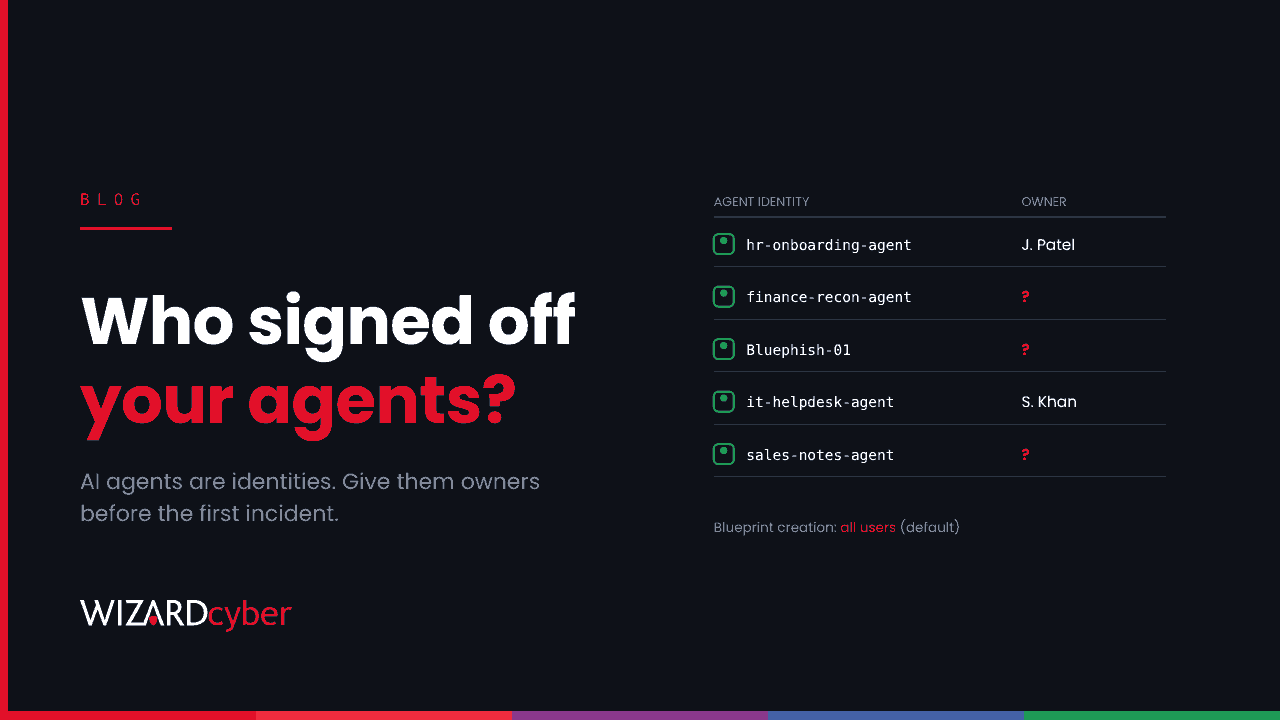
For years, the question "who can register an app in our tenant?" had a dull answer that most organisations eventually got right: not everyone. AI agents have reopened it. Microsoft Entra Agent ID gives agents their own identities, created from templates called blueprints, and according to research published this week, default users can create those blueprints from this month. If you haven't decided who should be able to create and approve AI agent identities in your tenant, the default has decided for you.
What's changed
Agent ID treats AI agents as first-class identities. An agent blueprint plays the role an app registration plays for ordinary software. Agent identities are created from it, and each can inherit the permissions granted to the blueprint. One blueprint can back up to 250 agent identities.
Proofpoint's research on BluePhishing cites Microsoft Message Center post MC1506733, which it says lets default Entra users create agent blueprints from November 2026. Check the post in your own tenant's Message Center for the exact wording and timing. The same research shows how a malicious third-party blueprint can be approved through a consent prompt and then used to create agent identities inside the victim's tenant. We've written up how to hunt for that.
Two details make this a governance problem, not just a technical one:
- Inherited permissions are hard to see. Microsoft's documentation says permissions an agent identity inherits from its blueprint aren't shown on the agent identity in the Entra admin centre or in Microsoft Graph. They appear in the token when the agent runs.
- Agents feel sanctioned. Users who've learned to distrust "this app wants access to your data" may read "this agent wants access" as something IT has already approved.
Agents are joiners, not features
In October we argued that every AI agent is a new joiner and needs the same lifecycle as a person: someone who asked for it, someone who owns it, a regular review and a leaving date. Agent ID gives you the hooks for that. Each agent identity has a sponsor, and blueprints have owners, credentials and granted permissions you can review. But the hooks only help if someone is responsible for using them.
In practice, we'd expect the first wave of agents in most tenants to come from three places: pilots run by keen teams, agents built into software you already buy, and agents someone approved from a prompt without thinking about it. Only the first group is likely to have an owner who could tell you what it does.
Five decisions to take this month
- Who can create blueprints? Decide whether every user should, or only a group of builders. Treat it the same way as app registration rights.
- Who can approve them? Review your user consent settings. Allowing consent only for verified publishers and low-risk permissions, with an admin consent workflow for the rest, covers most organisations. Proofpoint says these settings extend to agent blueprints.
- Who owns each one? Every blueprint should have a named business owner, and every agent identity a sponsor who knows they are one. A sponsor who has never heard of the agent is a finding.
- What can they reach? Agree which permissions agents can have without a security review. Directory read access across every user and group shouldn't be one of them.
- Who's watching? New blueprints, consent grants and agent sign-ins should land in the same place as your other identity alerts, with someone responsible for looking at them.
Start with an inventory
You can't govern what you haven't listed. In the Entra admin centre, Entra ID › Agents › Agent blueprints shows every blueprint in the tenant, how many agent identities each has, and its granted permissions. Go through it once, write down an owner for each, and disable anything nobody claims. Disabling a blueprint stops its agent identities authenticating, so tell the owners first.
Then put a date in the diary to do it again. The list will be longer next quarter.
Where this fits
None of this is a reason to slow down AI adoption. Agents are already doing useful work in security operations, including ours. The point is that an agent with access to your directory is an identity with access to your directory, and the controls that took years to build for people and apps should apply to it from day one rather than after the first incident.
Wizard Cyber's identity threat detection and response service watches consent grants and new identities around the clock, and our vCISO team can help you set the policy in the first place.
Want help deciding who should be able to approve AI agents in your tenant? Talk to our team.