

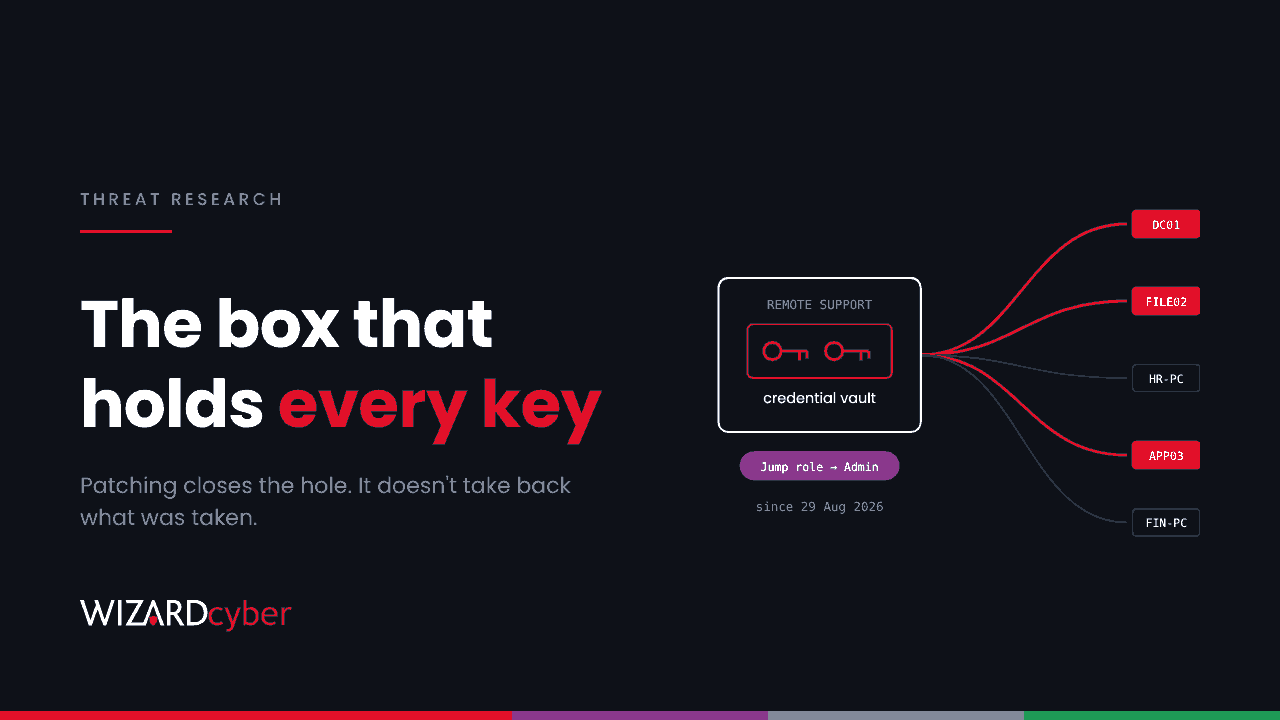
A remote support appliance is built to do three things: hold administrator credentials, open sessions onto your endpoints and servers, and move files to and from them. That makes it one of the most valuable boxes on the network to an attacker. On 15 October BeyondTrust disclosed CVE-2026-102764, a critical flaw in Remote Support that a suspected China-nexus espionage group had been exploiting since late August. The patch closes the hole. It does nothing about what an attacker may already have taken, or where they went next.
This piece covers what happened, what the attackers did on the appliance, the order in which to clean up, and how to hunt for downstream activity in Microsoft Defender and Sentinel.
What happened
- 29 August 2026: first exploitation, according to BeyondTrust's advisory, against one BeyondTrust-hosted instance and one self-hosted appliance.
- 28 September: BeyondTrust's own threat hunting finds the activity and contains the hosted instance.
- 8–9 October: the BT26-05 patch is released. SaaS instances are patched automatically. Self-hosted appliances need the patch applied unless automatic updates are on.
- 15 October: coordinated disclosure, alongside a technical write-up from Google Threat Intelligence Group and Mandiant.
- 16 October: CISA adds the flaw to its Known Exploited Vulnerabilities catalogue, according to Cybersecurity Dive.
Google tracks the actor as ARMORY CASTLE, formerly UNC5221. CrowdStrike tracks the same cluster as WARP PANDA. Google reports targets in legal services, government, technology, SaaS providers and business process outsourcers, and says it knows of only a small number of affected organisations so far. BleepingComputer cites Shadowserver tracking more than 1,400 internet-exposed Remote Support instances.
The vulnerability
CVE-2026-102764 is an authentication bypass in Remote Support 26.2.3 and earlier. Internal components can't confirm where a message came from, which lets an unauthenticated attacker perform file operations on the appliance. In practice, that meant planting a web shell. The Canadian Centre for Cyber Security has issued an alert. Privileged Remote Access shares the affected code and was patched too, although BeyondTrust found no way to exploit it there.
Self-hosted appliances on 24.3.1 or later can apply the patch directly. Older versions must be upgraded to a supported release first.
What the attackers did on the appliance
Mandiant's write-up is unusually detailed. In summary:
- Web shells. A staging shell, then a PHP web shell Mandiant calls SAWFLY, placed in the application's web root.
- Root and persistence. A copy of the system shell with SUID set at
/usr/bin/dbus-authd, a boot script namedzz-root-persist, and a passwordless sudo entry added to the sudoers template. - Credential theft. The appliance's own secrets utility, run against the credential vault first for one account and then for everything.
- Tunnelling. A SOCKS5 tunneller Mandiant calls BARECLAW, reached through a modified HAProxy configuration and listening locally on TCP 19800.
- Log deletion. More than a dozen logs removed, including the secrets utility's own log.
- Downstream access. The attackers logged in to the web portal with a compromised administrator account and raised its Jump Item and Team roles from "No Access" to "Administrator". That gave them standing permission to open sessions to every system in the Jump Item list. They then opened a support session to an internal endpoint, asked for full file-system access, and downloaded documents such as software inventories.
Mandiant publishes hashes for SAWFLY and BARECLAW, YARA rules and appliance-side detection ideas. It doesn't publish network indicators, so a search for attacker IP addresses isn't an option here. You have to hunt for behaviour.
Root on a remote support appliance gives an attacker every credential it stores and every machine it can reach.
What to do now, in this order
- Patch, or confirm you're patched. Check the appliance version against the BT26-05 advisory. If you use the SaaS service, confirm it with BeyondTrust rather than assuming.
- Preserve evidence before you rebuild. Image the appliance. Collect syslog, reverse proxy, WAF and perimeter firewall logs for the whole period since August. The attacker deletes logs on the box, so off-box copies matter most.
- Decide whether to rebuild. Mandiant's position is that any appliance reachable from the internet on a vulnerable version during the exploitation window is potentially compromised until reviewed. If you can't rule it out, redeploy from a clean, patched image.
- Then rotate credentials. The order matters. Mandiant recommends rotating only after the appliance is patched or rebuilt. Rotate any earlier and you hand the new credentials to whoever still controls it. That means every credential the appliance stored or injected: domain accounts, local administrator passwords, service accounts and anything held in its vault.
- Review roles and sessions. Look for Jump Item and Team roles raised to Administrator, and set the default Jump Item role in every group policy to No Access. Pull the session reports since late August. Every endpoint the appliance touched is in scope for downstream hunting.
- Restrict the interfaces. Put
/loginand/appliancebehind SAML single sign-on with phishing-resistant MFA, and limit them by IP or network segment. Restrict the appliance's outbound traffic to the destinations it actually needs.
Hunting downstream in Defender and Sentinel
The appliance is Linux, and you may not have EDR on it. The systems it connects to are mostly Windows, and that's where Microsoft Defender for Endpoint and Defender for Identity can see. These queries are starting points. Replace the placeholder addresses and account names with your own, check the remote support client process names used in your estate, and tune before you rely on them.
1. Logons from the appliance, and by the accounts it holds
Credentials injected by the appliance should only be used from the appliance or from sessions it brokered. The same accounts showing up anywhere else is the clearest sign that the vault was dumped.
let ApplianceIPs = dynamic(["10.20.0.15"]);                    // appliance addresses
let VaultAccounts = dynamic(["svc-rs-admin", "adm-support"]);  // accounts held in the vault
IdentityLogonEvents
| where TimeGenerated > ago(60d)
| where AccountName in~ (VaultAccounts) or IPAddress in (ApplianceIPs)
| extend FromAppliance = IPAddress in (ApplianceIPs)
| summarize Logons = count(), FirstSeen = min(TimeGenerated), LastSeen = max(TimeGenerated),
            Targets = make_set(DestinationDeviceName, 25)
          by AccountName, IPAddress, FromAppliance, Protocol, ActionType
| order by FromAppliance asc, FirstSeen asc
2. Files written by the remote support client
The attackers used the tool's own file transfer for reconnaissance. Look for files arriving on endpoints through the support client, especially scripts and executables, and especially outside normal support hours.
let SupportClient = dynamic(["bomgar-scc.exe", "bomgar-rep.exe"]);  // check names in your estate
DeviceFileEvents
| where TimeGenerated > ago(60d)
| where InitiatingProcessFileName in~ (SupportClient)
| where ActionType in ("FileCreated", "FileModified")
| extend Hour = hourofday(TimeGenerated)
| summarize Files = count(), Names = make_set(FileName, 20), Hours = make_set(Hour)
          by DeviceName, FolderPath
| order by Files desc
3. Processes started under a support session
A support session that launches PowerShell, a remote management tool or credential utilities is worth checking against the ticket it belongs to.
let SupportClient = dynamic(["bomgar-scc.exe", "bomgar-rep.exe"]);
DeviceProcessEvents
| where TimeGenerated > ago(60d)
| where InitiatingProcessParentFileName in~ (SupportClient)
     or InitiatingProcessFileName in~ (SupportClient)
| where FileName in~ ("powershell.exe", "pwsh.exe", "cmd.exe", "rundll32.exe",
                      "reg.exe", "ntdsutil.exe", "wmic.exe", "net.exe", "net1.exe")
| project TimeGenerated, DeviceName, AccountName, FileName, ProcessCommandLine,
          InitiatingProcessFileName
| order by TimeGenerated desc
4. Gaps in the appliance's own logs
If appliance syslog reaches Sentinel, a silence that starts and ends within a single session is a strong sign of tampering. This query lists the 15-minute windows with no events at all. Adjust the table and filter to wherever your appliance logs land.
Syslog
| where TimeGenerated > ago(90d)
| where HostIP == "10.20.0.15"
| make-series Events = count() default = 0 on TimeGenerated from ago(90d) to now() step 15m
| mv-expand TimeGenerated to typeof(datetime), Events to typeof(long)
| where Events == 0
| order by TimeGenerated asc
None of these will produce a clean yes or no on their own. They narrow down where to look, and any hit on query 1 from outside the appliance deserves a full investigation.
Remote access tools are privileged infrastructure
Remote support platforms, VPN gateways and privileged access tools keep turning up in espionage campaigns for the same reason. They sit at the edge, they hold the keys, and their own logs are the first thing an attacker deletes. Treat them like domain controllers. Keep their admin interfaces on networks only admins can reach. Send their logs off the box as they're written. Watch what their credentials do on the systems behind them, because that's where you'll see an intrusion even when the appliance itself has been wiped clean.
How a managed SOC helps
- Same-day hunting. Our SOCs are manned 24/7, so a disclosure like this becomes a hunt across your endpoints and identities the day it lands.
- Investigation that follows the credential. CYBERSHIELD AI's Investigation Agent works each alert through to a verdict, averaging 3m 30s, or 7m 50s where Advanced Investigation is needed. A vault account logging on from a workstation is judged against where it should have come from.
- Responders when it's real. Senior analyst sign-off is the default on the managed service, and incident responders are on shift around the clock in every SOC.
- Appliance logs in the SIEM. Microsoft Sentinel is the only hard requirement. Connectors and parsers for the rest of the estate, appliances included, are built at onboarding as part of the managed service.
If you run Remote Support on-premises and can't account for every session since August, talk to our team about a compromise assessment.