

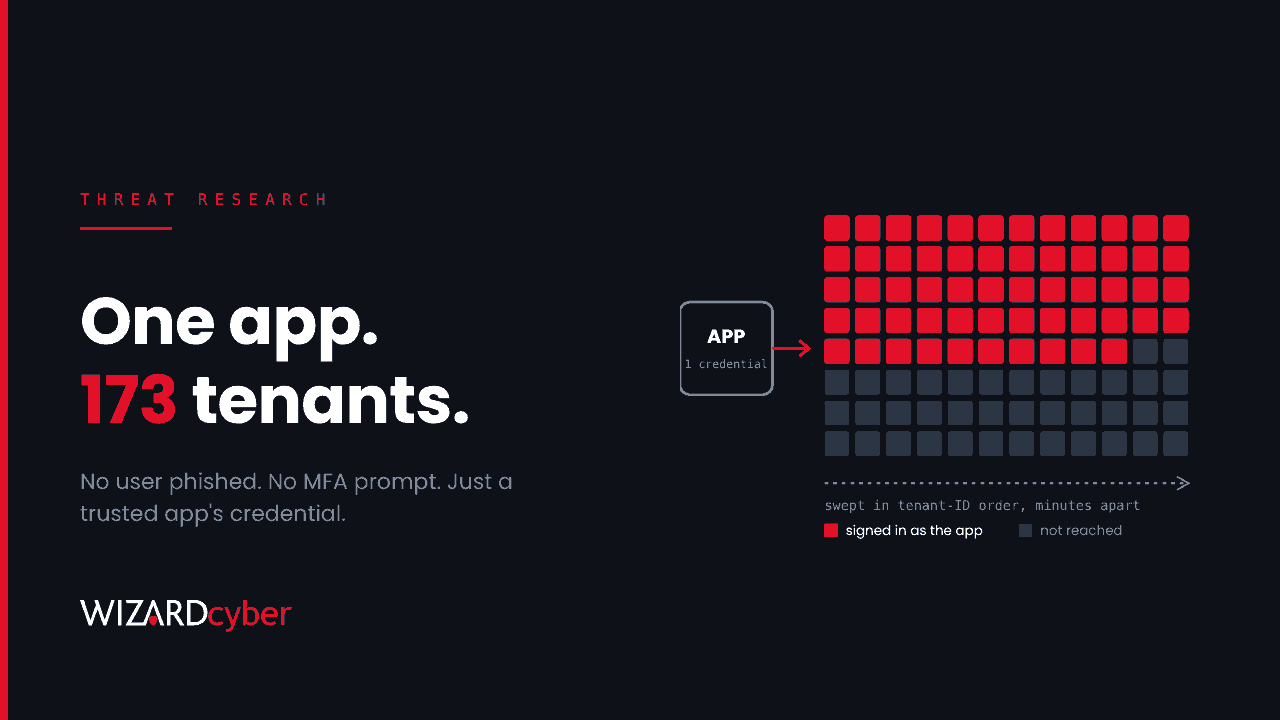
On 15 October an attacker signed in to at least 173 Microsoft 365 tenants without phishing a single user. They didn't need to. They had the credential of a cloud-to-cloud backup app that those tenants had approved years earlier, with permission to read and write mail, files, Teams chats and directory data. Microsoft described it as a compromised trusted OAuth app. The vendor has since switched off the app's access "until further notice".
No user account was involved, so resetting passwords and revoking user sessions does nothing. This piece covers what happened, why third-party apps are such a good target, and how to check your own tenant in Microsoft Entra ID and Microsoft Sentinel. The same steps apply to any multi-tenant app that holds tenant-wide permissions, not only this one.
What happened
The details come from incident write-ups by Huntress and Todyl, and reporting by The Hacker News. The affected app is a backup service sold through managed service providers. Both write-ups name it and list its application IDs.
- 13–14 October: password spraying against four law firm tenants from
144[.]172[.]64[.]128, a hosting-provider address, using scripted token requests. Huntress saw no successful user sign-ins from it. - 15 October, from about 06:13 UTC: the same address requests app-only Microsoft Graph tokens as the backup app, one tenant after another. Todyl observed tenants being hit in ascending tenant-ID order, a few minutes apart. That pattern suggests a scripted target list.
- 15 October, later: Huntress describes two targeted sweeps against 16 tenants in policy, national security, trade and critical-minerals sectors. They touched Exchange Online, SharePoint Online, Teams, Azure Resource Manager and the Office 365 Management APIs.
- In at least one partner tenant: a related management app from the same vendor added itself to Global Administrator. A Python client then added client secrets to two other applications, an MSP management app and a security vendor's app. A secret on an app used to manage other customers can carry access far beyond one tenant.
- 16 October, 19:00 UTC: Huntress had confirmed unauthorised sign-ins in 162 tenants, later 173.
- 17 October: the vendor disabled the affected apps and said it had found no evidence that backup data was compromised.
Nobody has confirmed whether data was taken. Todyl found token issuance but no subsequent reads in tenants without an active backup subscription, which is consistent with reconnaissance. In tenants with an active subscription, reads did happen, but the attacker and the real service used the same identity, so the two can't be told apart from the audit log.
Why a third-party app is such a good target
When you approve a multi-tenant app in Entra, a service principal for it is created in your tenant and granted the permissions you consented to. The app's registration, including its secrets and certificates, stays in the vendor's tenant. Whoever holds that credential can sign in as the app in every tenant that consented to it. No user signs in, no MFA prompt appears, and often no Conditional Access policy applies either.
Three things make this hard for the customer to defend:
- You can't rotate the credential. It belongs to the vendor. Your controls are to disable the service principal or remove its permissions.
- Conditional Access for workload identities doesn't cover it. Microsoft applies those policies to single-tenant service principals registered in your own tenant. Third-party multi-tenant apps are out of scope, so location blocks on the app aren't an option.
- Much of the activity isn't logged by default. Directory reads through Microsoft Graph leave no audit record, and Microsoft 365 audit entries for app-only access show Microsoft infrastructure addresses rather than the caller's. The per-request source address only appears in Microsoft Graph activity logs, which have to be switched on and don't fill in history.
A consent granted in 2021 for a backup trial is still a live credential in 2026. If nobody owns it, nobody is watching it.
What to do now
- Find the app. In the Entra admin centre, go to Enterprise applications, set the application type filter to All applications, and search for these application IDs. Older tenants may show the management apps under an earlier product name.
506e08f9-6e9a-4da4-942b-a099a03644ae(the backup app)24205314-2b89-4e07-a2a4-579e898a5640,b78f6a77-d4e5-46fb-87e5-d1648bd02519,b2b55f5b-7758-4719-8d8f-88ae172e6bdb,2399d300-6fca-4e6a-a686-399fefe75b83,0de14c77-b9b0-4137-9360-34878a929827,412dcf96-176d-4b3a-a1b0-4981ad66971e(related management apps listed by Huntress)
- Export its permissions, then disable it rather than delete it. Set "Enabled for users to sign-in?" to No. Deleting removes the consent and forces a fresh one later. Disabling stops new tokens straight away, but tokens already issued stay valid until they expire, which can take up to about 90 minutes. Backups pause while the app is disabled, so agree retention and restore options with the vendor.
- Keep it disabled until the vendor confirms every credential has been rotated. Check each app yourself. Huntress reported that some management apps were still enabled after the vendor's statement.
- Check credentials and roles. Look for client secrets or certificates added since 13 October to any enterprise app or app registration, especially management and security tools. Remove directory roles held by these service principals that you didn't deliberately grant.
- Preserve logs. Entra ID Free keeps sign-in and audit logs for seven days. If you're not already sending them to a SIEM, export them now.
- Turn on Microsoft Graph activity logs going forward, and send them to Sentinel or a Log Analytics workspace.
Hunting in Sentinel and Defender
These queries are starting points. Table and column names match the standard Entra and Graph connectors in Microsoft Sentinel, but check how your data actually arrives and tune before you rely on any of them. Huntress suggests reviewing from 01:00 UTC on 15 October to 02:00 UTC on 16 October at minimum. Todyl suggests going back to 1 October if retention allows.
1. Service principal sign-ins for the affected apps
These don't appear on the default User sign-ins tab. The vendor's normal traffic comes from Azure. A hosting-provider IPv4 address is the thing to look for.
let Apps = dynamic(["506e08f9-6e9a-4da4-942b-a099a03644ae", "24205314-2b89-4e07-a2a4-579e898a5640",
                    "b78f6a77-d4e5-46fb-87e5-d1648bd02519", "b2b55f5b-7758-4719-8d8f-88ae172e6bdb",
                    "2399d300-6fca-4e6a-a686-399fefe75b83", "0de14c77-b9b0-4137-9360-34878a929827",
                    "412dcf96-176d-4b3a-a1b0-4981ad66971e"]);
AADServicePrincipalSignInLogs
| where TimeGenerated > ago(30d)
| where AppId in (Apps)
| summarize SignIns = count(), FirstSeen = min(TimeGenerated), LastSeen = max(TimeGenerated),
            Resources = make_set(ResourceDisplayName, 10)
          by ServicePrincipalName, AppId, IPAddress, ResultType
| order by FirstSeen asc
2. Any service principal that put itself in a directory role
Apps don't normally grant themselves Global Administrator or Exchange Administrator. This query catches the pattern for any app, not just these ones.
AuditLogs
| where TimeGenerated > ago(30d)
| where OperationName == "Add member to role"
| extend ActorApp = tostring(InitiatedBy.app.displayName),
         ActorSpId = tostring(InitiatedBy.app.servicePrincipalId),
         TargetId = tostring(TargetResources[0].id),
         Role = tostring(parse_json(tostring(TargetResources[0].modifiedProperties))[1].newValue)
| where isnotempty(ActorApp)
| project TimeGenerated, ActorApp, ActorSpId, TargetId, Role, Result
3. Secrets and certificates added to apps
Every new credential should trace to a change you know about. One app adding credentials to another app is rare and deserves a close look.
AuditLogs
| where TimeGenerated > ago(30d)
| where OperationName == "Add service principal credentials"
     or OperationName has "Certificates and secrets management"
| extend Actor = coalesce(tostring(InitiatedBy.user.userPrincipalName),
                          tostring(InitiatedBy.app.displayName)),
         Target = tostring(TargetResources[0].displayName),
         UA = tostring(AdditionalDetails[0].value)
| project TimeGenerated, OperationName, Actor, Target, UA, Result
| order by TimeGenerated desc
4. What the app did through Graph, if you have the logs
If Graph activity logs were already on, they show the caller's real address and every request. Look for the published address, scripted user agents such as Python-urllib/3.12 or python-requests, and bulk directory or mailbox reads.
MicrosoftGraphActivityLogs
| where TimeGenerated > ago(30d)
| where AppId == "506e08f9-6e9a-4da4-942b-a099a03644ae"
| summarize Requests = count(), Uris = make_set(RequestUri, 20),
            FirstSeen = min(TimeGenerated), LastSeen = max(TimeGenerated)
          by IPAddress, UserAgent, RequestMethod
| order by Requests desc
A clean result on queries 3 and 4 doesn't prove nothing was read, because some Graph reads leave no audit record. But a hit on any of them is clear and needs a full investigation.
The lesson for every tenant
Most tenants have dozens of third-party apps with tenant-wide permissions. Many were approved for a trial, a migration or a supplier who has since moved on. Each one is a door whose key someone else holds. Treat them like privileged accounts. Give each one an owner and a reason to exist. Grant the least permission it needs, and review it on a schedule. Remove anything nobody can explain. Make sure your monitoring covers service principal sign-ins, not just user sign-ins.
How a managed SOC helps
- Someone on it the day it breaks. Our SOCs are manned 24/7, so a supplier compromise reported on a Friday becomes a hunt across your tenant that day.
- Identity activity in context. CYBERSHIELD AI's Investigation Agent works each alert to a verdict in an average of 3m 30s, or 7m 50s where Advanced Investigation is needed. A service principal adding itself to a directory role is weighed against what that app normally does, not treated in isolation.
- People who sign it off. Senior analyst sign-off is the default on the managed service, and incident responders are on shift around the clock when a case needs hands-on response.
- The right logs collected. Microsoft Sentinel is the only hard requirement. Connectors, parsers and analytical rules for the rest of the estate are built at onboarding as part of the managed service.
If you're not sure which third-party apps can read your organisation's mail today, or whether one of them was used against you this month, talk to our team about a compromise assessment.