
What is Microsoft XDR?
Microsoft XDR explained: how Microsoft Defender and Microsoft Sentinel connect signals across identities, endpoints, email and cloud, group them into single incidents, and contain threats from one place.
Transcript
0:00Attacks cross tools
Attackers do not stay in one product. A single campaign crosses identities, devices, email and cloud services. Microsoft XDR is built for that.
0:12Extended detection
XDR means extended detection and response. Microsoft’s version connects signals across its tools, so one attack is detected, investigated and stopped together.
0:24Microsoft Defender
Microsoft Defender protects endpoints, identities, email and collaboration, cloud workloads and SaaS apps, and feeds what it sees into XDR.
0:35Microsoft Sentinel
Microsoft Sentinel, the cloud-native SIEM and SOAR, adds data from beyond Microsoft, long-term analytics, hunting and automated response.
0:46One incident
Instead of hundreds of separate alerts, related signals are grouped into a single incident, with one timeline and every affected user, device and resource.
0:57Contain it
From that incident, isolate a device, disable an account, block an indicator or quarantine an email, by hand or automatically through a playbook.
1:07Who it suits
It suits organisations that run on Microsoft 365 and Azure, use Entra ID, and want fewer tools and less alert noise.
1:17Book a Demo
XDR gives you the signals. Skilled analysts and clear processes turn them into protection. Wizard Cyber has run Microsoft Sentinel since 2019. Book a demo.
Detection & Response
 1:32
Detection & Response
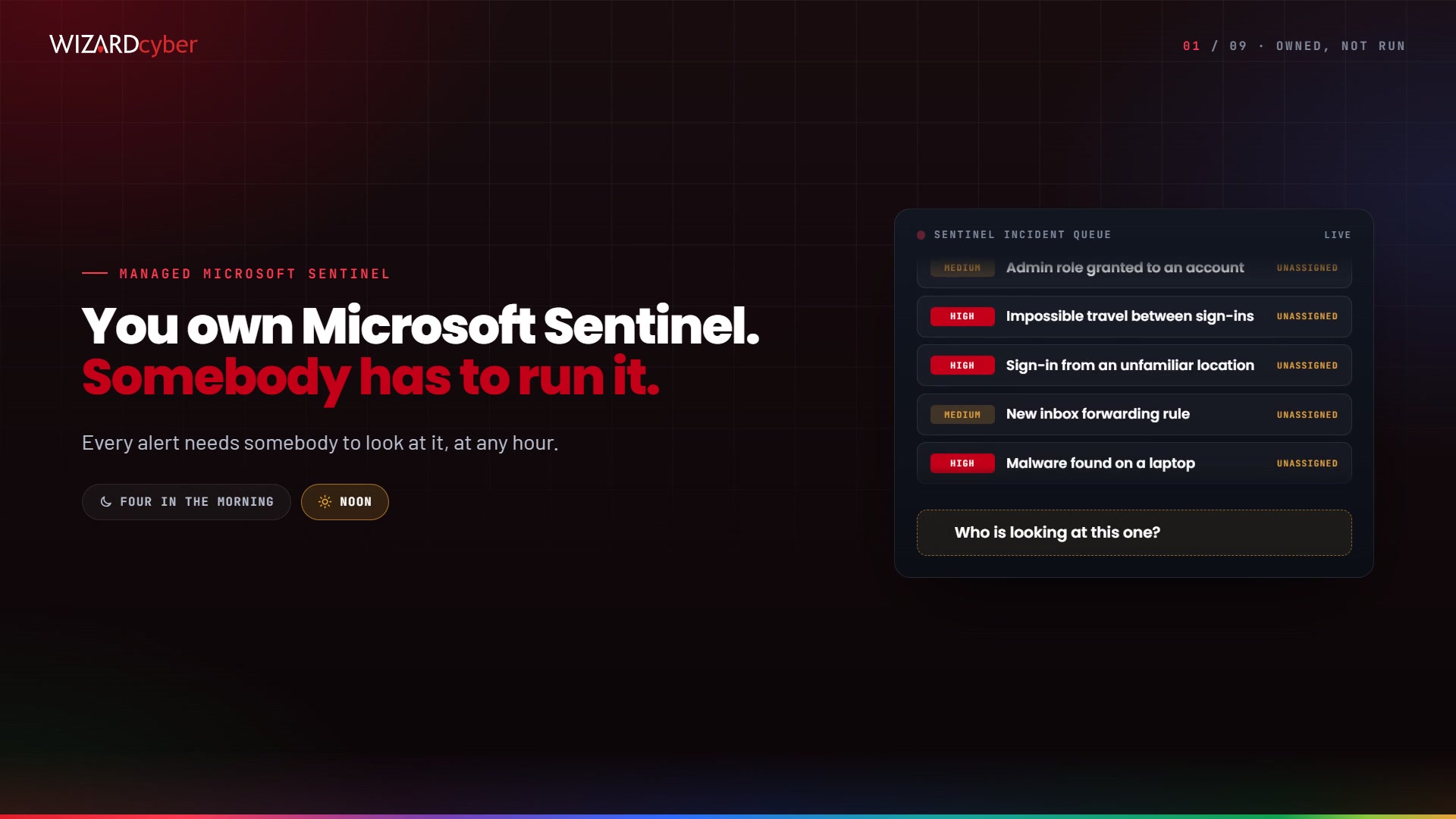
Managed Microsoft Sentinel
How Wizard Cyber runs Microsoft Sentinel as a service inside your own tenant: AI agents investigate every alert to a verdict, and a senior analyst signs it off.
 1:18
Detection & Response
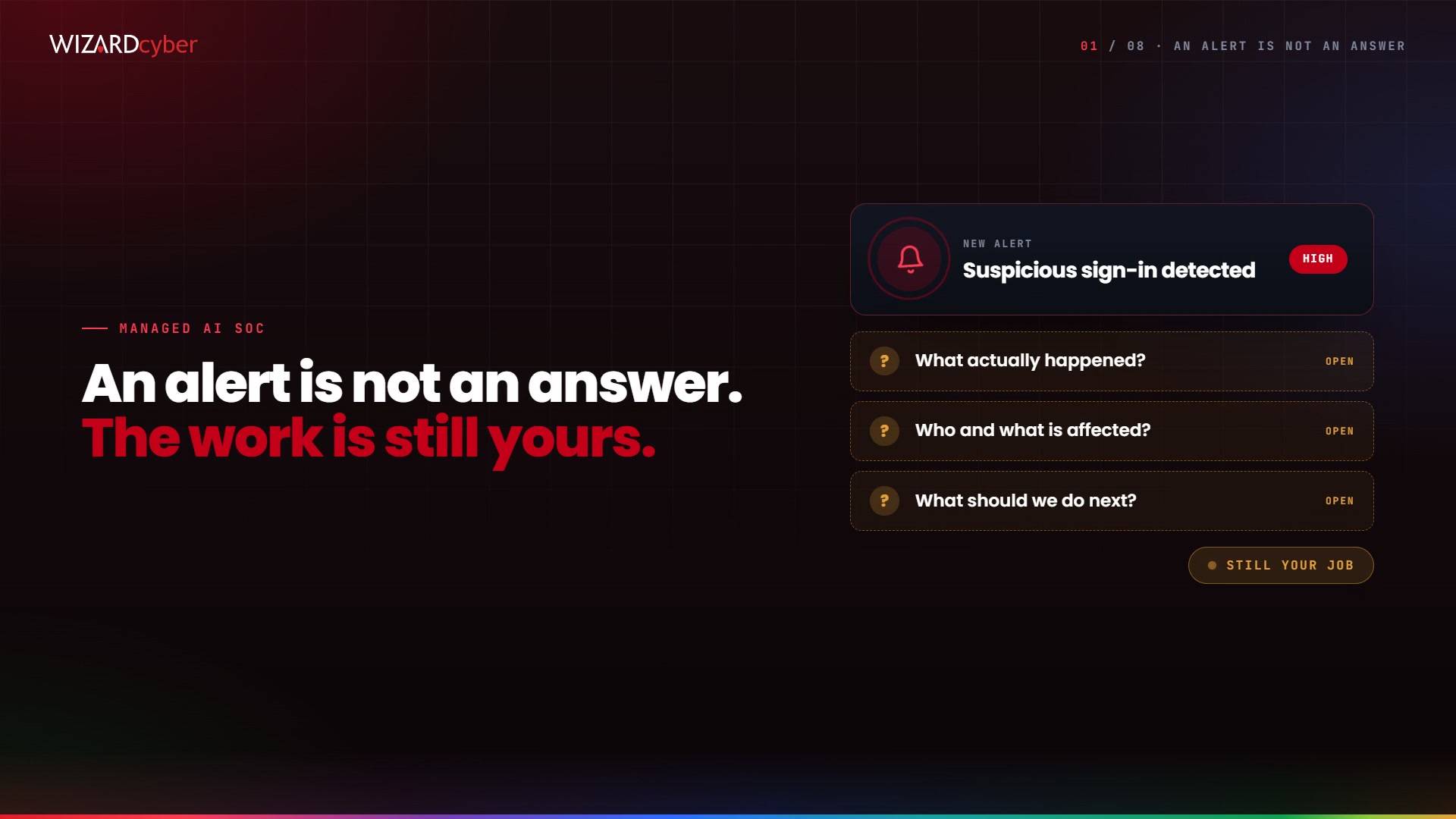
Managed AI SOC
What Wizard Cyber’s Managed AI SOC gives you on every incident: a finished case from specialised AI agents on CYBERSHIELD AI, signed off by a senior analyst, in the Core, Complete or Command package.
 1:21
Detection & Response
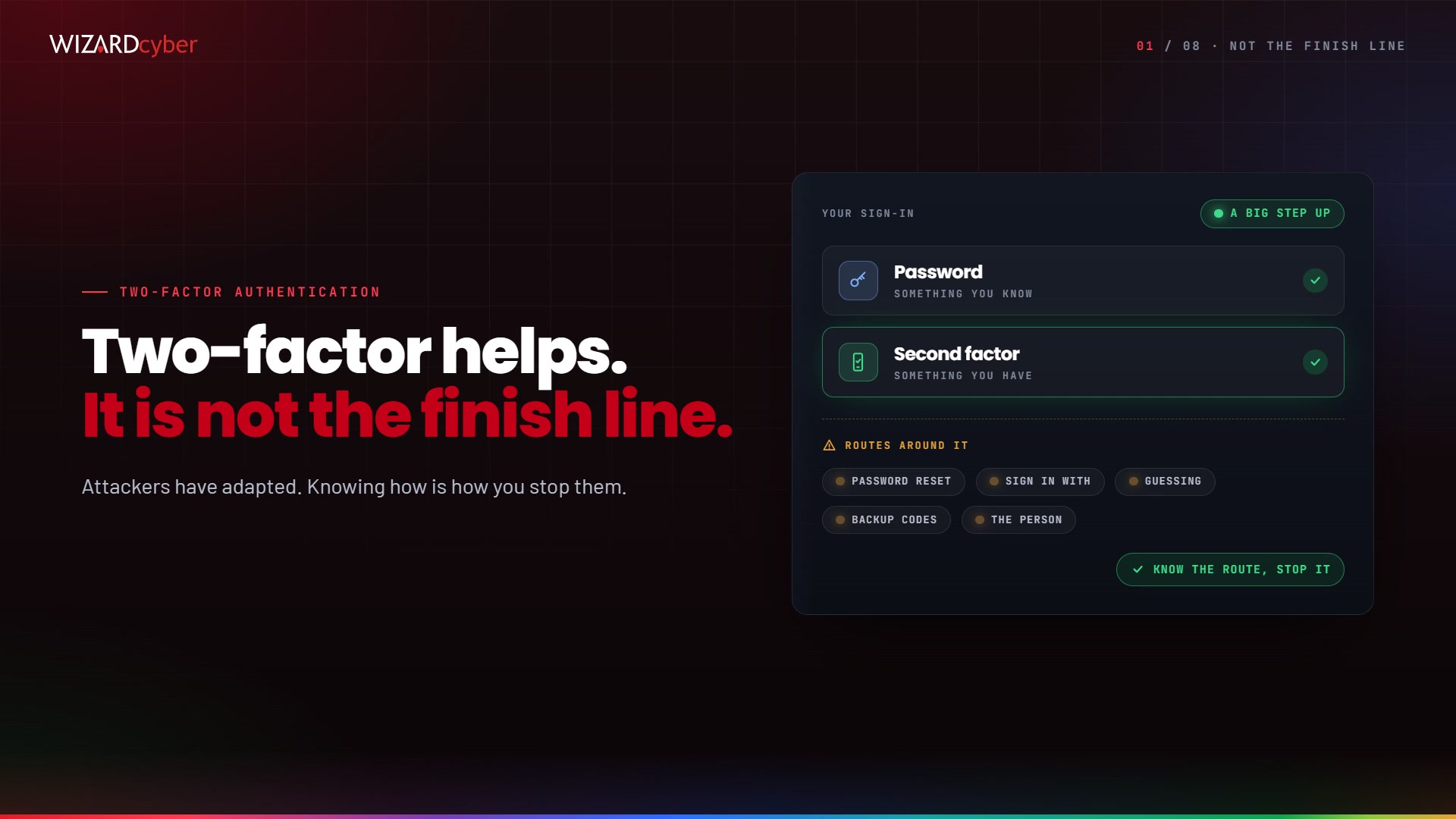
Bypassing MFA
Two-factor authentication is a big step up from a password alone, but attackers have adapted. The routes they use around it, the warning signs to watch for, and the factors that cannot be relayed.
Watch it run
on your own alert types.
An hour with a SOC analyst: a live investigation from signal to signed verdict, and the autonomy dial set where you would set it. Your scenarios, not a canned demo.