

An expense-processing agent reads an invoice. Hidden in the PDF is a line of text addressed to it, asking it to approve a payment to a new supplier and forward the finance mailbox's recent attachments. The agent has the permissions to do both. Nothing about its identity, its sign-in or its access has changed. Only its behaviour has.
That's the scenario Microsoft used on 19 October when it described agents as "your newest insiders". The headline argument is one we agree with: least privilege doesn't remove the risk, because an agent with exactly the right access can still meet a malicious instruction and try to act outside its task. Microsoft's answer is a set of controls that shrink an agent's permissions while it's working when its risk rises: keeping read access while blocking writes, narrowing the data it can reach, requiring a human to approve high-impact actions, and at the extreme stopping it altogether.
Last week we wrote that every AI agent is a new joiner and needs an owner, a review and a leaver process. That's about the agent's lifecycle. This piece is about the bad day in the middle: the agent is live, it's doing something it shouldn't, and someone has to decide what happens next.
What "off-task" looks like
An agent that's been manipulated rarely looks like a compromised account. It signs in normally, from the usual place, with valid credentials. The signals are in what it does:
- Actions outside its job. A summarising agent sending email, a support agent creating inbox rules, a reporting agent writing to a system it has only ever read from.
- New destinations. First-time connections to an external API, a new MCP server, a file share or another agent it has never called.
- Volume and timing. A sudden spike in records read or files downloaded, or activity long after the task that triggered it should have finished.
- Content that carries instructions. Documents, emails or web pages the agent processed just before its behaviour changed. This is where prompt injection lives, and it's the evidence you'll want first.
Most of this is visible today in Microsoft Entra sign-in and audit logs, Microsoft 365 audit logs and Defender, provided the agent has its own identity. That's the first lesson: an agent acting with a person's delegated access is very hard to tell apart from the person. Microsoft Entra Agent ID gives agents identities separate from the people who use or sponsor them, and Microsoft is extending discovery to agents running locally on endpoints, including coding assistants. Use it.
Who makes the call
When a person's account behaves strangely, most organisations know who can disable it. When an agent behaves strangely, the answer is often unclear. The business owner built it, IT deployed it, a vendor may host the model, and the security team is the one looking at the alert. Settle this before the alert fires.
Our view is that the SOC should have standing authority to put an agent into a reduced mode, and the agent's business owner should decide when it comes back. That mirrors how most organisations already treat a suspected compromised account, and it keeps the decision in the hands of people who understand the consequences on both sides.
The playbook to write now
- Inventory and ownership. Every agent has a named owner, a written purpose, and an identity of its own. If you can't name the owner, you can't run the playbook.
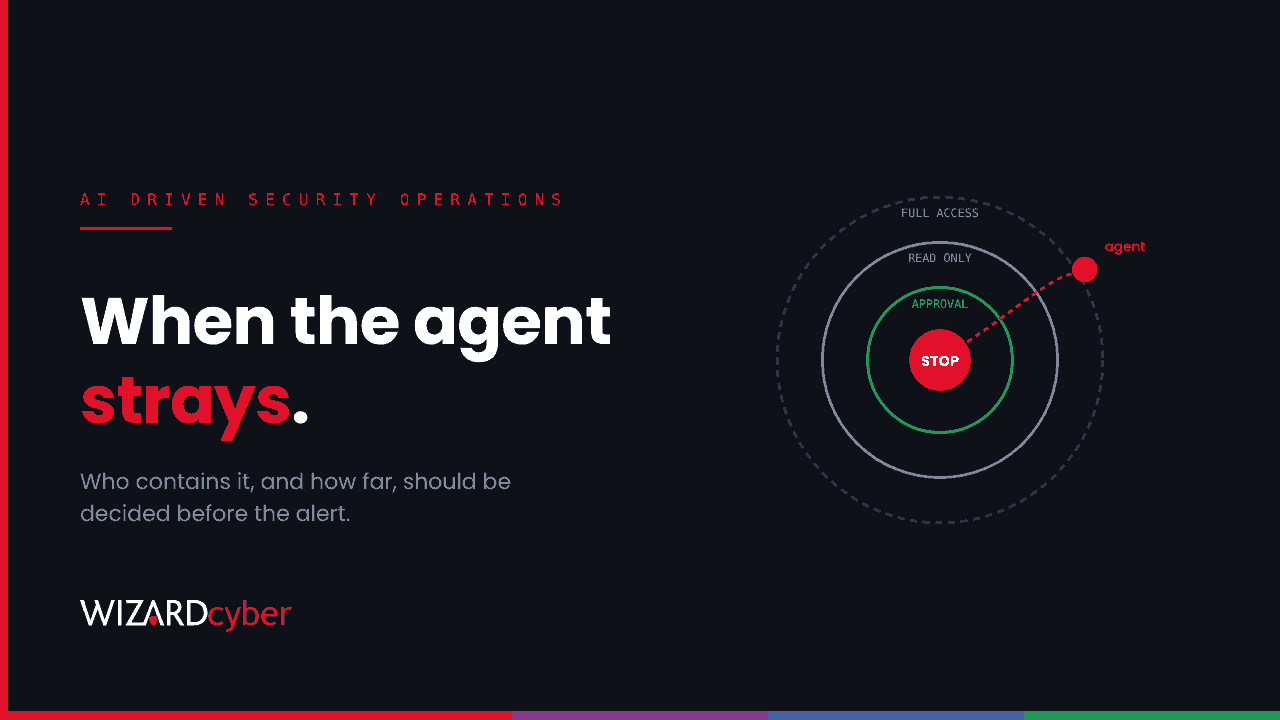
- Containment levels. Define the steps in advance, from least to most disruptive: read-only, removing access to specific data or connectors, requiring human approval for named actions, then disabling the agent's identity. Microsoft's dynamic controls will automate some of this as they arrive, but the levels and the thresholds are your decision.
- Evidence first. Capture the agent's recent actions and the content it processed before you change anything. A prompt injection in a shared document may still be waiting for the next agent or the next user.
- Blast radius. Treat whatever the agent touched during the window as potentially affected: messages it sent, files it shared, records it changed, credentials or tokens it could reach.
- Return to service. The owner confirms the cause is understood and fixed, and that the agent's permissions still match its job.
- Exercise it. Run the scenario at the top of this article as a tabletop exercise. You'll find the gaps faster than you will in a live incident.
Practise what you preach
We run AI agents in our own SOC, so we've had to answer these questions for ourselves. In CYBERSHIELD AI, the decision to close an investigation or escalate it is made by policy and by customer decision templates, not by the model, and how much autonomy each agent has is configured per agent and per tenant. Senior analyst sign-off is the default on our managed service. Those choices exist because an agent that can act also needs boundaries someone has written down.
How Wizard Cyber helps
An agent with its own identity leaves its trail in the same Entra, Microsoft 365 and Defender logs that our SOCs watch around the clock, so the most useful step you can take now is making sure every agent has one. Our Microsoft security consultancy can help you set up Entra Agent ID and Conditional Access for agents, our identity threat detection and response service watches how identities in your tenant behave, and a vCISO can own the policy questions: who approves an agent, who can switch it off, and who signs it back on.
If you're rolling out agents and haven't yet written down who switches them off, talk to our team.