
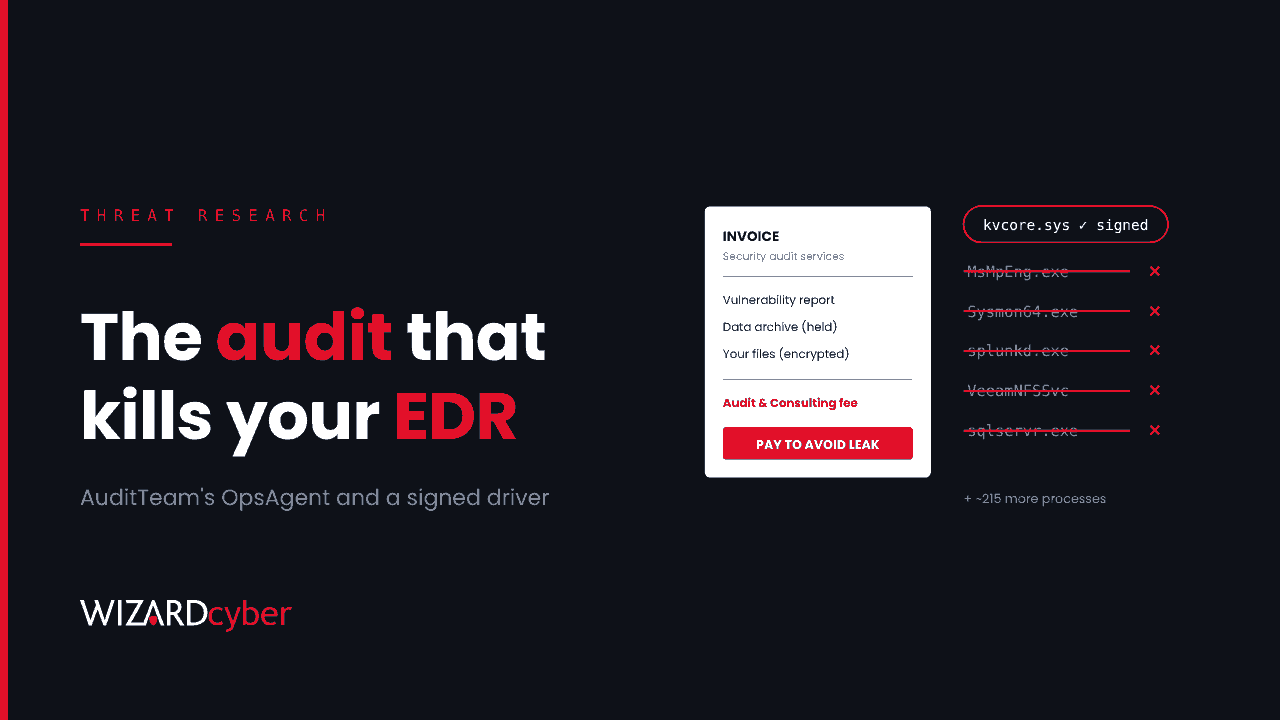
On 18 November 2026, Kaspersky's Global Research and Analysis Team published research on a ransomware group it tracks as AuditTeam. The group's ransom note doesn't call itself a ransom note. It reads like an audit report and asks for an "Audit & Consulting fee" in exchange for a vulnerability report and a promise not to leak the stolen data. By the time anyone reads it, the files are already encrypted.
The billing is a gimmick. What matters for defenders is what happens first: the group's toolkit installs a legitimately signed antivirus driver and uses it to switch off around 220 security, monitoring, backup and database processes, Microsoft Defender among them. This post explains the chain and gives hunting queries for Microsoft Defender XDR and Sentinel that look for it before the encryption starts.
What Kaspersky found
- Timeline. According to Kaspersky, the operators' GitHub commit history starts on 5 January 2026, the first victim appeared on the group's leak site on 21 February, and activity continued until at least October. Kaspersky first saw the toolkit at an organisation in Hong Kong on 10 March.
- Reach. Dozens of organisations in at least seven countries and territories, including Russia, Italy, the Philippines, Hong Kong, Senegal, Finland and China. The leak site claims victims in several more, including Spain, Turkey and Japan.
- The toolkit, OpsAgent. A full post-exploitation framework with file and process management, process injection, privilege escalation, credential theft, keylogging, screenshots and network pivoting through child agents. It started life in C++ and was rewritten in Rust during the campaign, adding interactive shells and a TLS WebSocket channel. Kaspersky says the newer code shows signs of AI-assisted development.
- Loaders. A C loader (April) and a .NET loader (June) inject into
msiexec.exe. A Rust loader (September) downloads, decrypts and runs its payload in its own process. - Command and control. Amazon CloudFront subdomains, with an optional lookup of the C2 address from an encrypted string on a public GitHub page. The repository was removed in November, but the latest samples still carry the lookup code, switched off, so Kaspersky considers the campaign ongoing.
Kaspersky doesn't say how the group gets in. Treat initial access as unknown and hunt the later stages, which are where this toolkit is distinctive.
The EDR killer
OpsAgent has an add-on module that installs a kernel driver named kvcore.sys. It's a genuine driver from a Chinese antivirus vendor, validly signed, which is exactly why Windows will load it. Secondary reporting of the research (Cyber Security News, GBHackers) describes the user-mode component talking to the driver through a filter port named \KvCorePortX0 and sending it a command with a process name, which the driver then terminates from the kernel.
The kill list runs to about 220 names. Examples in the reporting include MsMpEng and SecurityHealthService (Microsoft Defender), other endpoint products, Sysmon/Sysmon64, log shippers such as splunkd and wazuh-agent, remote access tools, backup agents, and database engines including sqlservr, mysqld and mongod. Killing security tools blinds you. Killing databases and backup agents unlocks their files for encryption.
This is a textbook "bring your own vulnerable driver" (BYOVD) attack. If the term is new, our explainer on BYOVD covers how it works and the Windows controls that stop it.
The encryption stage
The cryptor generates a key per file, encrypts with AES-CBC or ChaCha20 and protects the keys with an X25519 exchange. Before encrypting it stops database and backup services, deletes volume shadow copies and empties the Recycle Bin, and it overwrites files before deleting them so they can't be undeleted. The note then frames the whole thing as a consultancy engagement.
Indicators
These come from the published research and its secondary reporting. Check them against the Securelist post before you block anything. CloudFront addresses are shared infrastructure, so block the hostnames rather than the IPs behind them.
- Driver (MD5):
109cdc24ccd4872a3e4bf6f2d4f3c3d4(kvcore.sys) - Stagers (MD5):
d3e49dceb89a25f5da4ff0c42e996857,bd4c327ad208cb722ad25e43ea3f35fc,5d1425ab3dad1d2de053f69529d227e1,f0d5752054f6b7af1325ea340c4326d0,83768e994c6bb72d0b430b98a71ec8d6 - C2:
d19v1tntmz2i98[.]cloudfront[.]net,d35htktbyt7nxc[.]cloudfront[.]net,157.20.104[.]111 - Files:
syscache.datunderC:\ProgramData\Microsoft\Windows\Caches\,%LOCALAPPDATA%\Microsoft\Windows\Caches\or%LOCALAPPDATA%\Microsoft\CLR_v4.0\;C:\Users\Public\kv_dbg.log;kvcore.sysinSystem32\drivers
Hunting in Microsoft Defender XDR and Sentinel
These queries are starting points to tune, not finished detections. Run them across 30 days and baseline your own estate before you alert on them.
1. The driver, by name or hash
DeviceEvents
| where Timestamp > ago(30d)
| where ActionType == "DriverLoad"
| where FileName =~ "kvcore.sys" or MD5 == "109cdc24ccd4872a3e4bf6f2d4f3c3d4"
| project Timestamp, DeviceName, FileName, FolderPath, SHA256, InitiatingProcessFileName
Few organisations outside China run this vendor's products, so any hit deserves a look. Also check DeviceFileEvents for the file being written to disk.
2. Any newly seen driver followed by a quiet sensor
let NewDrivers = DeviceEvents
| where Timestamp > ago(7d) and ActionType == "DriverLoad"
| summarize FirstSeen = min(Timestamp) by DeviceId, DeviceName, SHA256, FileName;
let Known = DeviceEvents
| where Timestamp between (ago(37d) .. ago(7d)) and ActionType == "DriverLoad"
| distinct SHA256;
NewDrivers
| where SHA256 !in (Known)
| join kind=leftouter (
    DeviceProcessEvents | where Timestamp > ago(7d)
    | summarize LastEvent = max(Timestamp) by DeviceId) on DeviceId
| extend MinutesUntilSilence = datetime_diff('minute', LastEvent, FirstSeen)
| where MinutesUntilSilence between (0 .. 60)
| project FirstSeen, LastEvent, DeviceName, FileName, SHA256
A driver your estate has never loaded, followed within the hour by the device going silent, is the shape of a BYOVD kill. In Sentinel, pair it with a missing-heartbeat check on the same device.
3. Defender tamper and health signals
DeviceEvents
| where Timestamp > ago(30d)
| where ActionType in ("TamperingAttempt", "AntivirusDefinitionsUpdateFailed")
     or (ActionType == "ServiceInstalled" and AdditionalFields has ".sys")
| project Timestamp, DeviceName, ActionType, FileName, InitiatingProcessFileName, AdditionalFields
A kernel driver installed as a service by an unexpected parent, especially from a user profile or ProgramData, is worth pulling into the same incident.
4. The OpsAgent cache files
DeviceFileEvents
| where Timestamp > ago(30d)
| where (FileName =~ "syscache.dat" and FolderPath has_any (@"\Microsoft\Windows\Caches\", @"\Microsoft\CLR_v4.0\"))
     or (FileName =~ "kv_dbg.log" and FolderPath has @"\Users\Public\")
| project Timestamp, DeviceName, ActionType, FolderPath, InitiatingProcessFileName, InitiatingProcessCommandLine
5. msiexec with no installer behind it
DeviceNetworkEvents
| where Timestamp > ago(14d)
| where InitiatingProcessFileName =~ "msiexec.exe"
| where RemoteUrl endswith ".cloudfront.net" or RemoteIP == "157.20.104.111"
| project Timestamp, DeviceName, RemoteUrl, RemoteIP, InitiatingProcessParentFileName, InitiatingProcessCommandLine
The older loaders inject into msiexec.exe. A Windows Installer process that holds an outbound HTTPS or WebSocket connection without an .msi on its command line is unusual. Widen the filter beyond CloudFront once you've baselined it.
6. The last warning: services stopped, shadow copies gone
DeviceProcessEvents
| where Timestamp > ago(1d)
| where (FileName in~ ("vssadmin.exe", "wmic.exe") and ProcessCommandLine has "shadow" and ProcessCommandLine has "delete")
     or (FileName in~ ("net.exe", "net1.exe", "sc.exe", "taskkill.exe") and ProcessCommandLine has_any ("sql", "veeam", "mongo", "mysql", "oracle"))
| summarize Commands = count(), First = min(Timestamp), Sample = any(ProcessCommandLine) by DeviceName, AccountName
| where Commands >= 3
The reporting doesn't say which method this cryptor uses to delete shadow copies, so this query covers the common ones. If it fires on a server that isn't in a change window, isolate first and investigate second.
What to do now
- Enforce Microsoft's vulnerable driver blocklist and turn on memory integrity (HVCI) where your hardware supports it. Check whether this specific driver is covered in your build. If it isn't, block its hash with an App Control for Business policy.
- Turn on the attack surface reduction rule "Block abuse of exploited vulnerable signed drivers" in block mode, after a short audit period.
- Confirm tamper protection is on across every Defender for Endpoint device, servers included.
- Alert on sensor silence. An EDR agent that stops reporting is an incident until proven otherwise. Make sure someone is watching for it at 3am.
- Keep one backup copy the domain can't reach, so killing a backup agent can't take your recovery with it.
How a managed SOC helps
An EDR killer is built to make the last alert you receive look like nothing: a driver load, then quiet. Catching it depends on someone treating the silence as the signal and connecting it to the driver event that came just before.
Our SOCs are staffed 24/7. CYBERSHIELD AI investigates each incident as it arrives through a multi-stage pipeline, with an average time to verdict of 3 minutes 30 seconds, and every investigation produces a full report. Whether a case closes or escalates is decided by policy and your own decision templates, not by the model, and a senior analyst signs off by default on the managed service. If you're already dealing with an intrusion, our incident response team can help.
To see it on your estate, talk to us or book a demo.