

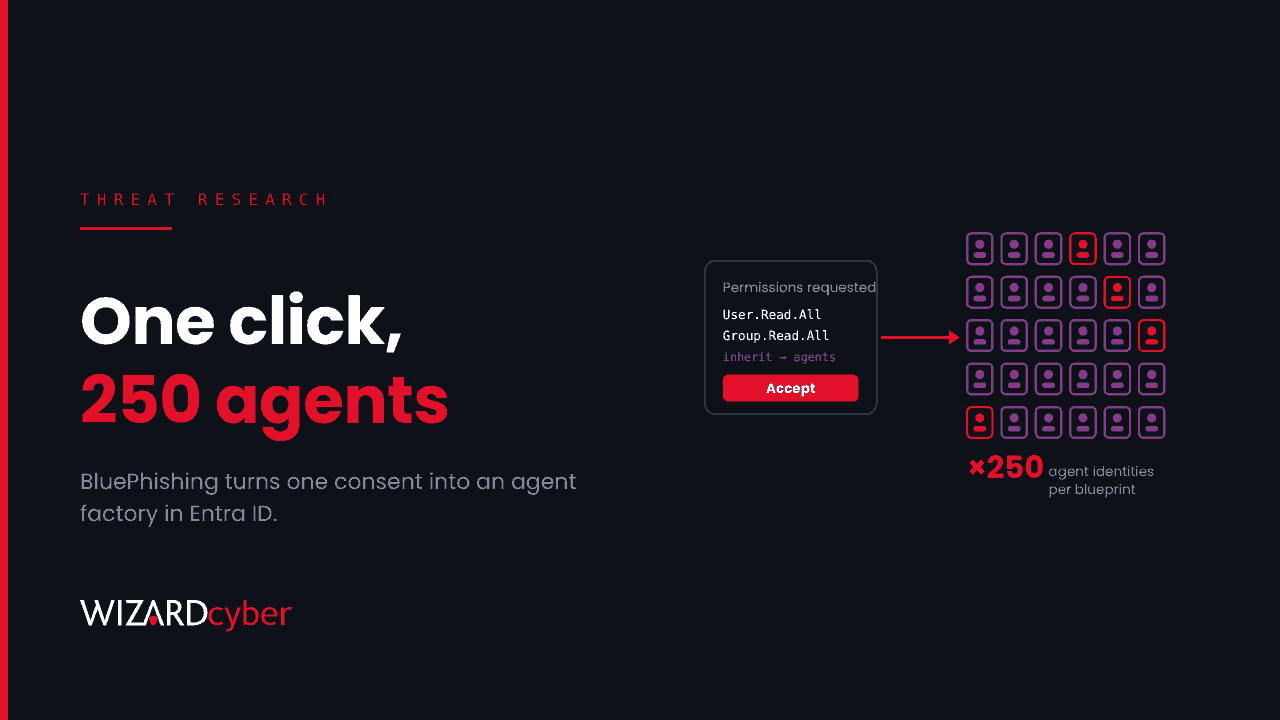
BluePhishing is a new twist on OAuth consent phishing, published by Proofpoint researchers on 9 November. Instead of asking a user to approve a malicious app, the attacker asks them to approve a malicious agent identity blueprint from Microsoft Entra Agent ID. One approval puts a blueprint principal in your tenant, and from it the attacker can create up to 250 agent identities that inherit whatever permissions were granted. Nobody has reported seeing it used in real attacks yet. That gives you time to look for it now, and to tighten consent before anyone does.
What the research shows
Proofpoint's write-up, BluePhishing: Initial Access via Third-Party Agent Blueprint Consent, describes it as an evolution of classic consent abuse. It's a research proof of concept: the researchers say they haven't identified any in-the-wild activity, and that they notified Microsoft before publishing.
Some background first. In Entra Agent ID, an agent blueprint is roughly what an app registration is for ordinary apps. When another tenant consents to it, a blueprint principal is created there, much like a service principal. Agent identities are then created from the blueprint. The important difference is scale: an app registration gives you one service principal per tenant, while one blueprint can back up to 250 agent identities.
How the attack works
- The attacker builds a blueprint in their own tenant. They make it multi-tenant (which, per the research, has to be set through Graph, PowerShell or the manifest rather than the portal), give it a client secret, and declare the permissions it wants and which of them its agent identities should inherit.
- They send a consent link. It's a normal Microsoft sign-in URL, so it passes most link checks. The victim sees a consent prompt naming the blueprint and its publisher, including a step that says the permissions will be inherited by agents.
- Consent creates the blueprint principal. In the victim's tenant, the blueprint principal is automatically given
AgentIdentity.CreateAsManager, which Proofpoint says cannot be revoked from the principal. - The attacker creates agent identities. Using the blueprint's own credentials, they request an app-only token for the victim tenant and call Microsoft Graph to create agent identities. Each one needs a sponsor: the object ID of a real user in the victim tenant. Proofpoint notes that tenant IDs and valid users can be found without signing in.
- The agents get tokens. Each agent identity inherits the blueprint's permissions and can request its own Graph token. In the demonstration, the agent had
User.Read.AllandGroup.Read.All, enough to enumerate the directory with standard post-exploitation tools.
The limits
This doesn't hand over the tenant. Application permissions need admin consent, so the full version needs a phished user who can grant it. User consent only grants delegated permissions in that user's context, and those can't be used through the autonomous agent flow without a further consent step. Microsoft also blocks some high-risk Graph permissions for agents. The real problem is visibility: Microsoft's documentation on inheritable permissions says inherited permissions aren't shown on agent identities in the Entra admin centre or through Microsoft Graph. They only appear in the tokens at runtime.
Timing matters too. Proofpoint cites Microsoft Message Center post MC1506733, which it says lets default Entra users create agent blueprints from November 2026. Check that post in your own tenant's Message Center for the exact scope.
Hunting for it
Proofpoint published no blueprint IDs or other indicators, because there's no campaign yet. The queries below look for the shape of the attack instead. They are starting points to tune: agent activity is new in the logs, and the exact operation names and fields may differ in your tenant. Run them against a known agent first so you can see what yours look like.
1. Consent grants to multi-tenant apps and blueprints
AuditLogs
| where TimeGenerated > ago(30d)
| where OperationName in ("Consent to application", "Add delegated permission grant", "Add app role assignment to service principal")
| extend Actor = tostring(InitiatedBy.user.userPrincipalName),
         Target = tostring(TargetResources[0].displayName),
         TargetId = tostring(TargetResources[0].id),
         IsAdminConsent = tostring(AdditionalDetails)
| project TimeGenerated, OperationName, Actor, Target, TargetId, Result, IsAdminConsent
| order by TimeGenerated desc
Look for consent to anything you don't recognise, especially by users who rarely consent to apps, and any grant that mentions agents or agent identities in its details.
2. New blueprints and agent identities appearing
Proofpoint says creating a blueprint shows up as Add application and creating an agent identity as Add service principal. The useful signal is the actor: an agent identity created by a service principal from outside your tenant, rather than by one of your admins.
AuditLogs
| where TimeGenerated > ago(30d)
| where OperationName in ("Add service principal", "Add application")
| extend ActorApp = tostring(InitiatedBy.app.displayName),
         ActorAppId = tostring(InitiatedBy.app.appId),
         ActorUser = tostring(InitiatedBy.user.userPrincipalName),
         NewObject = tostring(TargetResources[0].displayName)
| where isnotempty(ActorApp)          // created by an app, not a person
| summarize Created = count(), Objects = make_set(NewObject, 50), First = min(TimeGenerated), Last = max(TimeGenerated)
    by ActorApp, ActorAppId, OperationName
| order by Created desc
A burst of new service principals created by one app within minutes is what BluePhishing would look like. So is a set of agents sharing a display name pattern and a single sponsor.
3. Sponsors who didn't sponsor anything
Every agent identity needs a sponsor, and the attacker picks one from your directory. A user named as a sponsor for agents they've never heard of is a strong signal, and the cheapest check is to ask them. In the admin centre, go to Entra ID › Agents › Agent blueprints, filter by Blueprint App ID, and open Linked agent identities and Granted permissions for anything unfamiliar.
4. Directory reads by agents and new principals
let NewSPs = AuditLogs
| where TimeGenerated > ago(14d)
| where OperationName == "Add service principal"
| distinct TargetId = tostring(TargetResources[0].id);
MicrosoftGraphActivityLogs
| where TimeGenerated > ago(14d)
| where ServicePrincipalId in (NewSPs)
| where RequestUri has_any ("/users", "/groups", "/directoryRoles", "/servicePrincipals")
| summarize Calls = count(), Uris = make_set(RequestUri, 20), IPs = make_set(IPAddress, 10)
    by ServicePrincipalId, AppId, bin(TimeGenerated, 1h)
| order by Calls desc
This needs Microsoft Graph activity logs streamed into Sentinel. New principals that start listing every user and group within hours of being created deserve a look, whether or not they turn out to be agents.
5. Agent sign-ins from outside your estate
AADServicePrincipalSignInLogs
| where TimeGenerated > ago(14d)
| where ResultType == 0
| summarize SignIns = count(), IPs = make_set(IPAddress, 20), Resources = make_set(ResourceDisplayName, 10)
    by ServicePrincipalName, AppId, ServicePrincipalId
| join kind=leftouter (AADServicePrincipalSignInLogs
    | where TimeGenerated between (ago(90d) .. ago(14d))
    | distinct AppId, Seen = true) on AppId
| where isempty(Seen)                  // first seen in the last 14 days
| order by SignIns desc
Microsoft documents agent sign-in and audit logs separately from ordinary app sign-ins, so check where agent sign-ins land in your tenant before relying on this table alone.
Mitigation
- Restrict user consent. Allow users to consent only to verified publishers and low-risk permissions you have classified, or turn user consent off and use the admin consent workflow. Proofpoint says consent settings extend to agent blueprints and agent identities. See Microsoft's guide to configuring user consent.
- Decide who can create blueprints. If the November default lets every user create them, decide whether that's what you want, and review it alongside who can register ordinary apps.
- Review what's already there. Go through the agent blueprints list, check each blueprint's publisher, permissions and linked identities, and disable anything nobody owns. Disabling a blueprint stops its agent identities authenticating.
- Use Conditional Access for agents where you're licensed. A policy on a blueprint applies to every agent identity created from it, including future ones. See Conditional Access for agents for licensing and what isn't covered.
- Tell people that agents are apps. Users who've learned to be wary of "this app wants access" prompts may treat an AI agent as something IT has already approved. Add agent consent to your phishing awareness material.
If you do find a malicious blueprint, Proofpoint notes that its ID is the same in every tenant that consented to it, so it's a reliable indicator to share. Disable the blueprint principal, remove its grants, and review everything its agent identities touched.
How a managed SOC helps
BluePhishing sits in the gap between identity administration and security monitoring: nothing malicious runs on an endpoint, and the evidence is spread across audit logs, sign-in logs and Graph activity. Wizard Cyber's SOCs are staffed 24/7 and have been running Microsoft Sentinel since 2019. Our identity threat detection and response service brings consent grants, new principals and their activity into one investigation. For background, see our explainers on OAuth and service principals, and why agent identities need a lifecycle.
Not sure who can approve AI agents in your tenant? Talk to our team.