

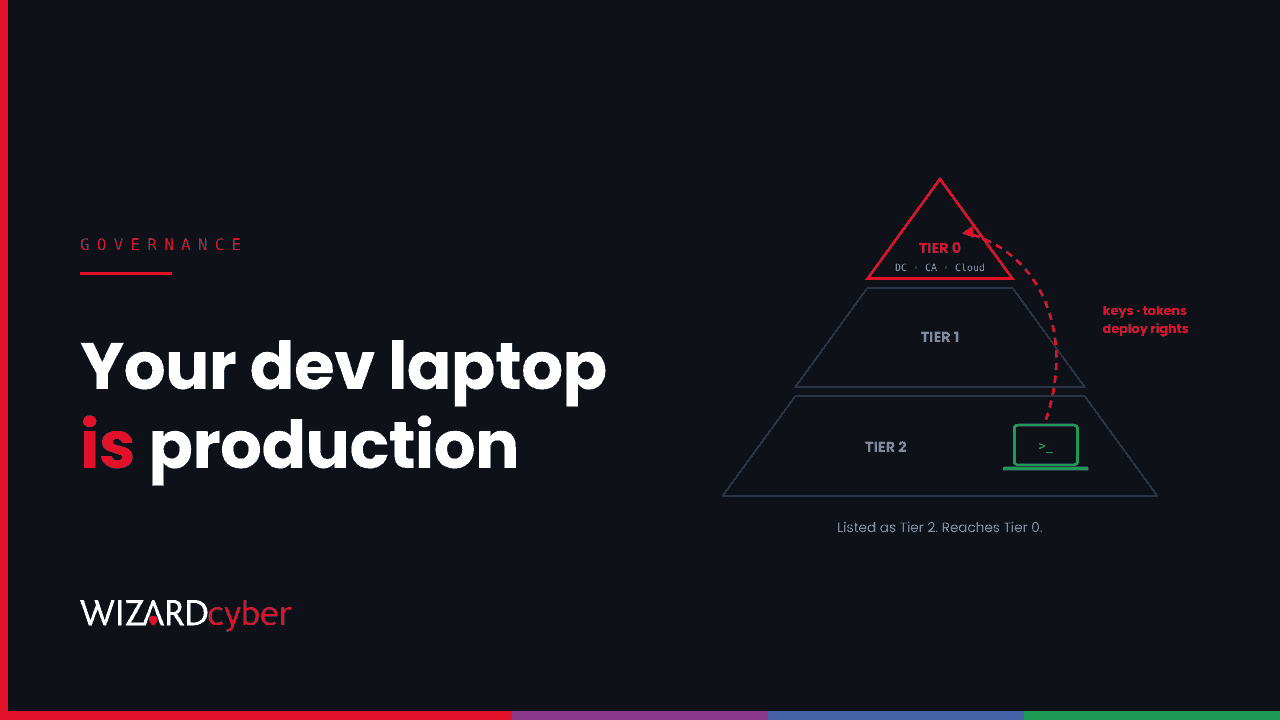
Most organisations know which machines are Tier 0: domain controllers, the certificate authority, the identity sync server, the admins' privileged access workstations. They are locked down, watched closely and kept apart. The developer's laptop is rarely on that list. Last week showed why it should be.
Two stories from one week
On 29 October, a fake version of a popular AI coding assistant was published to a code editor's extension marketplace and stayed up for about eleven hours. On every machine that loaded it, it tried to add an attacker's SSH key, open a reverse tunnel and set up persistence. Microsoft's analysis lists what it did; our threat research post has the hunts.
The same day, a major cryptocurrency exchange lost more than $6 billion in a theft the FBI has attributed to North Korea. The exchange's early investigation pointed to a compromised laptop belonging to a DevOps engineer. It has since found other breach points, so the full path is not yet known. Even so, a single engineer's device was the first lead.
The two events are not connected. They make the same point.
Why the developer laptop is a crown jewel
Look at what sits on a typical developer or DevOps machine:
- signed-in sessions to source control, often with rights to merge into main;
- cloud CLI sessions with tokens that can create, change or delete production resources;
- SSH keys to servers and deployment keys to pipelines;
- package publishing tokens, so one stolen token can poison every customer who installs your software;
- local copies of secrets in
.envfiles, shell history and config folders; - an AI coding assistant that can read all of the above and run commands.
An attacker who controls that machine does not need to break into production. Production already trusts the machine.
At the same time, developer machines are usually the least controlled endpoints in the business. Developers need local admin rights, install new tools weekly, run code from the internet as a matter of routine, and are often exempt from the application control everyone else lives with. Many organisations govern browser extensions carefully and have no policy at all for code editor extensions.
What Tier 0 treatment looks like for developers
Developers cannot work on a locked-down admin workstation, and they should not have to. But several Tier 0 principles carry across without slowing anyone down.
1. Know what is installed
Inventory the editors and extensions in use, not just the operating system and Office. If you cannot answer "who had version 2.1.313 of that extension on 29 October?" in an hour, start there.
2. Approve publishers, and wait a few days
Allow extensions from approved publishers only, and where the editor supports it, use an installation cooldown so new releases are not picked up in their first hours. Last week's fake release was pulled the same day it appeared, so even a short delay would have kept it off most machines.
3. Separate everyday work from production access
The browser that reads email should not hold a standing production session. Use just-in-time elevation for cloud roles, short-lived tokens, and a separate profile, virtual desktop or device for production changes. Then a compromised laptop is a serious incident, not a production breach.
4. Get secrets off the disk
Move keys and tokens into a vault and have tools fetch them at run time. Our guide to secrets management covers how. A loader that lists environment variable names, as last week's did, finds far less on a machine where secrets are not stored locally.
5. Watch developer machines like admin machines
Onboard every developer device to your EDR, including macOS and Linux, and treat certain events as high priority on them: a new key in authorized_keys, an SSH server switched on, a reverse tunnel, a new scheduled task or LaunchAgent, or a cloud token used from an unusual location.
The conversation to have
None of this works if it is imposed on engineering teams. The conversation that does work starts with what they already know: their laptop can deploy to production. Ask them which controls they would accept in exchange for keeping local admin and their own tool choices. An extension allow-list and a vault are a fair trade for keeping the freedom to install a new tool when they need it.
Then write it into your access model. If a device can change production, it belongs in Tier 0, whatever it looks like.
How we help
Our Microsoft security consultants can review how your developer endpoints, identities and cloud roles are set up, and where a single laptop could reach production. Our penetration testers can show you that path from an attacker's point of view. On the managed service, our SOCs are staffed 24/7 and investigate alerts from developer machines with the same urgency as alerts from admin ones.
If you want to know what one of your developer laptops could reach, talk to our team.