

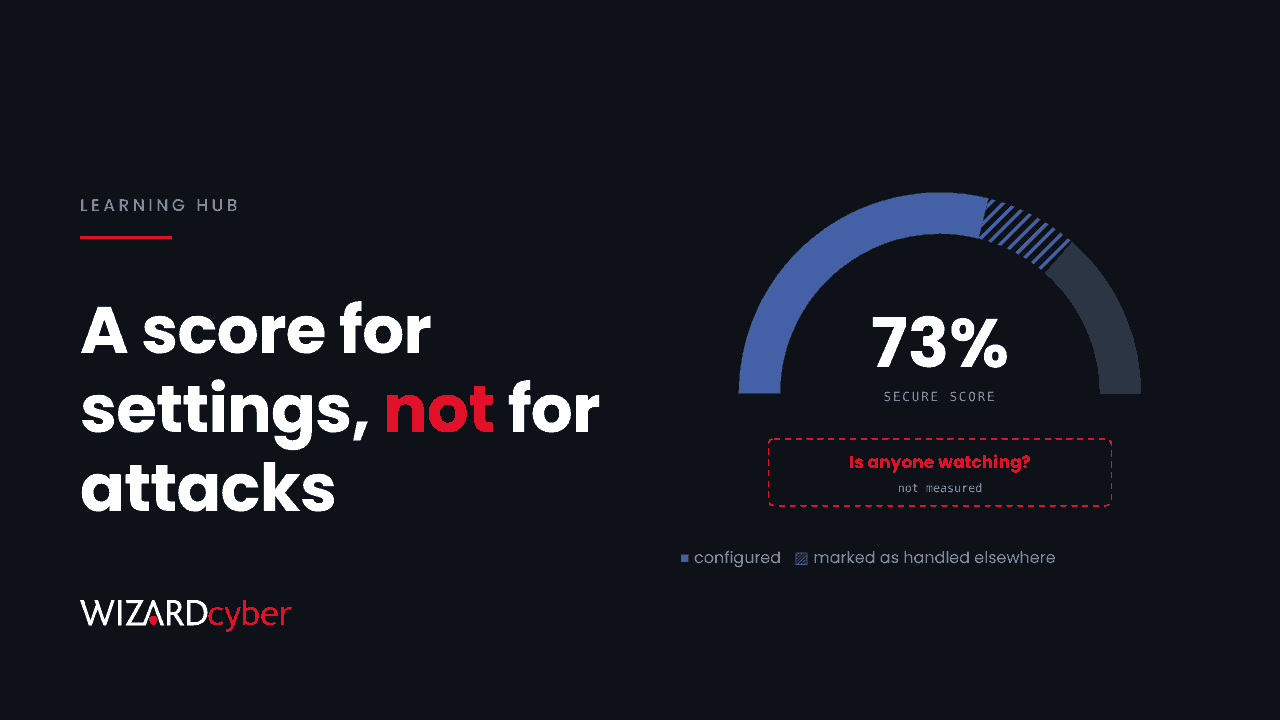
Microsoft Secure Score is a measurement of an organisation's security configuration across Microsoft 365, Entra ID, Defender and some connected apps, expressed as a percentage. It is calculated from a list of recommended actions, each worth up to 10 points. You earn points by putting each one in place, and the score shows how many of the available points you have. It is a useful map of what to configure next. It is not a measure of whether you are under attack, or whether anyone would notice.
This guide explains how the score is calculated, what it covers and misses, how to raise it without breaking things, and how to use it alongside other checks.
How Microsoft Secure Score is calculated
According to Microsoft's documentation, each recommended action is worth 10 points or fewer. Most are scored as all or nothing: the setting is either in place or it is not. Some award partial points according to how much of the estate is covered. Microsoft's example is an MFA action worth 10 points: protect 50 of 100 users and you get 5.
Your score is the points you have achieved divided by the points available, shown as a percentage. The available points depend on what you are licensed for, so two organisations with the same configuration but different licences can show different scores.
You earn points in three ways:
- Configuring a recommended security feature.
- Completing a security-related task, such as reviewing a report regularly.
- Marking an action as addressed by a non-Microsoft product or an alternate mitigation.
The score updates as you make changes, and Microsoft syncs system data daily. Some products refresh on a slower cycle, so a change may take a while to show.
What Secure Score covers
Recommendations are grouped into identity, devices, apps and data. They come from Entra ID, Exchange Online, SharePoint Online, Teams, Defender for Endpoint, Defender for Identity, Defender for Office 365, Defender for Cloud Apps, Purview Information Protection and app governance. Some third-party SaaS apps are also covered.
Typical high-value actions include:
- Requiring MFA for administrative roles and for all users.
- Blocking legacy authentication.
- Enabling user and sign-in risk policies.
- Turning on Safe Links and Safe Attachments, and anti-phishing impersonation protection.
- Turning on Attack Surface Reduction rules and tamper protection.
- Restricting user consent to applications.
- Reducing the number of Global Administrators.
What Secure Score does not tell you
Microsoft itself says the recommendations "don't cover all the attack surfaces associated with each product, but they're a good baseline". In practice there are four gaps to keep in mind.
1. It measures settings, not activity
A high score means the controls are configured. It says nothing about whether an attacker is already in the tenant, whether alerts are being investigated, or how quickly someone would respond. An organisation can score 80% and still have a compromised mailbox nobody has looked at.
2. Some points rest on your word
When an action is marked as addressed by a third-party product or an alternate mitigation, Microsoft awards the points without checking the other control. That is the right design, because many organisations do use other tools. But it means part of the score reflects what someone recorded. Review these statuses at least once a year and confirm the other control still exists and is working.
3. Scope stops at Microsoft's view
Firewalls, VPNs, on-premises servers outside Defender's reach, backup systems and most supplier access sit outside the score. Several recent intrusions started on exactly these systems.
4. Points are not the same as risk
Every action is worth 10 points or fewer, but the actions do not carry equal risk. Blocking legacy authentication matters far more than many lower-impact settings, so use the score to find gaps and your own judgement to rank them.
How to raise your Secure Score safely
- Start with identity. MFA for every user, phishing-resistant MFA for administrators, legacy authentication blocked, and risk-based Conditional Access. These carry high points and stop the most common attacks.
- Use report-only mode. Run new Conditional Access policies in report-only mode for a week or two and read the results before you enforce them. Most outages blamed on security changes come from skipping this step.
- Roll out Attack Surface Reduction rules in audit mode first, then enforce them by device group once you have reviewed what they would have blocked.
- Fix the cheap ones in bulk. Many email and SharePoint actions have little user impact and can be done in an afternoon.
- Record genuine exceptions honestly. If a recommendation cannot be applied, record why, who agreed it and when it will be reviewed.
- Track the trend. Secure Score keeps history and lets you compare with similar organisations. Pick a target and report progress monthly.
Secure Score and other baselines
Secure Score is not the only free way to check a Microsoft 365 tenant. The US Cybersecurity and Infrastructure Security Agency publishes secure configuration baselines for Microsoft 365, with an open-source assessment tool, ScubaGear, which checks a tenant against them. It covers Entra ID, Exchange Online, Teams, SharePoint, Power BI and Power Platform, and reports gaps without changing any settings.
The two overlap but are not identical, and running both gives a useful second opinion. Neither tells you whether the tenant has already been compromised. For that you need log review, hunting or a compromise assessment.
Who can see and change Secure Score
Read access is available to roles such as Global Reader and Security Reader. Changing the status of actions needs a role such as Security Administrator, or a custom role in the Defender portal with Exposure Management permissions. Microsoft recommends using least-privilege custom roles rather than Global Administrator.
How Wizard Cyber helps
Our Microsoft security consultants review Secure Score and the wider tenant configuration, and agree a rollout plan that raises the score without disrupting users. On the managed service, our SOCs are staffed 24/7 and watch the activity that a configuration score cannot see. We have run Microsoft Sentinel since 2019 and are a Microsoft Solutions Partner.
Frequently asked questions
What is a good Microsoft Secure Score?
There is no universal pass mark, because the available points depend on your licences. Compare yourself with similar organisations in the portal, set a target, and focus first on the identity actions. A rising trend matters more than a single number.
How often does Secure Score update?
Changes show as they are made, and Microsoft syncs system data daily. Some recommendations, such as those for Teams and Entra ID, are refreshed less often, so allow time for a change to appear.
Is Secure Score free?
Yes. It is included in Microsoft 365 and available in the Microsoft Defender portal. The actions it recommends depend on your licences, and some need additional products.
Does a high Secure Score mean we are secure?
No. It means many recommended settings are in place. It does not show whether anyone is monitoring, whether alerts are being investigated, or whether an attacker is already present.
Why did our Secure Score drop when we changed nothing?
Microsoft adds new recommendations over time, and new licences can add available points. Either change lowers the percentage without anything getting worse. Check the history view to see which actions changed.
If you would like a review of your Secure Score and a practical plan to improve it, talk to our team.