

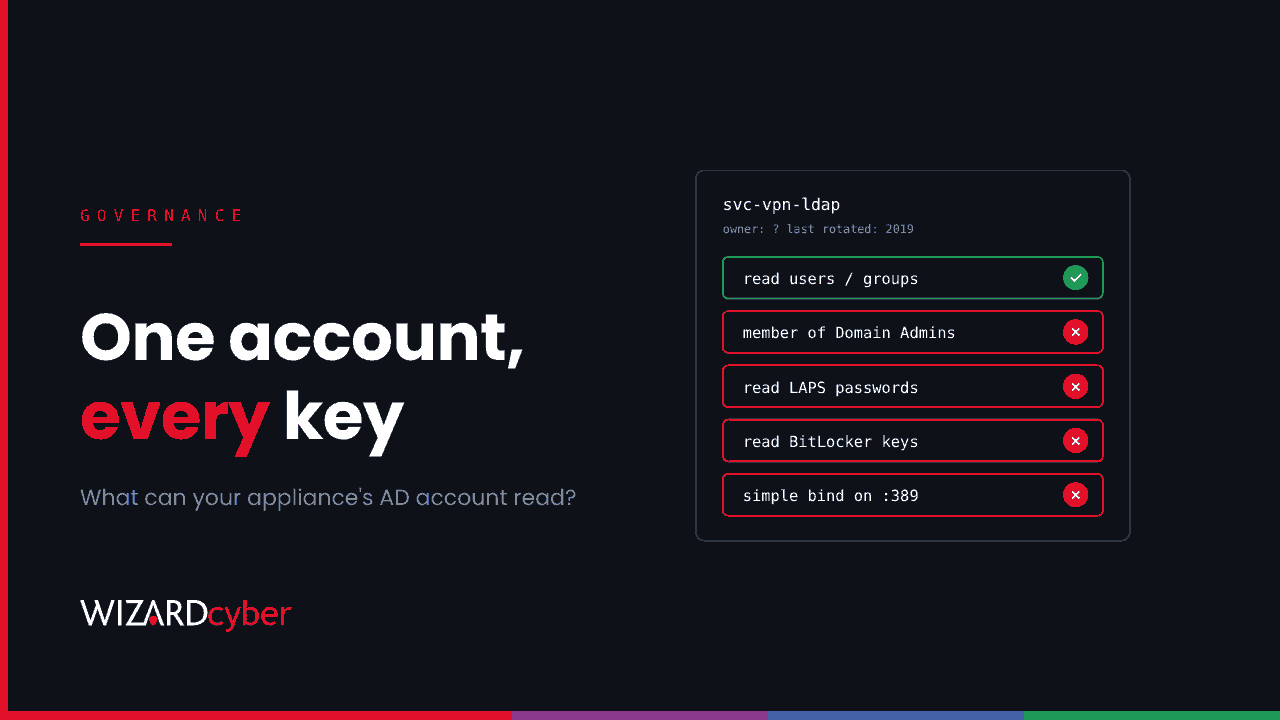
Your VPN, your printers, your backup software and probably a few scanners all hold an Active Directory account. Most were created by an installer or a supplier years ago, given whatever access made the error go away, and never looked at again. In the Ivanti Connect Secure intrusion, one of those accounts was all the attacker needed to start searching the directory for local admin passwords and BitLocker recovery keys.
What happened
Volexity's account of the attacks is specific. Once the attacker had root on the VPN appliance, they took its domain credentials and bound to a domain controller with them. A custom LDAP tool then searched for LAPS passwords, BitLocker recovery information and attributes holding passwords. Volexity doesn't say how much those queries returned. That depends on what the account was allowed to read, which is exactly the point. The same intrusion also ran a packet capture to collect credentials that crossed the appliance in clear text. We cover the full chain and the hunting queries in our threat research post.
The vulnerability was Ivanti's, and the next one will be someone else's. What decides the damage is the account behind it.
Why these accounts are over-privileged
An appliance that checks VPN users against AD needs to look up users and groups. That is all. In practice we regularly find these accounts:
- in Domain Admins or Account Operators, because "the install guide said so";
- holding delegated rights on whole OUs, granted to fix one sync error;
- able to read LAPS passwords because LAPS read rights were given to a broad group the account belongs to;
- binding over plain LDAP on port 389, so every user's password passes through in clear text;
- with a password that hasn't changed since the appliance was installed, and no named owner.
Nobody decided any of this. It built up, and nobody monitors these accounts because they "just work".
Treat integration accounts as part of the appliance's blast radius
Our position is simple. Any account stored on an internet-facing device should be treated as already exposed, because one day it will be. The question to ask isn't "is the appliance secure?" It's "what could someone do with this account tomorrow?" Then reduce that to as little as possible.
Six controls that make the difference
- Give every service account an owner and a purpose. Keep a register: which device uses it, what it needs, who approves changes and when it was last rotated. An account with no owner is the first one to remove or restrict.
- Scope it to what the integration needs. For user lookups that is read access to the user and group OUs it serves. Take it out of privileged groups, and remove any delegations it doesn't need. Defender for Identity's security assessments and a review of group membership will show you where to start.
- Check who can read your LAPS and BitLocker secrets. Run
Find-LapsADExtendedRightsagainst your computer OUs and review the permissions on BitLocker recovery objects. Only the groups that genuinely need these secrets should have them, and service accounts almost never do. Our guide to privileged access management covers the wider principle. - Stop clear-text binds. Configure appliances to use LDAPS or signed LDAP, and turn on LDAP signing and channel binding on your domain controllers once you've checked event 2889 for clients that will break. Our What Is LDAP? explainer covers the settings.
- Rotate on a schedule and after every edge incident. Use long, random passwords, and rotate whenever the appliance has an emergency patch for an exploited flaw, not only when someone remembers. Use group managed service accounts where the product supports them. Most appliances don't, which is why rotation discipline matters.
- Baseline and monitor its behaviour. An appliance account does the same few things every day. Alert when it queries LAPS or BitLocker attributes, requests Kerberos tickets for unusual services, signs in interactively or starts failing across many accounts at once.
The same applies beyond the VPN
The same thinking applies to the scan-to-email account on your printers, the account your backup software uses, the HR system's provisioning connector and any app registration with directory permissions in Entra ID. We made a similar point about AI gateways and dormant accounts. The accounts nobody looks at are the ones that last longest after a compromise.
How we help
Our identity threat detection and response service watches what identities do across Active Directory and Entra ID, including the service accounts behind your edge devices, and our SOCs are staffed 24/7. Our Microsoft security consultants can review delegations, LAPS and BitLocker read rights and LDAP signing with you, and draw up a plan to fix what they find.
If you're not sure what your appliance accounts can reach, talk to our team.