
On 20 October 2026, with an update on 23 October, SOCRadar's threat research unit published an analysis of an intrusion operation run by affiliates of INC Ransomware and The Gentlemen. A command-and-control server left open to the internet exposed the operators' AI session databases, a shared knowledge base, attack tooling and credentials leading to six more servers they controlled. SOCRadar went through 8,257 messages across 133 AI sessions.
The AI part is getting the headlines. For defenders, the more useful part is that the operators' own records show what they did inside victim networks, step by step. Almost all of it is detectable in a Microsoft estate. This post turns that record into hunts for Microsoft Defender XDR and Sentinel.
What the exposed server showed
- 62 named organisations, 36 of them in the US. SOCRadar puts 14 at domain-level compromise and four at the encryption or extortion stage. Another 28 had a foothold and 12 had only been scanned.
- Mid-market targets. Of the 35 targets SOCRadar could classify, 27 had revenue of $250M or less. Industrial, manufacturing and energy firms made up the largest share, followed by healthcare and pharmaceuticals.
- 46 INC encryptor builds staged for deployment on 1 October.
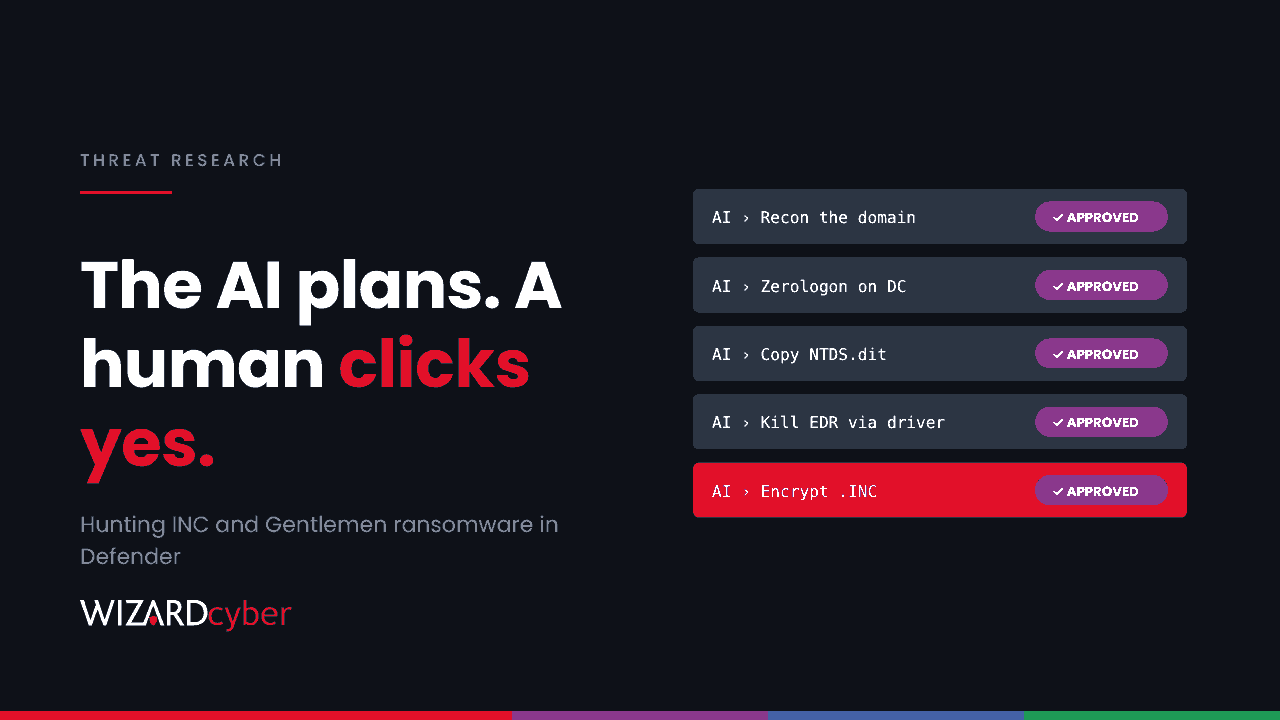
- AI as the planner, a human as the approver. The operators drove commercial AI models through a coding-agent interface wired to their attack tools. The AI planned reconnaissance, chose techniques, wrote commands, sorted stolen data and drafted reports. Every step needed an operator's approval. When a model refused, they reworded the request as an authorised red-team engagement.
The AI didn't give the operators new techniques. It let a small team run more intrusions at once. That gives defenders less time, but the techniques themselves are well documented.
How they got in
- Remote access and edge products, including FortiClient EMS (CVE-2026-35616), SimpleHelp (CVE-2024-57727) and cPanel/WHM (CVE-2026-41940).
- Stolen MSP technician credentials for remote management platforms, which reached several client environments at once.
- Reused and brute-forced passwords against VPN, RDP, SSH and Outlook on the web. In one case a single reused password unlocked the VPN, servers, the remote management platform, backups and security tools.
- Phishing with Word documents that pull a remote macro-enabled template (.dotm), and HTML smuggling.
What they did inside
- Domain controllers: Zerologon (CVE-2020-1472) worked against two DCs. Other attempts, including noPac and PrintNightmare, failed or were not exploitable.
- Credentials: NTDS.dit copied from volume shadow copies, DCSync output for one victim, Kerberoasting, browser credentials from infostealers and a fake lock screen that captured a password.
- Discovery and movement: LDAP and BloodHound collection, NetExec admin checks over SMB, and RDP switched on through the Remote Registry service.
- Persistence: a scheduled task named
RealtekAudioSvcand backdoor admin accounts in the remote access product. - Defence impairment: a security-tool killer that abuses a vulnerable signed driver (bring your own vulnerable driver), and shadow copy deletion through a direct driver call instead of
vssadmin. - Impact: exfiltration with restic or Rclone to object storage, then encryption that renames files to
.INC, dropsINC-README.txtand disguises itself with Windows Update and Realtek names.
Hunting in Microsoft Defender XDR and Sentinel
These queries are starting points to tune, not finished detections. Baseline against your own admin activity before you alert on them. The Sentinel queries assume Windows Security events from domain controllers are being collected.
1. Word fetching a remote template
DeviceFileEvents
| where Timestamp > ago(14d)
| where InitiatingProcessFileName in~ ("winword.exe", "excel.exe")
| where FileName endswith ".dotm" or FileName endswith ".dotx"
| where FolderPath has "INetCache" or FolderPath has "Temporary Internet Files"
| project Timestamp, DeviceName, InitiatingProcessAccountName, FileName, FolderPath, FileOriginUrl
2. Office or a browser launching download tools
DeviceProcessEvents
| where Timestamp > ago(14d)
| where InitiatingProcessFileName in~ ("winword.exe", "excel.exe", "outlook.exe", "msedge.exe", "chrome.exe")
| where FileName in~ ("curl.exe", "certutil.exe", "bitsadmin.exe")
| project Timestamp, DeviceName, AccountName, InitiatingProcessFileName, ProcessCommandLine
3. The disguised scheduled task
DeviceEvents
| where Timestamp > ago(30d)
| where ActionType in ("ScheduledTaskCreated", "ScheduledTaskUpdated")
| extend TaskName = tostring(parse_json(AdditionalFields).TaskName)
| where TaskName has "Realtek"
| project Timestamp, DeviceName, InitiatingProcessAccountName, TaskName, AdditionalFields
Genuine audio drivers install services, not tasks created by a user session. Widen the filter to other hardware vendor names if you see this one.
4. Zerologon: a DC's password reset by an anonymous logon
SecurityEvent
| where TimeGenerated > ago(30d)
| where EventID == 4742
| where SubjectUserName =~ "ANONYMOUS LOGON" and TargetUserName endswith "$"
| project TimeGenerated, Computer, TargetUserName, SubjectUserName
Defender for Identity also has a dedicated Netlogon privilege elevation alert. Check that the August 2020 and February 2021 Netlogon updates are in place on every DC, and that nothing sits on the Netlogon vulnerable-connection allow-list without a documented reason.
5. NTDS.dit read from a shadow copy
DeviceProcessEvents
| where Timestamp > ago(30d)
| where ProcessCommandLine has "HarddiskVolumeShadowCopy" and ProcessCommandLine has_any ("ntds", @"config\SYSTEM")
    or (FileName =~ "ntdsutil.exe" and ProcessCommandLine has_any ("ifm", "create full"))
| project Timestamp, DeviceName, AccountName, FileName, ProcessCommandLine, InitiatingProcessFileName
Also look for ntds.dit appearing in DeviceFileEvents anywhere outside C:\Windows\NTDS. Our explainer on double extortion ransomware covers why this file is the prize.
6. A vulnerable driver loaded, then security tools stop
DeviceEvents
| where Timestamp > ago(30d)
| where ActionType == "DriverLoad"
| where FileName in~ ("zam64.sys", "zamguard64.sys")   // driver family named in the report; extend with your own list
| project Timestamp, DeviceName, FileName, FolderPath, SHA256, InitiatingProcessFileName
Microsoft's vulnerable driver blocklist covers many abused drivers. Make sure it's enforced, and that tamper protection is on in Defender for Endpoint.
7. RDP switched on remotely
DeviceRegistryEvents
| where Timestamp > ago(14d)
| where RegistryKey has @"Control\Terminal Server" and RegistryValueName == "fDenyTSConnections"
| where RegistryValueData == "0"
| project Timestamp, DeviceName, InitiatingProcessFileName, InitiatingProcessCommandLine, InitiatingProcessAccountName
A change made by svchost.exe hosting the Remote Registry service, shortly after that service starts, is the pattern in the report.
8. The last warning: ransom notes and renamed files
DeviceFileEvents
| where Timestamp > ago(1d)
| where FileName =~ "INC-README.txt" or FileName endswith ".INC"
| summarize Files = count(), First = min(Timestamp) by DeviceName, InitiatingProcessFileName, InitiatingProcessAccountName
| order by First asc
If this fires, isolate first and investigate second.
What to do now
- Patch and restrict remote access products: FortiClient EMS, SimpleHelp and anything else that gives remote control of endpoints. Put MFA and source IP restrictions on every remote management and VPN login.
- Ask your MSP how its technician accounts are protected. One stolen technician login reached several client estates. That makes it your risk too, whoever holds the account. Our explainer on RMM tools has the questions to ask.
- Kill password reuse across tiers. Backup, security and remote management consoles need their own credentials, not domain accounts that also work on the VPN.
- Harden AD: confirm Netlogon enforcement, deploy LAPS and gMSAs, tier admin accounts and retire any remaining Windows Server 2008 R2 domain controllers.
- Protect recovery with at least one immutable or offline backup that the domain can't reach.
How a managed SOC helps
An AI-assisted crew moves faster between steps, so the gap between a remote template download and a domain controller compromise gets shorter. The response has to be just as quick and just as joined-up: the same identity, host and timeline seen as one incident, not eight unrelated alerts.
That's how our SOCs work. They're staffed 24/7, and CYBERSHIELD AI investigates each incident as it arrives through a multi-stage pipeline, with an average time to verdict of 3 minutes 30 seconds. Whether a case closes or escalates is decided by policy and your own decision templates, not by the model, and a senior analyst signs off by default on the managed service. If you're already dealing with an intrusion, our incident response team can help.
To see it on your estate, talk to us or book a demo.