

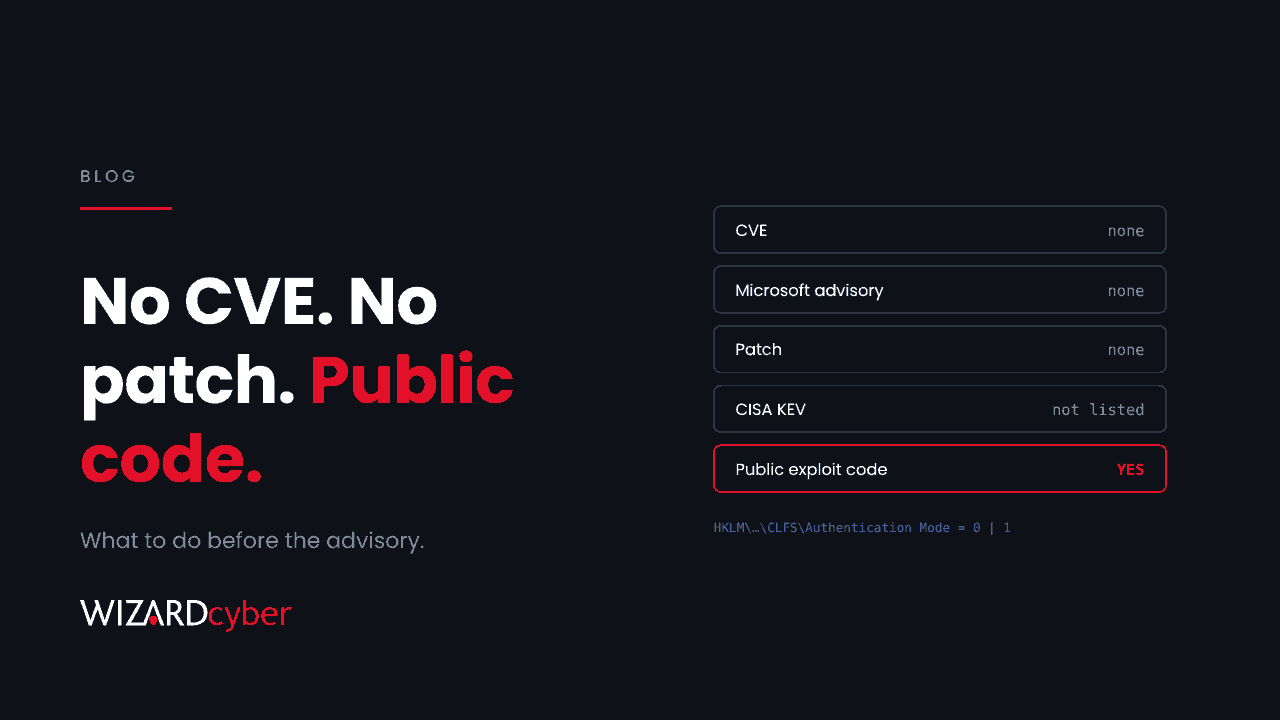
On the same day as November's Patch Tuesday, a researcher published working code that claims to turn a standard Windows user into SYSTEM. It's called SignDrop. There is no CVE, no Microsoft advisory and no fix, and nobody has reported it being used in attacks. Most patch processes have nothing to say about a flaw like this, because they start from an advisory. Your SOC still has work to do.
What's been published
According to The Hacker News, SignDrop abuses a hardening feature Microsoft added to the Common Log File System (CLFS) driver in late 2025. That feature, CLFS logfile authentication, adds an authentication code to CLFS log files and keeps it in a companion .cnpf file next to each log. The researcher says that when a privileged process opens a log a standard user has prepared, the creation of that companion file can be redirected somewhere else, and the resulting SYSTEM-created file ends up writable by the user. In the published proof of concept, the privileged process is the Microsoft Defender antimalware service.
The details that matter for prioritising it:
- Local only. An attacker already needs code running as a user on the machine. It's a second step after phishing, an infostealer or stolen credentials, not a way in.
- Newer builds. It was tested on Windows 11 26H2 and Windows Server 2025 builds where CLFS authentication is enforced or in learning mode. The mitigation applies to Windows 11 25H2 and 26H1 and Windows Server 2025.
- Not yet reliable. One independent tester reproduced it but said it doesn't run reliably enough for operational use. The researcher's own write-up on GitHub is, so far, a single line.
- No CVE, no fix, not in CISA's KEV catalogue. Microsoft hasn't confirmed the flaw.
The temptation to wait
A flaw like this falls into a gap in most programmes. The patch team has nothing to deploy. The vulnerability scanner has no CVE to match. The risk register wants a CVSS score. So the sensible-sounding decision is to wait for Microsoft. We think that's the wrong decision, for three reasons.
First, the code is public. Public local privilege escalation code tends to end up in attackers' kits, unreliable or not, and reliability improves when other people start working on it. The same researcher's earlier Defender flaws were exploited in attacks once they became public.
Second, "no CVE" isn't "no exposure". You can check today which machines are in scope, because the setting lives in one registry key: HKLM\SYSTEM\CurrentControlSet\Services\CLFS\Authentication, value Mode. According to the reporting, systems with Mode 0 (enforced) or 1 (learning) are in the claimed scope, and Mode 2 (disabled by an administrator) takes them out of it.
Third, waiting assumes the advisory will be the first sign. For a local privilege escalation, the first sign is more likely to be the attack itself.
What we'd do this week
- Measure exposure. Use your device management tool or a Defender for Endpoint query to list devices on the affected builds and their CLFS authentication Mode. That turns "maybe" into a number.
- Don't switch the mitigation off on a hunch. Turning CLFS authentication off (Mode 2) may take a machine out of SignDrop's scope, but it also removes protection Microsoft added for a reason: CLFS has been a favourite target for privilege escalation for years. Make that call only with Microsoft's guidance in hand, and for servers where the risk justifies it.
- Watch the behaviour. A privilege escalation ends in the same place however it gets there: a process running as SYSTEM whose parent chain leads back to an ordinary user's session. That's detectable without knowing the bug. Unusual child processes of the Defender service, and
.cnpffiles appearing outside the usual log locations, are worth a hunt now. - Close the first step. Local privilege escalation needs local code execution. Application control, removing local admin rights and phishing-resistant MFA all make the second step harder to reach.
- Set a trigger. Decide now what changes your stance: a Microsoft advisory, a CVE, a KEV entry or a report of use in an attack. Then you don't have to start the conversation again.
A process that starts before the advisory
We wrote in October that exploitability, not volume, should drive patching. SignDrop is the other end of that argument: something exploitable with nothing to patch. Vulnerability management needs a lane for these, owned by someone who reads the security news, checks exposure, and hands the SOC something specific to watch for. It doesn't take long, but it does need to be someone's job.
If you'd like the background, our explainers on zero-day attacks and privilege escalation cover the concepts, and What Is CVSS? explains why a score isn't the whole story.
How we help
Wizard Cyber's SOCs are staffed 24/7, and our vulnerability and patch management service tracks issues like this from the first public report, not just the first advisory. When something lands with no patch, we tell you which machines are in scope and what we're watching for while you wait.
Want a second opinion on what's exposed in your estate right now? Talk to our team.