
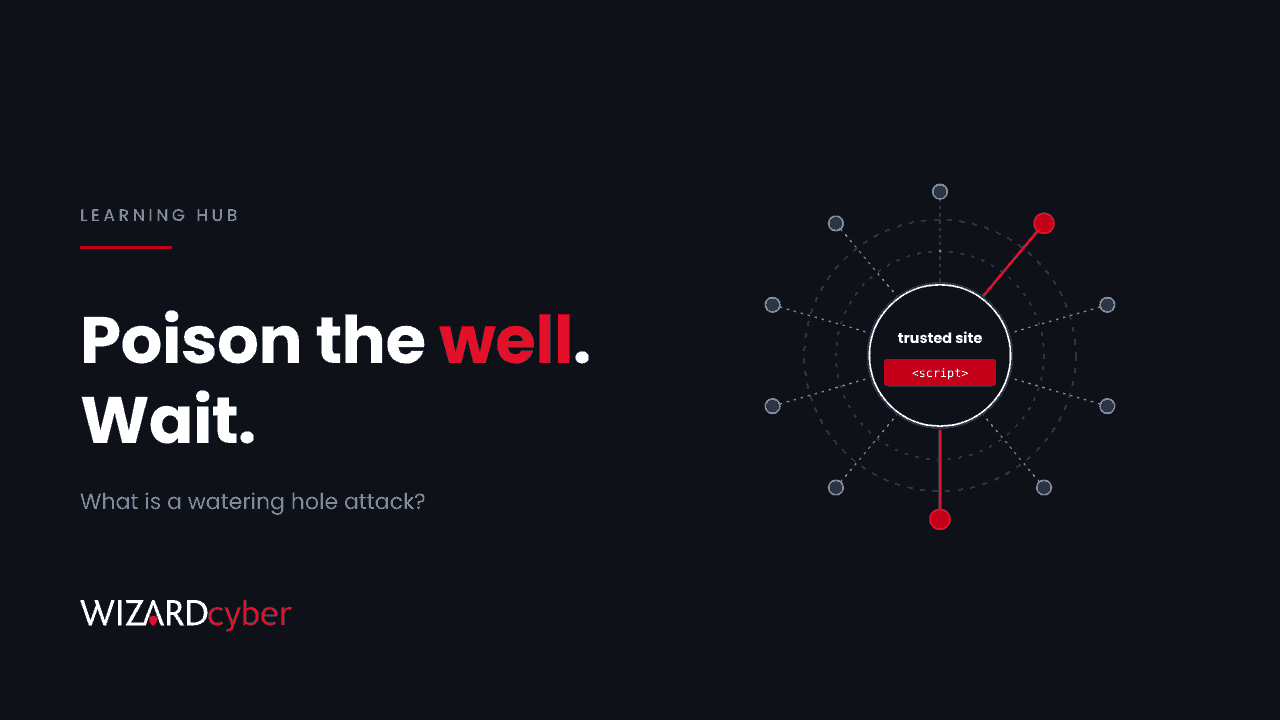
A watering hole attack is when an attacker compromises a website that their targets already visit, and uses it to attack those visitors. Instead of sending phishing emails to a company, they poison a site its people trust, such as an industry news site, a supplier portal or a local government page, and wait for the targets to come to it. The name comes from predators that wait at a watering hole rather than chasing prey.
The attack works because it uses trust you already have. Nobody thinks twice about opening a site they read every week. This guide explains how watering hole attacks work, recent examples, and how to defend against them in a Microsoft environment.
How a watering hole attack works
- Pick the targets. The attacker decides who they want, such as staff in a sector, a region or an organisation.
- Find the watering hole. They work out which websites those people use. Trade bodies, sector news, software download pages and supplier portals are common choices.
- Compromise the site. They break into the site through an unpatched content management system, a stolen admin password or a vulnerable plugin, and inject malicious code. Sometimes they compromise something the site loads, such as an analytics or advertising script, instead of the site itself.
- Filter the visitors. The injected code checks each visitor's IP address, browser, operating system or device, and only attacks the ones that match. Everyone else, including security researchers, sees a normal page.
- Attack. Matching visitors are served an exploit for their browser or operating system, a fake software update, or a fake sign-in page.
Filtering is what makes watering holes hard to spot. A compromised site can serve malicious code to a handful of visitors a day for months.
Common variations
- Exploit delivery. The page exploits a flaw in the visitor's browser or phone to steal data or install malware, sometimes with no click at all.
- Fake updates and downloads. The page tells the visitor their browser or a plugin needs updating and offers a malicious installer.
- Credential harvesting. The page shows a convincing sign-in prompt for Microsoft 365 or another service.
- Lookalike sites. Instead of compromising the real site, the attacker registers a similar domain and draws visitors to it with links or ads. Strictly this is impersonation, but it's often used alongside true watering holes.
- Supply chain watering holes. The attacker compromises a script or service used by many websites, so every site that loads it becomes a watering hole at once. It's a form of supply chain attack.
Real examples
APT29 against phones, October 2026
Sekoia reported in November 2026 on a campaign it attributes to APT29 (Midnight Blizzard) that combined all three delivery methods: compromised legitimate sites, lookalike domains, and a compromised analytics script that served malicious code to visitors of every site using it for about a week. Visitors were fingerprinted, and iPhones and Android phones running older software received exploits that stole cookies, saved logins and Wi-Fi passwords. Every flaw used had already been patched. Our threat research post has detection queries.
iPhone exploit chains, 2019
In 2019, Google's Project Zero described a small set of compromised websites that had served iPhone exploit chains to visitors for at least two years. Visiting the site was enough to be compromised.
A financial regulator's website, 2017
In 2017, the website of Poland's financial regulator was compromised and used to serve malware to selected visitors, aimed largely at banks. It's a classic sector watering hole: a site every target had a reason to visit.
Why watering holes are hard to defend against
- Allow-lists don't help. The site is legitimate and often already trusted by your web filter.
- The attack is selective. Testing the site from a lab may show nothing.
- Phones are exposed. Staff browse trade and news sites on phones that may have no endpoint protection and an outdated OS.
- The evidence is thin. Browser exploits may leave no file behind, and some don't persist after a reboot.
How to defend against watering hole attacks
Keep browsers and phones current
Most watering hole exploits use known flaws. Keep browsers updating automatically, and in Intune set a minimum OS version for iOS and Android and require compliant devices for Microsoft 365. It removes most of the exploit option. See our post on why phones are the slowest-patched endpoints.
Use web protection that checks reputation and content
Turn on Microsoft Defender SmartScreen and network protection on Windows, which can block known-malicious domains even when they're loaded by a trusted page. Web content filtering and DNS filtering add another layer.
Reduce what a successful attack can take
- Use phishing-resistant MFA, so a harvested password isn't enough.
- Limit browser session lifetime on unmanaged devices, so a stolen cookie expires sooner.
- Remove local admin rights, so a fake update can't install with full privileges.
Watch for the signs
Collect DNS, proxy and endpoint network logs in your SIEM, and check them against threat intelligence when a campaign is published. Watch Entra ID for sessions used from unexpected locations, which is often the first sign a cookie was stolen.
Don't become someone else's watering hole
Patch your own website's platform and plugins, protect its admin accounts with MFA, and keep an inventory of the third-party scripts it loads. A web application firewall and regular testing of your public sites help too.
How to investigate a suspected watering hole
- Identify the site and the time window, from threat intelligence or from an alert.
- Search DNS, proxy and endpoint logs for visits to the site and to any delivery domains during that window.
- Map those visits to devices and users, including phones on your Wi-Fi or VPN.
- For each user, review sign-ins and Microsoft 365 activity after the visit.
- Revoke sessions and reset credentials for anyone with signs of misuse, and update their devices.
Frequently asked questions
What is the difference between a watering hole attack and phishing?
Phishing sends the lure to the target, usually by email or message. A watering hole waits for the target to visit a site they already trust. The two are sometimes combined, with an email linking to a compromised site.
Who uses watering hole attacks?
They're most associated with state-backed groups targeting a sector or region, because they need research and patience. Criminal groups use similar techniques at scale through malicious ads and fake update pages.
Can a watering hole attack work without a click?
Yes. If the visitor's browser or phone has an unpatched flaw, simply loading the page can be enough. That is why keeping devices updated matters so much.
How do I know if a website I use has been compromised?
Usually you won't, because the malicious code only targets some visitors. Rely on threat intelligence, web protection that blocks known-bad domains, and monitoring of your own logs.
Does a web filter stop watering hole attacks?
Partly. It can block the attacker's delivery and data-theft domains once they're known, but it usually allows the compromised site itself, because the site is legitimate.
How Wizard Cyber helps
Our SOCs, staffed 24/7, investigate web and identity alerts together in Microsoft Sentinel, so a visit to a poisoned site is followed through to any sessions it affected. Our vulnerability and patch management service helps close the gaps watering hole exploits rely on, and our offensive security team can test your own public websites so they don't become someone else's watering hole.
If you'd like to talk through your exposure, book a demo or talk to our team.