
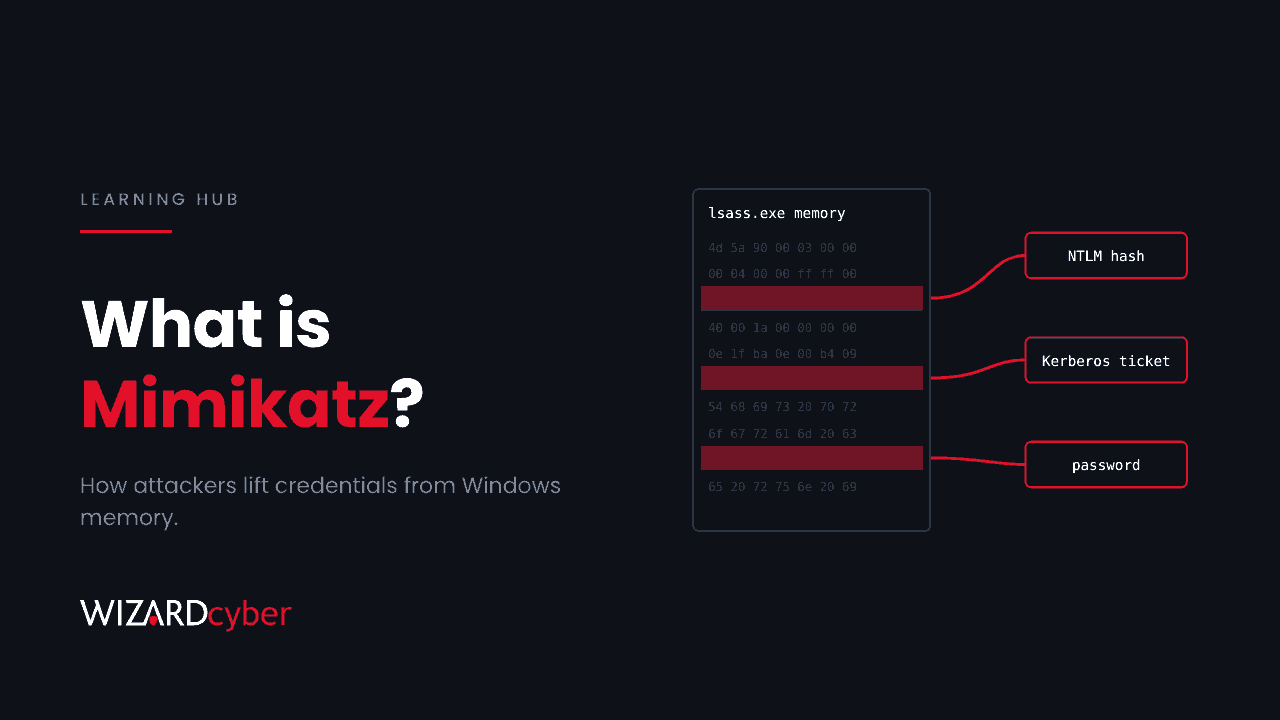
Mimikatz is a free, open-source tool that extracts passwords, password hashes and Kerberos tickets from Windows. It reads them out of the memory of the Local Security Authority Subsystem Service (LSASS), from the registry and from Active Directory itself. It was written as a research tool to show weaknesses in how Windows handles credentials. Today it, or code copied from it, turns up in almost every serious Windows intrusion, because once an attacker has administrator rights on one machine, Mimikatz is how they get the credentials to move to the next.
This guide explains what Mimikatz does, why it still works, how to detect it in Microsoft Defender and Sentinel, and which Windows settings make it far less useful.
Where Mimikatz came from
French researcher Benjamin Delpy began writing Mimikatz around 2007 to explore Windows authentication, and released it publicly in 2011 after Microsoft didn't treat the weaknesses it showed as urgent. It quickly became a standard tool for penetration testers and, at the same time, for criminals and state-backed groups. Its techniques have since been copied into many other attack frameworks, so blocking the one file called mimikatz.exe achieves very little.
What Mimikatz does
Mimikatz is organised into modules. The ones that matter most to defenders are these.
Dumping credentials from memory
When someone signs in to Windows, LSASS keeps their credential material in memory so they aren't asked again for every network resource. With administrator or SYSTEM rights, Mimikatz's sekurlsa::logonpasswords command reads that memory and shows NTLM hashes, Kerberos keys and, on older or misconfigured systems, plain-text passwords. Every account that has signed in to the machine since it last restarted can be exposed, including the help desk or domain admin who logged on to fix something.
Pass-the-hash
An NTLM hash can be used to sign in as if it were the password. Mimikatz's sekurlsa::pth starts a process with someone else's hash, so the attacker never needs to crack it. Our explainer on NTLM explains why this works.
Pass-the-ticket and forged tickets
Mimikatz can export Kerberos tickets from memory and reuse them on another machine. With the hash of the domain's krbtgt account, it can forge a "golden ticket" that grants any access the attacker wants for as long as that hash stays the same.
DCSync
lsadump::dcsync pretends to be a domain controller and asks a real one to replicate password data. With the right permissions, an attacker can pull the hash of any account, including krbtgt, without ever touching the domain controller's disk.
Reading the registry
Mimikatz can also read local account hashes and cached domain credentials from the SAM, SECURITY and SYSTEM registry hives, often from copies saved with reg save and taken off the machine.
How attackers use it in a real intrusion
A typical pattern looks like this. The attacker gets in through a phished user, an exposed remote access service or an unpatched appliance. They gain local administrator rights. Then they dump credentials and look for an account that works somewhere more valuable. They repeat until they hold a domain admin account, and from there they deploy ransomware or steal data.
In a recent 3AM ransomware intrusion at a UK school estate, the attacker downloaded Mimikatz, renamed it to look like a Sysinternals tool, saved the SECURITY and SYSTEM hives and tried to dump LSASS memory with a built-in Windows DLL. Within days they had created two new domain administrators. That sequence, credential dumping followed quickly by privileged account changes, is one of the most reliable warning signs in Windows security.
Why it still works
Microsoft has added strong defences since 2011, but many of them are optional, off by default on older systems, or undone by everyday habits:
- Privileged accounts sign in to ordinary machines. Every time a domain admin logs on to a workstation or a server to fix something, their credentials are left in that machine's memory.
- Local administrator rights are common. Mimikatz needs admin rights. In many estates, users or shared local admin passwords provide them.
- Protections aren't switched on. Credential Guard and LSA protection stop the most common techniques, but older builds and legacy software often mean they're disabled.
- NTLM is still in use. As long as NTLM hashes are accepted, pass-the-hash remains possible.
How to detect Mimikatz
Microsoft Defender for Endpoint detects known Mimikatz builds and many credential-theft behaviours, and Defender for Identity raises alerts for DCSync, pass-the-hash and forged Kerberos tickets. Attackers rename and modify the tool, so look for the behaviour as well as the file. These queries are starting points to tune for your environment.
1. Mimikatz commands on the command line
DeviceProcessEvents
| where Timestamp > ago(30d)
| where ProcessCommandLine has_any ("sekurlsa::", "lsadump::", "kerberos::golden", "kerberos::ptt",
                                    "privilege::debug", "crypto::capi", "dpapi::")
| project Timestamp, DeviceName, AccountName, FileName, ProcessCommandLine, InitiatingProcessFileName
2. LSASS dumps with built-in tools
DeviceProcessEvents
| where Timestamp > ago(30d)
| where (ProcessCommandLine has "comsvcs" and ProcessCommandLine has "MiniDump")
   or (FileName in~ ("procdump.exe", "procdump64.exe") and ProcessCommandLine has "lsass")
   or (FileName =~ "reg.exe" and ProcessCommandLine has "save"
       and ProcessCommandLine has_any (@"\SAM", @"\SECURITY"))
| project Timestamp, DeviceName, AccountName, ProcessCommandLine
3. DCSync from something that isn't a domain controller
SecurityEvent
| where TimeGenerated > ago(30d)
| where EventID == 4662
| where Properties has_any ("1131f6aa-9c07-11d1-f79f-00c04fc2dcd2", "1131f6ad-9c07-11d1-f79f-00c04fc2dcd2")
| where SubjectUserName !endswith "$"
| project TimeGenerated, Computer, SubjectUserName, SubjectDomainName, Properties
The two GUIDs are the directory replication rights. Replication requests from a user account rather than a domain controller's computer account need investigating. This needs directory service access auditing on your domain controllers, and Defender for Identity alerts on the same behaviour if you run it.
How to stop Mimikatz working
- Turn on Credential Guard. It uses virtualisation-based security to isolate credential secrets from LSASS, so Mimikatz can't read them even with SYSTEM rights. Microsoft now enables it by default on many new Windows 11 Enterprise devices that meet the hardware requirements, but check rather than assume.
- Turn on LSA protection. Running LSASS as a protected process blocks most tools from opening its memory.
- Enable the ASR rule "Block credential stealing from the Windows local security authority subsystem" in Defender for Endpoint.
- Keep privileged accounts off ordinary machines. Use separate admin accounts, admin tiering and privileged access workstations. Our guide to privileged access management covers just-in-time access.
- Use the Protected Users group for admins. It stops their credentials being cached in ways Mimikatz can use, and blocks NTLM for them.
- Use Windows LAPS so each machine has a unique local admin password, and remove local admin rights from users.
- Make sure WDigest is off so plain-text passwords aren't kept in memory, and reduce NTLM use where you can.
- Restrict replication rights to domain controllers, and check who else holds them.
Frequently asked questions
Is Mimikatz malware?
It's a dual-use tool. Penetration testers use it with permission to show credential weaknesses, and attackers use it to steal credentials. Microsoft Defender treats it as malicious and blocks known builds, and you should treat its presence on any machine outside an authorised test as an incident.
Does antivirus stop Mimikatz?
It stops known builds, but attackers rename, recompile and repack the tool, or run its code in memory through other frameworks. Behaviour-based detection and the hardening above are what make the difference.
Does Mimikatz need administrator rights?
For most of its credential-dumping functions, yes: it needs local administrator or SYSTEM rights, or the debug privilege. DCSync needs directory replication rights rather than local admin. That's why limiting admin rights is such an effective defence.
Does MFA stop Mimikatz?
Not directly. Mimikatz steals hashes and tickets that Windows uses after sign-in, so MFA at the initial sign-in doesn't prevent their reuse on the internal network. Phishing-resistant MFA does make the first step into the network harder.
What should I do if I find Mimikatz on a machine?
Isolate the machine, then assume every account that signed in to it since its last restart is compromised. Reset those passwords, check for new privileged accounts and group changes, and if a domain admin was exposed, plan a double reset of the krbtgt account. Bring in incident response if you aren't sure how far the attacker got.
How Wizard Cyber helps
Our SOCs, staffed 24/7, investigate credential theft alerts in Microsoft Defender and Sentinel alongside the directory changes that usually follow, so a dumped credential is caught before it becomes a new domain admin. Our offensive security team uses the same techniques, with permission, to show which of your accounts and machines would give an attacker the most.
If you'd like to know how exposed your privileged accounts are, book a demo or talk to our team.