
Threat Research
Detections our analysts wrote and threats they pulled apart — published as we find them, not to a content calendar.
 Threat Research
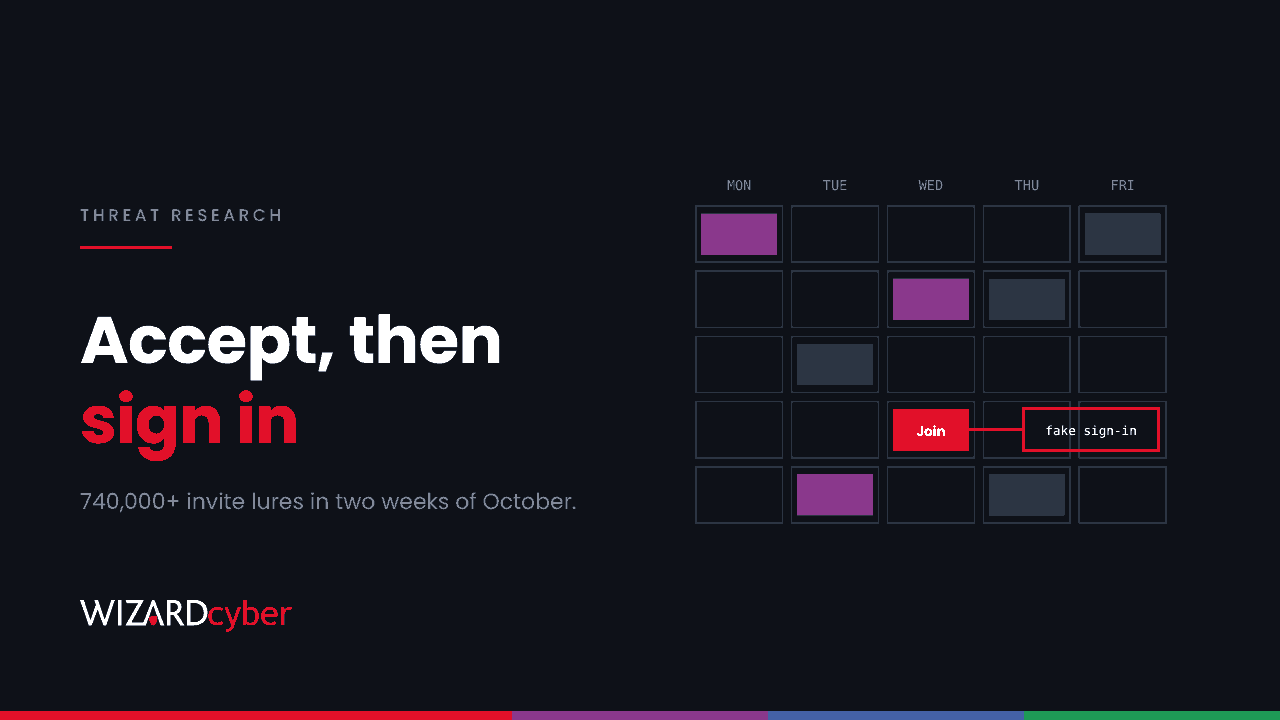
Accept, Then Sign In: Hunting The Calendar-Invite Phishing Surge In Microsoft 365
Fake meeting invites hit 740,000+ in two weeks of October, aimed at Microsoft 365 logins. Why they get through, and how to hunt them in Defender.
 Threat Research
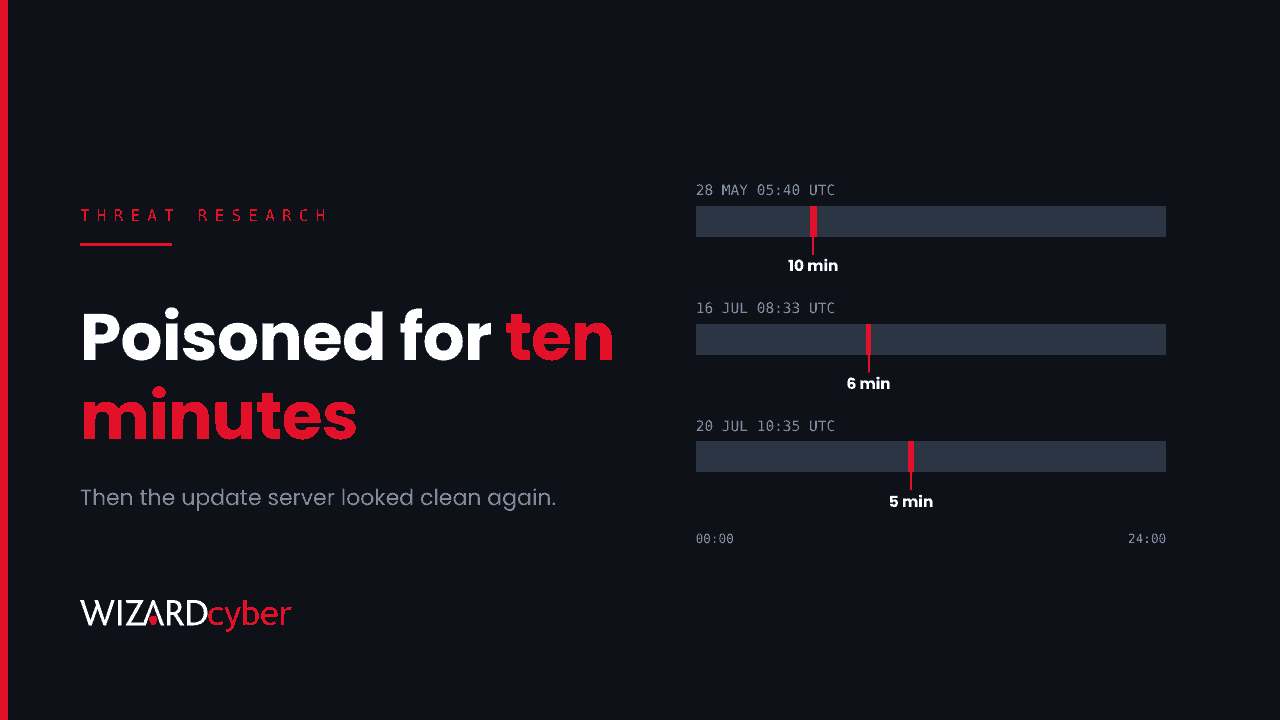
Ten Minutes On The Update Server: Hunting A Hijacked Software Updater On Windows Endpoints
An attacker hijacked a Windows tool's updates for minutes at a time, then cleaned up. How to hunt the backdoor it left on endpoints with Defender KQL.
 Threat Research
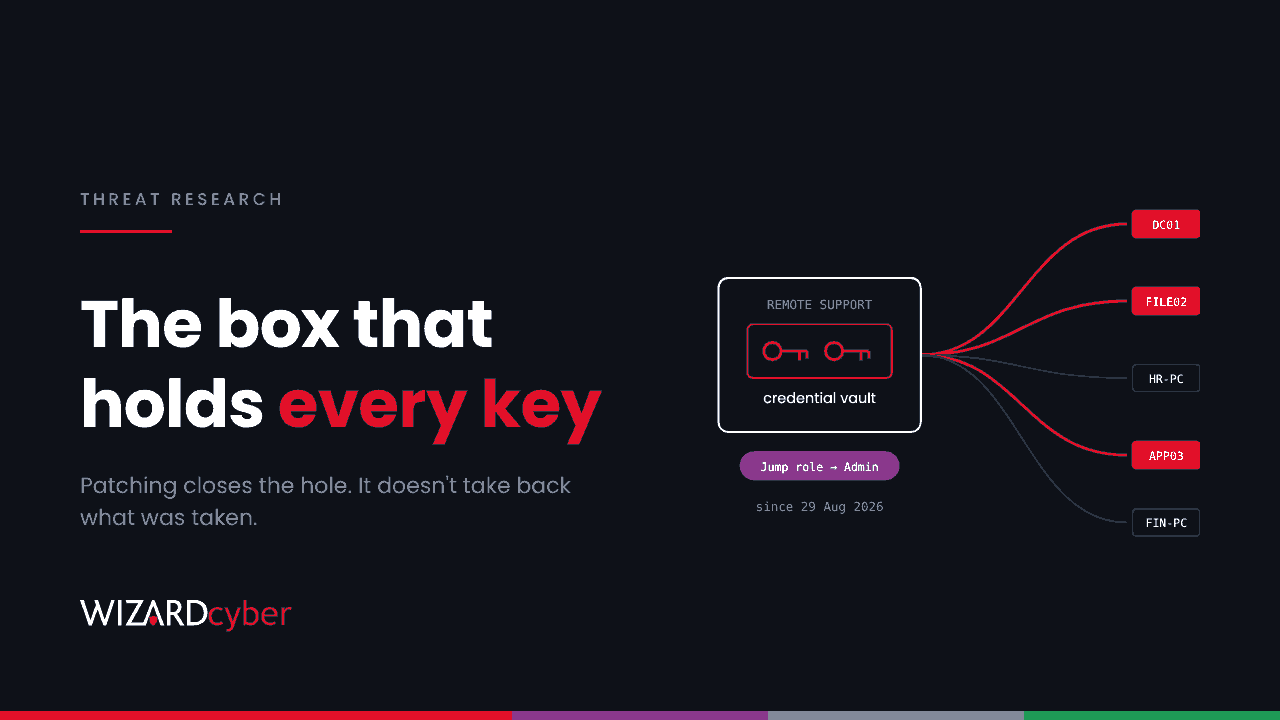
The Box That Holds Every Key: Hunting Downstream From A Compromised Remote Support Appliance
A remote support zero-day was exploited from August. Patching won't undo it. What to rotate, in what order, and how to hunt downstream in Defender.
 Threat Research
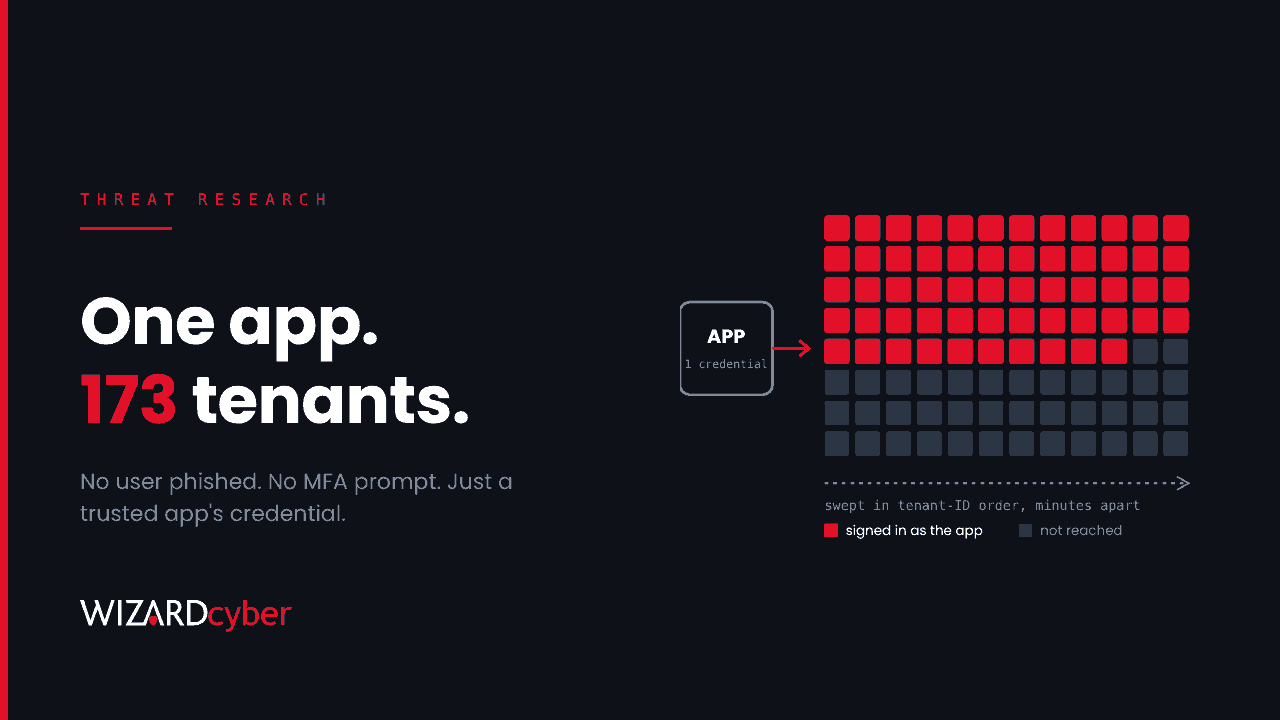
One Trusted App, 173 Tenants: Hunting A Compromised Third-Party App In Entra ID
A backup app's identity was used to sign in to 173 Microsoft 365 tenants. Why session revocation won't help, and how to hunt it in Entra and Sentinel.
 Threat Research
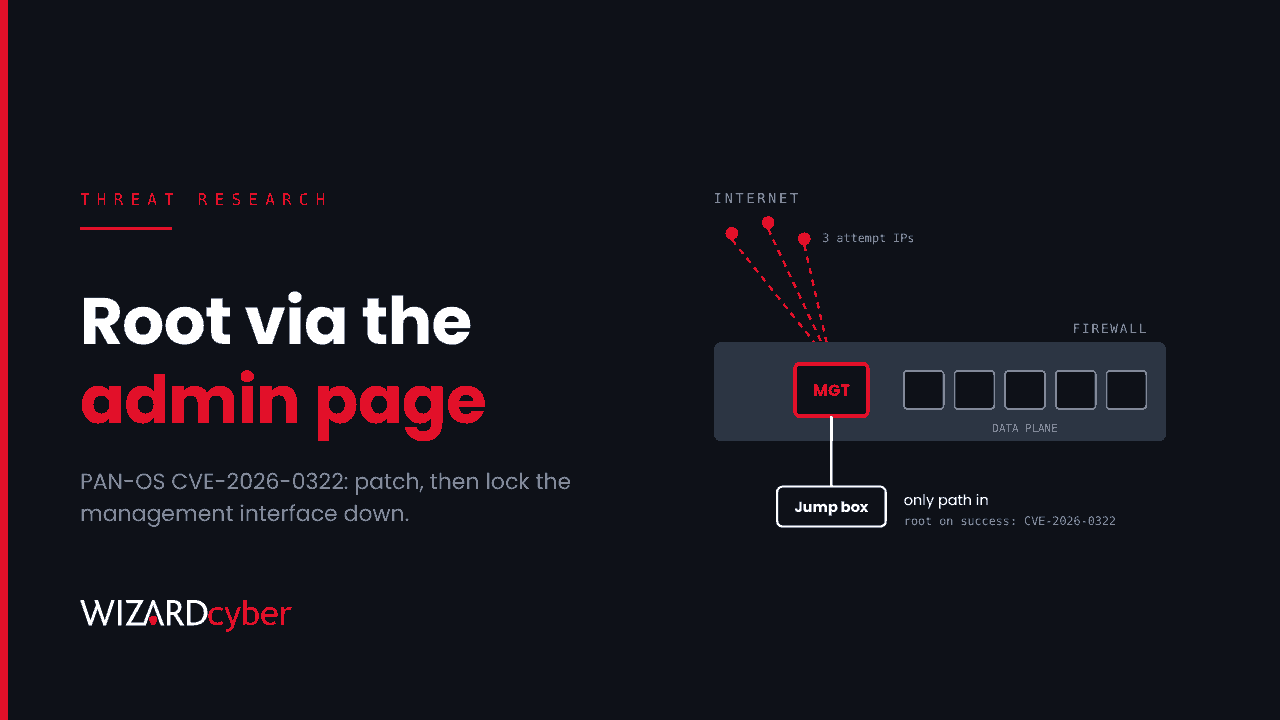
The Firewall's Admin Page Is The Target: Hunting PAN-OS CVE-2026-0322
A PAN-OS zero-day gives root via the management interface to anyone with an admin login. Fixed versions, what to rotate and KQL to hunt it.
 Threat Research
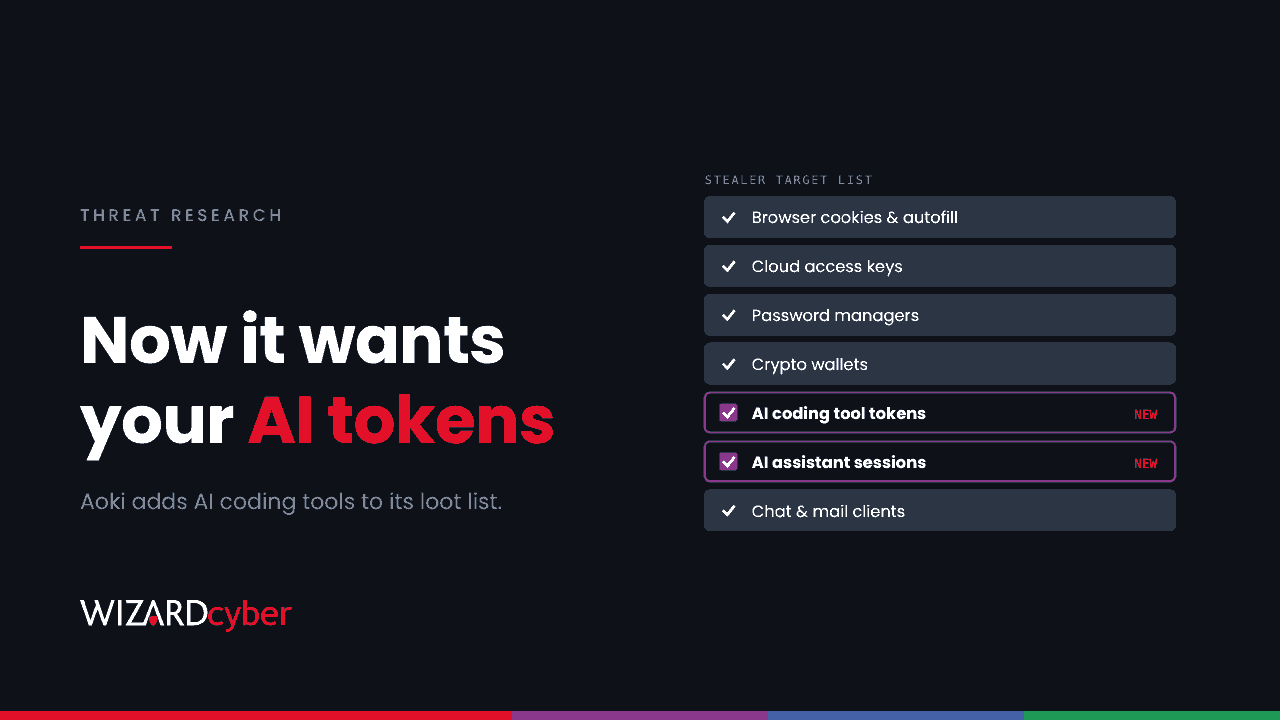
Infostealers Have Found Your Developers' AI Tools: Hunting Aoki On Windows Endpoints
A new Aoki build steals AI coding tool tokens alongside cookies and cloud keys. What it takes, how to hunt it in Defender and what to rotate.
 Threat Research
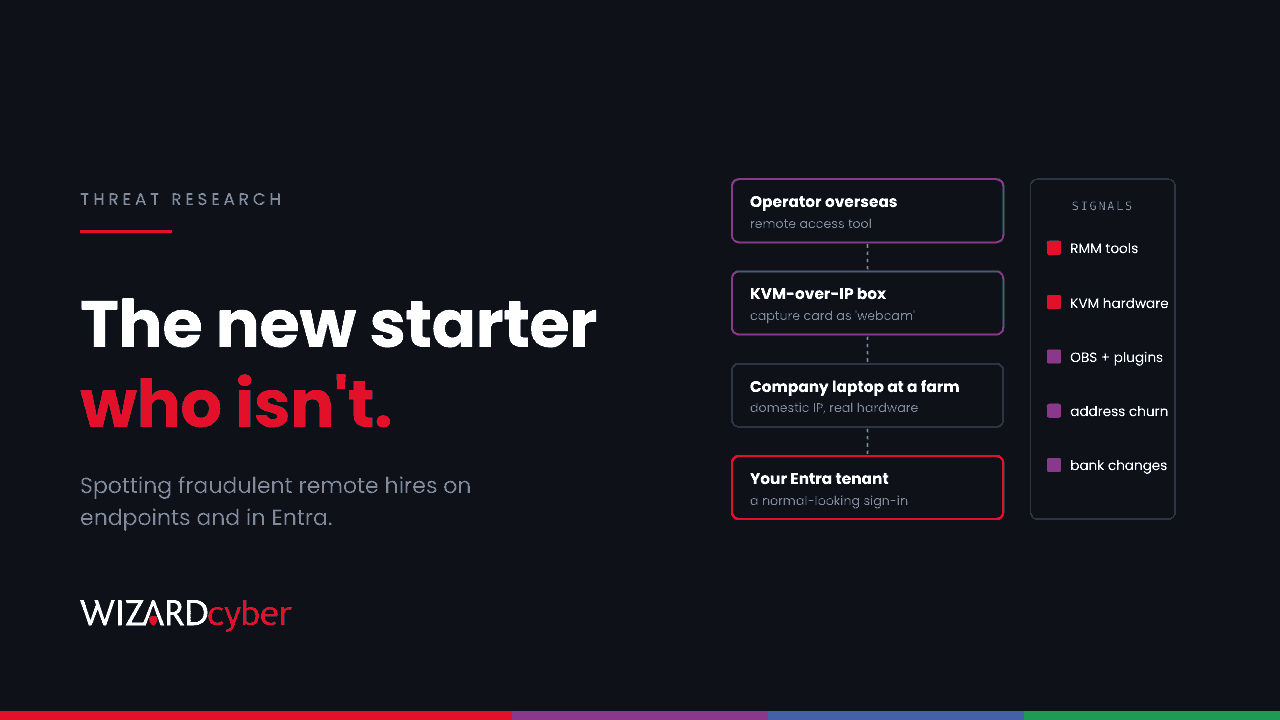
The New Starter Who Isn't: Spotting North Korean IT Workers On Your Endpoints And In Entra
The FBI says North Korean IT workers are widening their facilitator networks. The signals a SOC can see on endpoints and in Entra, with hunting queries.
 Threat Research
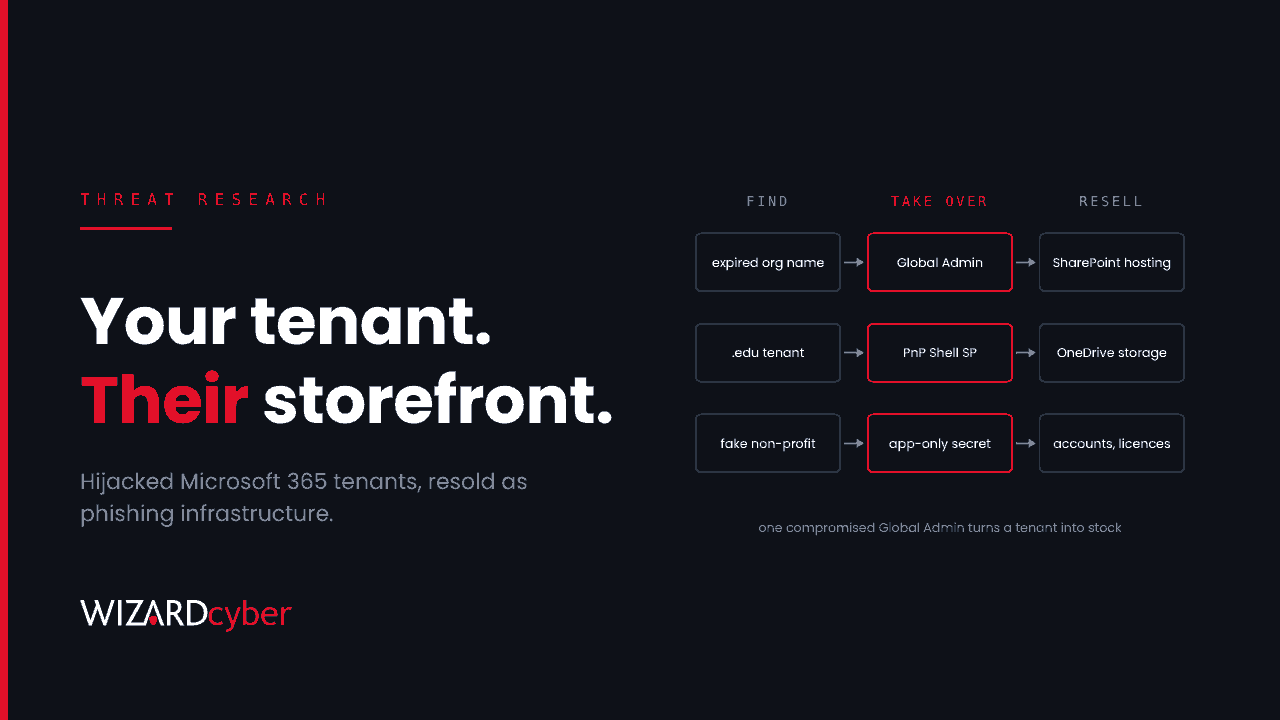
Your Tenant, Their Storefront: Hunting The Phishing Crew That Resells Microsoft 365 Tenants
Microsoft has disrupted a phishing operation that hijacked Microsoft 365 tenants and sold them as hosting. How the takeover works and how to hunt for it.
 Threat Research
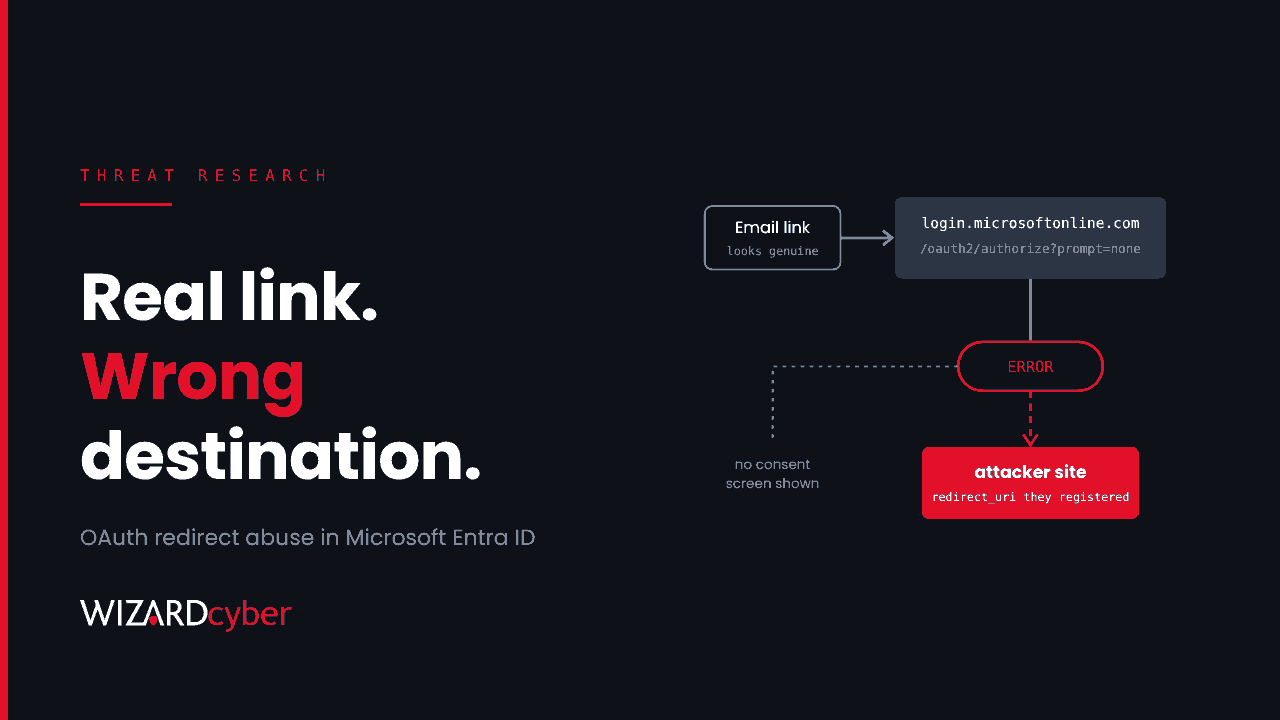
Real Microsoft Links, Hostile Destinations: Hunting OAuth Redirect Abuse In Entra ID
Phishing that starts on a genuine login.microsoftonline.com link and ends on an attacker's site. How the redirect trick works and how to hunt it.
 Threat Research
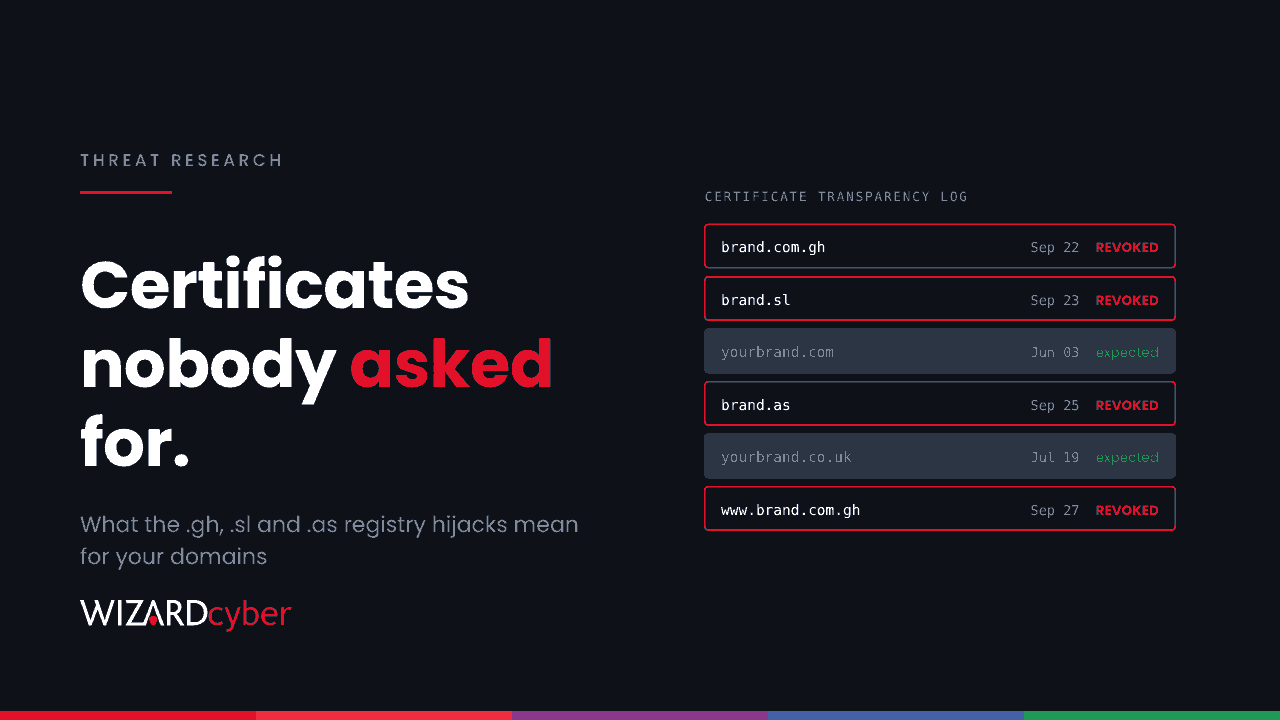
Rogue Certificates For Real Brands: What The ccTLD Registry Hijacks Mean For Your Domains
Attackers hijacked the .gh, .sl and .as registries and got trusted certificates for big brands. CAA, CT monitoring and the DNS risk behind it.
 Threat Research
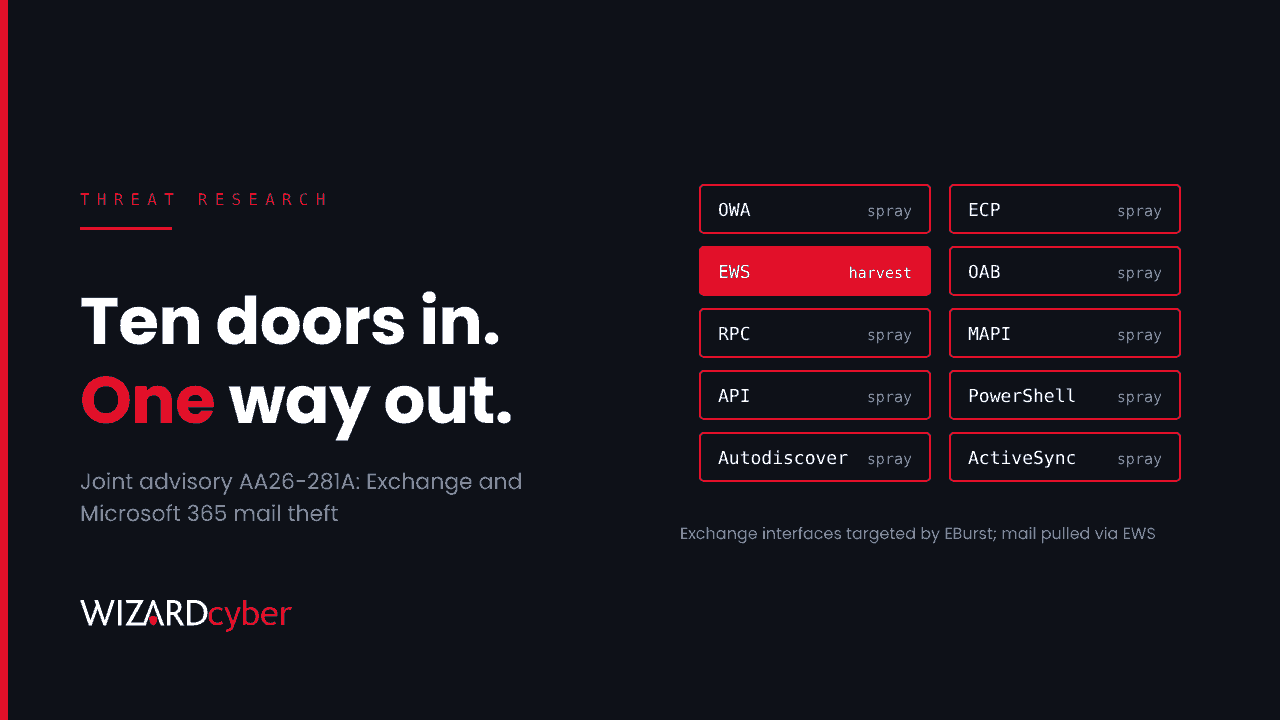
Seven Agencies, One Mailbox-Theft Playbook: Hunting AA26-281A In Microsoft 365
A joint advisory co-sealed by NCSC-UK shows password spraying across ten Exchange interfaces, then mail theft via EWS and app secrets. How to hunt it.
 Threat Research
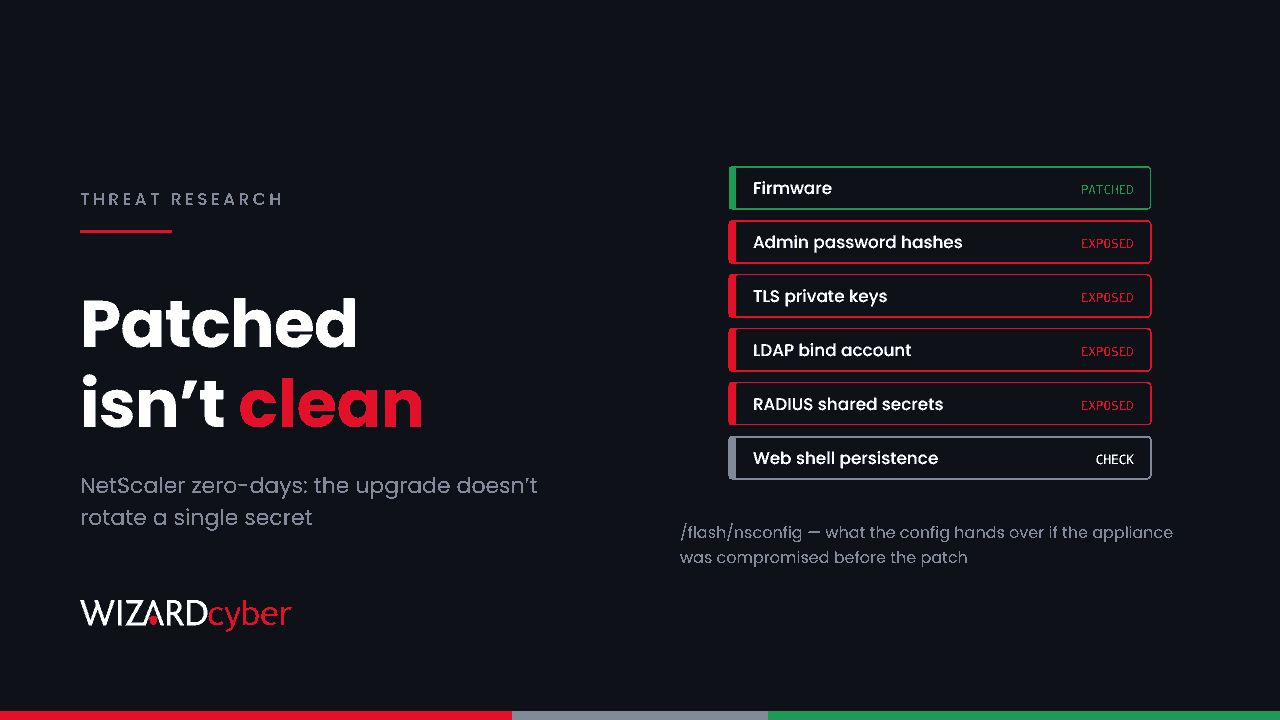
NetScaler Zero-Days: Why Patching Isn't Enough After Config Theft
Three NetScaler zero-days, exploited before disclosure. The upgrade closes the hole but rotates no secrets. What to rotate and how to hunt downstream.
 Threat Research
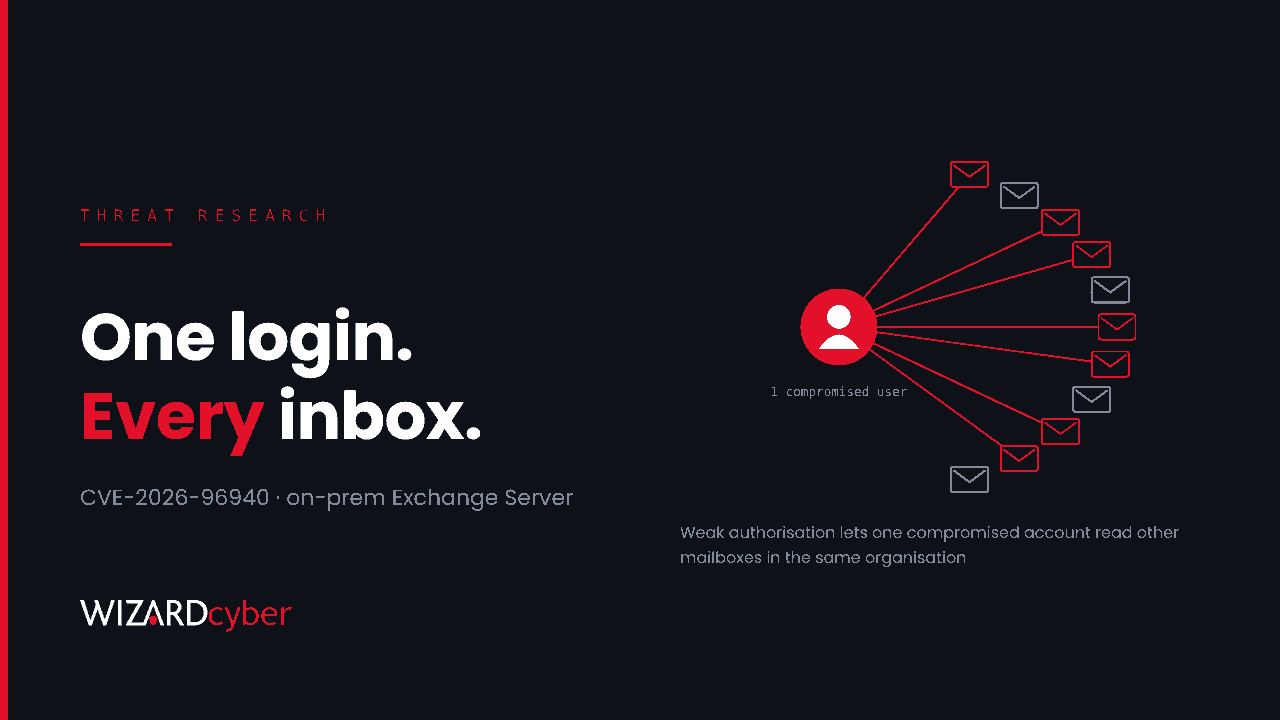
Exchange Server CVE-2026-96940: Patch The Mailbox-Read Flaw Before It's Weaponised
An out-of-band fix for on-prem Exchange closes a flaw that lets one compromised user read other mailboxes. Who must act, and how to hunt for it.
 Threat Research
Microsoft Digital Defense Report 2026: Reading It Against Your Own Detections
Microsoft's 2026 report names the techniques. The harder question is whether your own detections would see any of them. How to read it as a work list.
 Threat Research
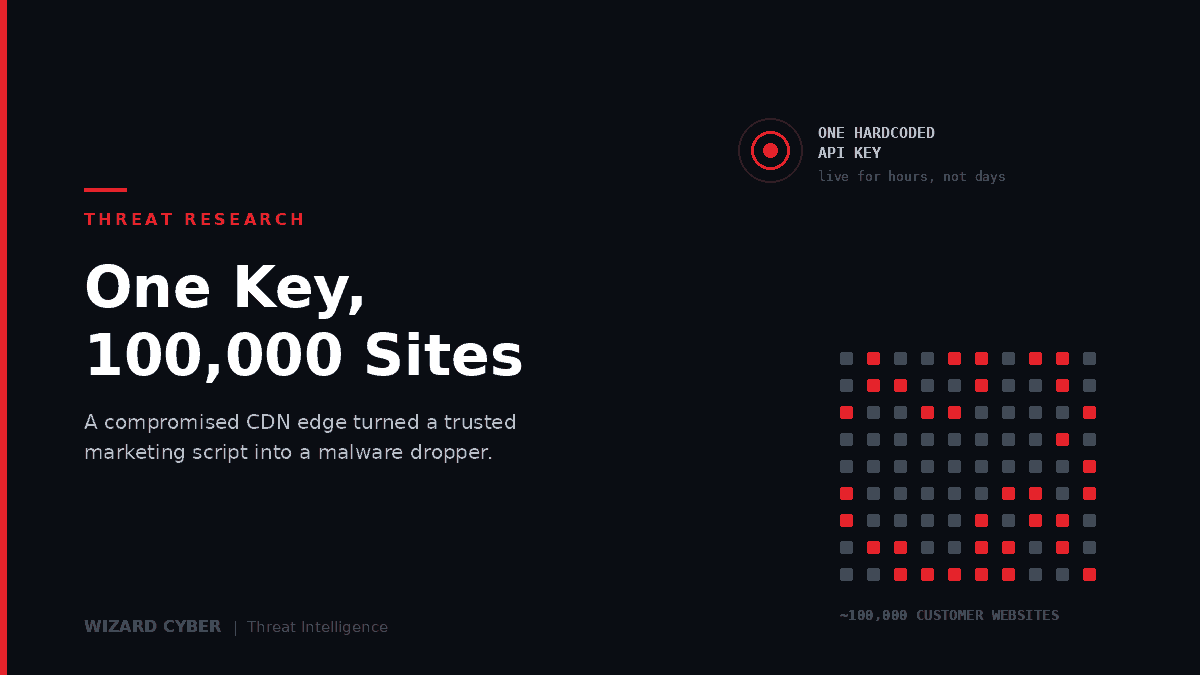
Brevo Supply Chain Attack: One API Key, 100,000 Websites
A hardcoded Cloudflare API key let attackers rewrite Brevo's scripts at the edge, pushing ClickFix and a hidden WordPress backdoor to around 100,000 sites.
 Threat Research
Plugin4Shell: A Zero-Click RCE In Four AI Coding Agents
Four AI coding agents checked out a pinned commit without verifying it landed. A branch named like the hash delivers malicious code, and the pin still looks intact.
 Threat Research
Interlock Ransomware: TTPs and Detection Guide
Interlock uses hybrid RSA-AES encryption, symlink abuse and log clearing. Its TTPs, and the KQL to detect them in Defender XDR.
 Threat Research
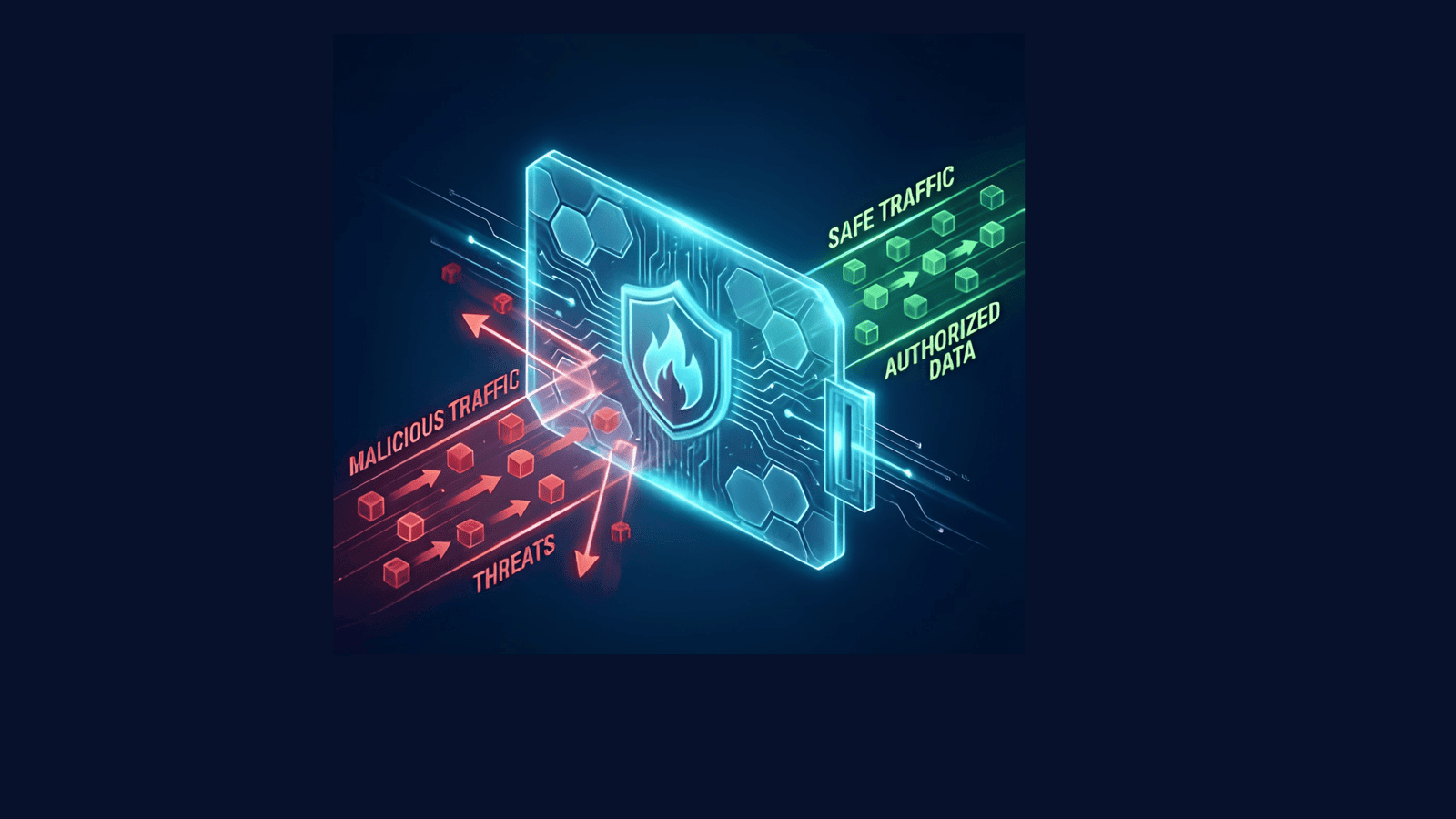
Detecting Allowed Malicious Traffic Past the Firewall
Blocked threats get the attention. The more revealing question is what the firewall flagged and let through anyway — and how to find it.
 Threat Research
Teams Helpdesk Impersonation: Detecting Cross-Tenant Attacks
Attackers impersonate IT helpdesk in Teams, talk users into remote access, and reach domain controllers in one session. Eleven detections for it.
 Threat Research
ClickFix and HijackLoader: Detecting DeerStealer Attacks
How ClickFix and HijackLoader deliver DeerStealer through user execution, MSI abuse and DLL sideloading — with the hunt query to find it.
 Threat Research
Crystal PDF Malicious Installer Campaign
A fake PDF editor pushed through Google Ads and SEO poisoning, stealing browser credentials and session tokens. Full IOCs, a KQL hunting query, and how to respond.
 Threat Research
WhatsApp Android Zero-Click Media Exploit
A Project Zero disclosure showing how group trust and automatic media download combine to place attacker-controlled files on an Android device with no interaction at all.
 Threat Research
Hunting For CVE-2025-59287 Exploitation In Windows Server Update Services (WSUS)
CVE-2025-59287 is a critical deserialisation flaw in WSUS. How exploitation looks in practice, and how to hunt for it with behavioural indicators rather than static signatures.
 Threat Research
Detecting Successful Brute Force in Entra ID
Most brute force alerting fires on failures. This detection finds the successes — correct passwords used from the wrong place, with the KQL.
 Threat Research
Detect Suspicious External Domains in Microsoft Teams
How to detect suspicious external domains in Microsoft Teams using Sentinel and Defender XDR, with the KQL and the baselining logic behind it.
 Threat Research
CVE-2025-55241 – Azure Entra Elevation Of Privilege Via Actor Token Vulnerability
A flaw in Entra ID meant any user account could be escalated to Global Administrator. Patched before disclosure — and still the most instructive Entra bug of the year.
 Threat Research
ToolShell Exploits: Inside CVE-2025-53770 And CVE-2025-53771's Critical Threat To SharePoint
Two chained SharePoint flaws giving unauthenticated remote code execution — and both are patch bypasses. Affected versions, attacker tradecraft, IOCs and what to do now.
 Threat Research
How SVG Files Are Weaponized in Phishing Attacks
SVG files look like images but can carry JavaScript. How attackers use them to bypass email filters, and what actually stops it.
 Threat Research
From ClickFix To FileFix: A New Frontier In Social Engineering Attacks
ClickFix persuaded users to run commands themselves. FileFix does the same through File Explorer — no download, no Mark-of-the-Web, and almost nothing to distinguish it from normal work.
 Threat Research
Massive Password Leak: Investigating The Alleged 16 Billion Credential Breach
Headlines claimed the largest credential compilation in history. Our threat intelligence team investigated, and the reality is less dramatic and more persistent than the number suggests.
 Threat Research
Dumping System Secrets While EDR Is Running
Blocking the obvious tool is not the same as preventing the technique. Why SAM, SYSTEM and SECURITY remain reachable with EDR running, and what actually detects it.
 Threat Research
Weaponizing Screen Savers: A Deep Dive Into SCR File Exploitation
A .scr file is nominally a screen saver and actually a Windows executable. Why that distinction is an attack vector, why detection struggles with it, and how to shut it down.
 Threat Research
COM Hijacking: Enhancing Red Team Persistence Strategies
A fileless persistence technique that needs no admin rights and leaves almost no forensic trace. How COM hijacking works, why it is hard to see, and the registry telemetry that catches it.
 Threat Research
Escaping a Docker Container: An Attacker's Perspective
A container is not a security boundary by default. How an over-privileged container becomes a host compromise, which capabilities actually matter, and how to detect and prevent it.
Nothing matches that.